

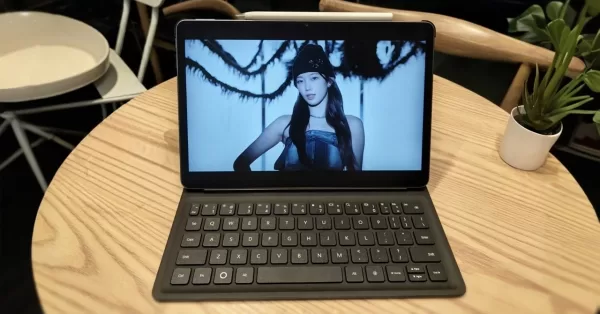
When it comes to blending tablet portability with PC-level productivity, the HUAWEI MatePad 11.5 (2025) has all the right ingredients. This isn’t just another iterative tablet release – it’s a genuine productivity powerhouse that brings PC-level WPS Office, innovative PaperMatte display technology, it’s a level up in tech and ingenuity that’s night and day compared to previous installments in the series.. With its ultra-slim 6.1mm profile and comprehensive productivity suite, this device is clearly targeting users who need genuine laptop replacement capabilities in tablet form.
It’s been quite impressive to see what HUAWEI has packed into this sleek package. With HarmonyOS powering the experience alongside the patented Smart Keyboard, M-Pencil 3rd generation, and the debut of GoPaint on a mid-range tablet in the brand, the MatePad 11.5 (2025) aims to deliver an impeccable PC-like experiences. But can it live up to those bold productivity claims while maintaining that tablet convenience? Read on to find out.
Geeksthetic
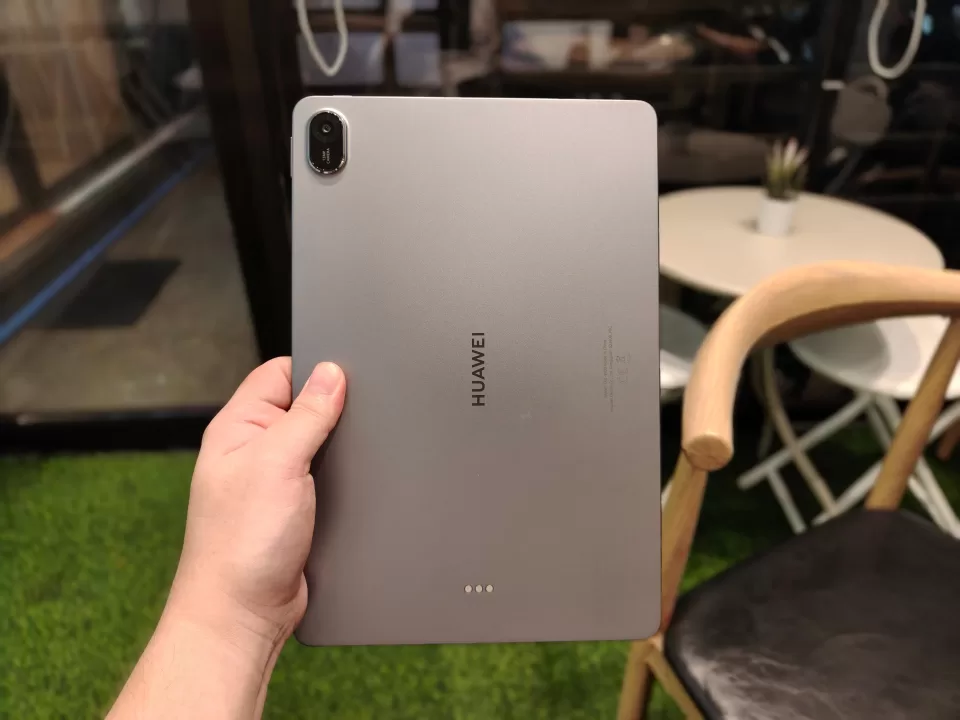
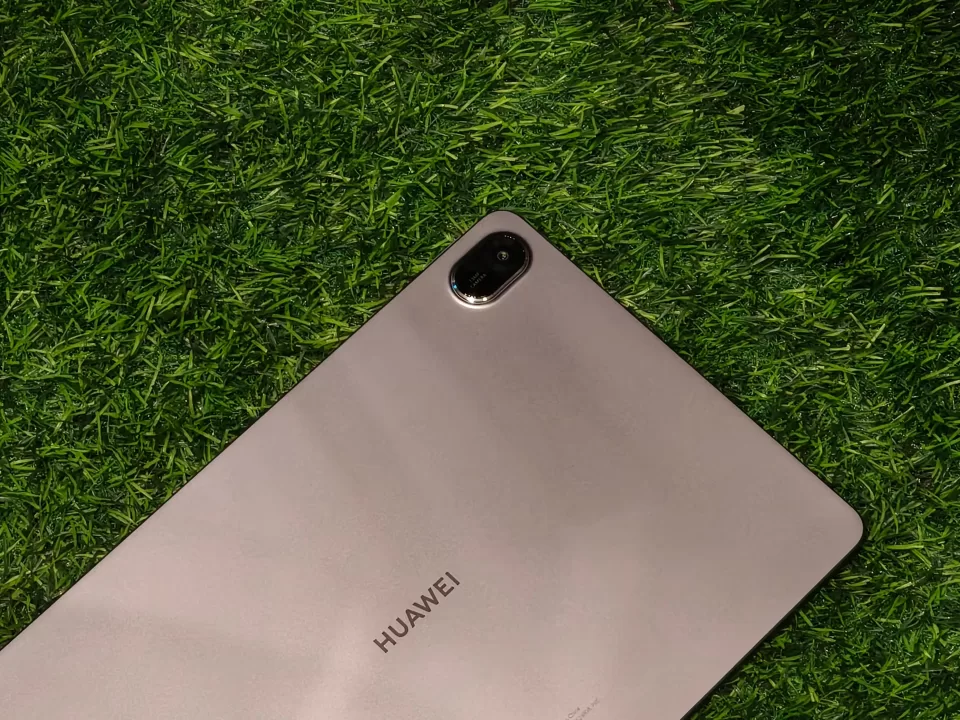
The HUAWEI MatePad 11.5 (2025) feels great in the hand–as it should, given its one of the series’ best qualities. “Easily portable and handy” is the name of the game despite its generous 11.5-inch screen size. At just 6.1mm thin and weighing 515g, it combines a substantial presence with a remarkably waifish profile to make it genuinely practical for all-day carry.
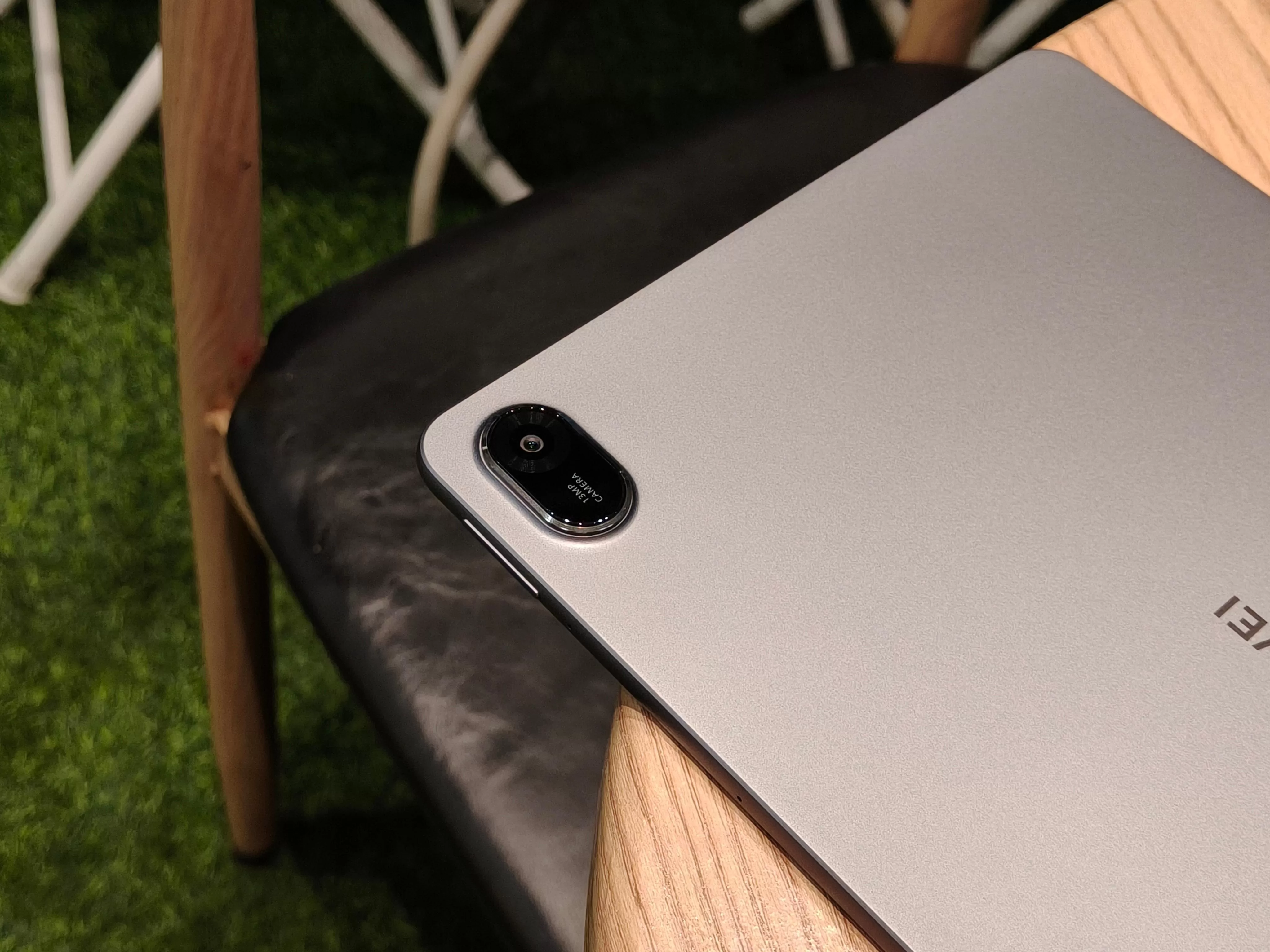
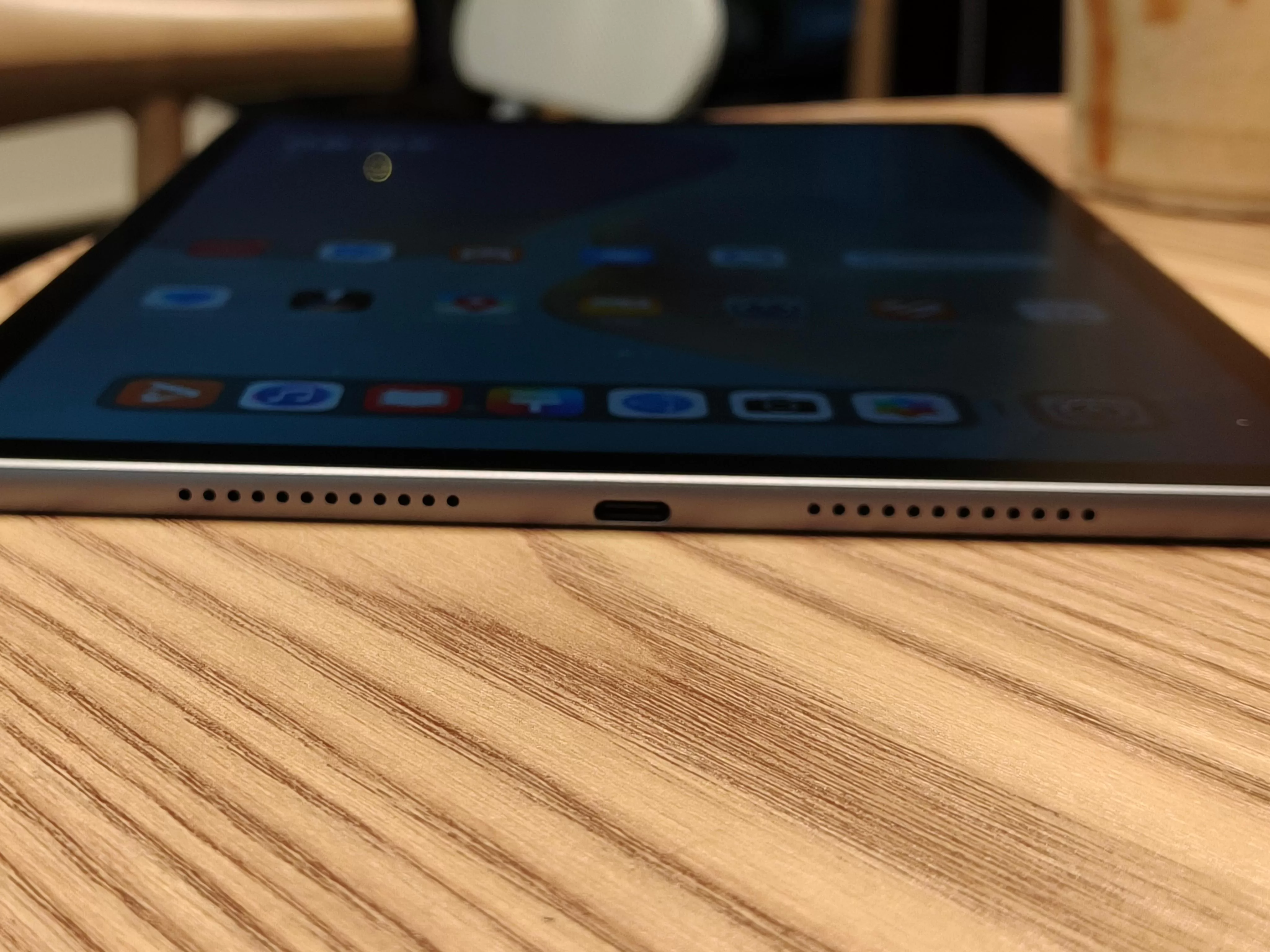
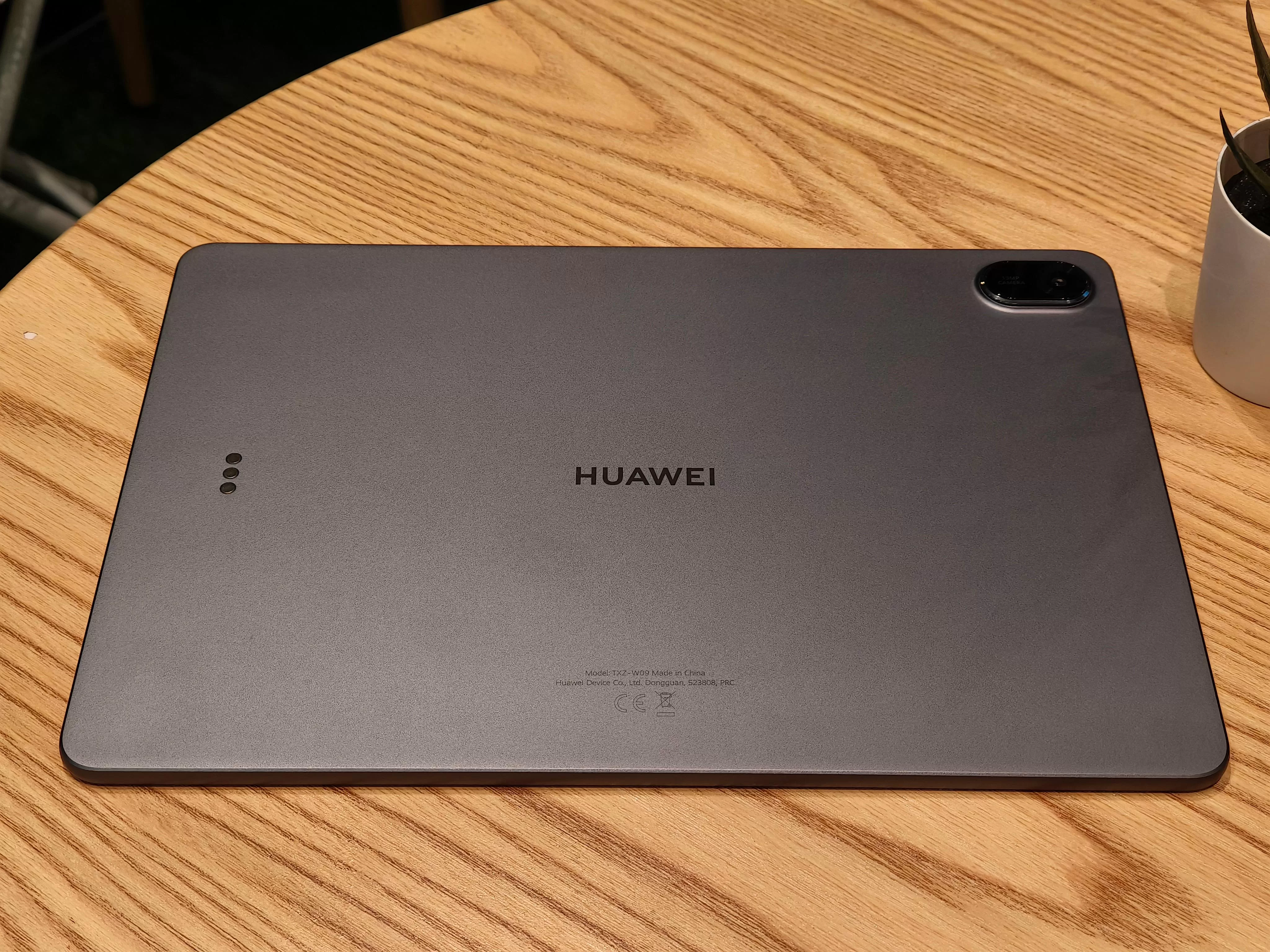
The matte Space Grey finish ensures you won’t be dealing with unwarranted fingerprints, maintaining that clean, professional aesthetic throughout your workday. The included leather case and Smart Keyboard add significant grip and protection while contributing to a more stylish overall aesthetic that feels premium without being ostentatious.
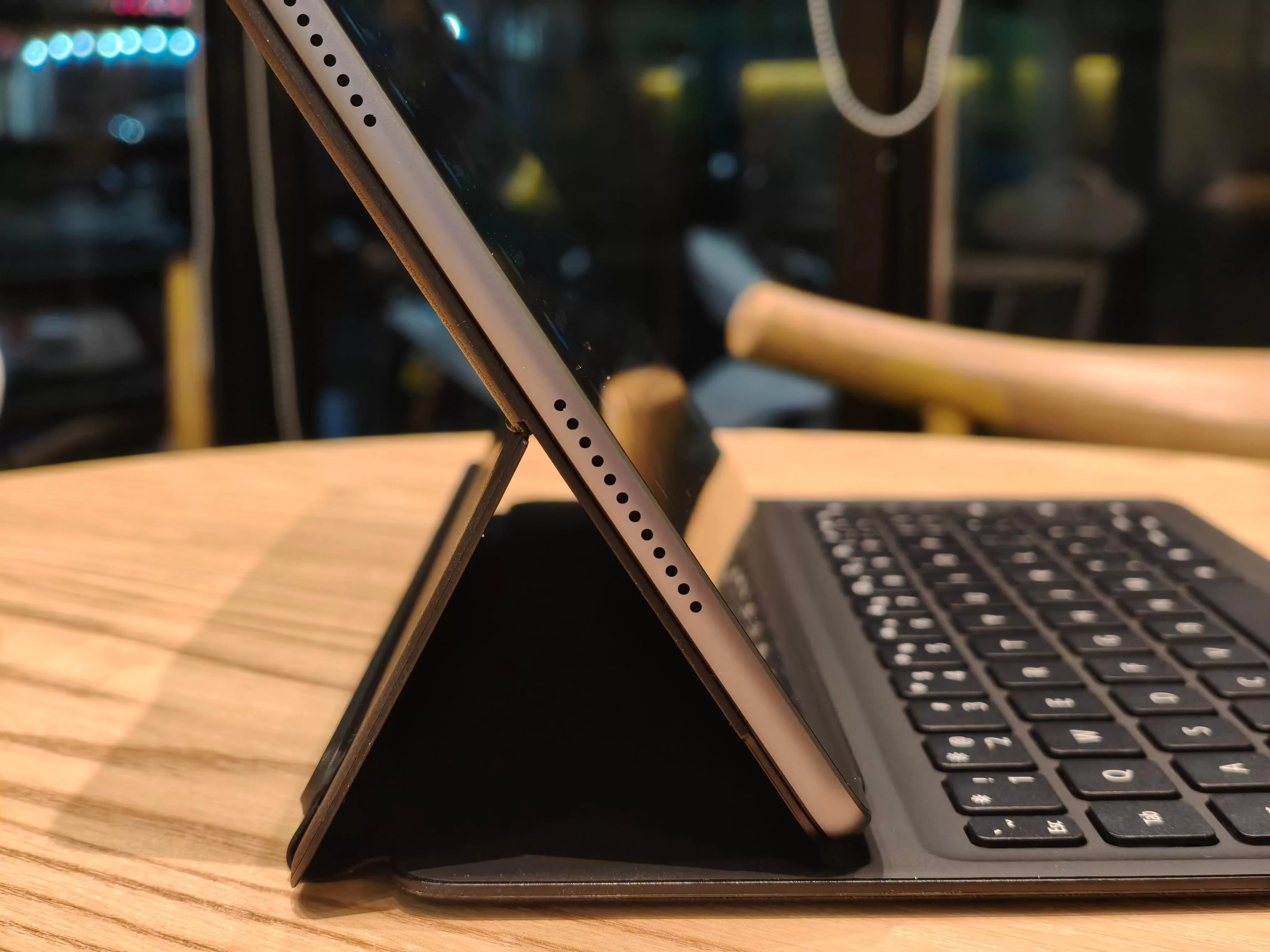
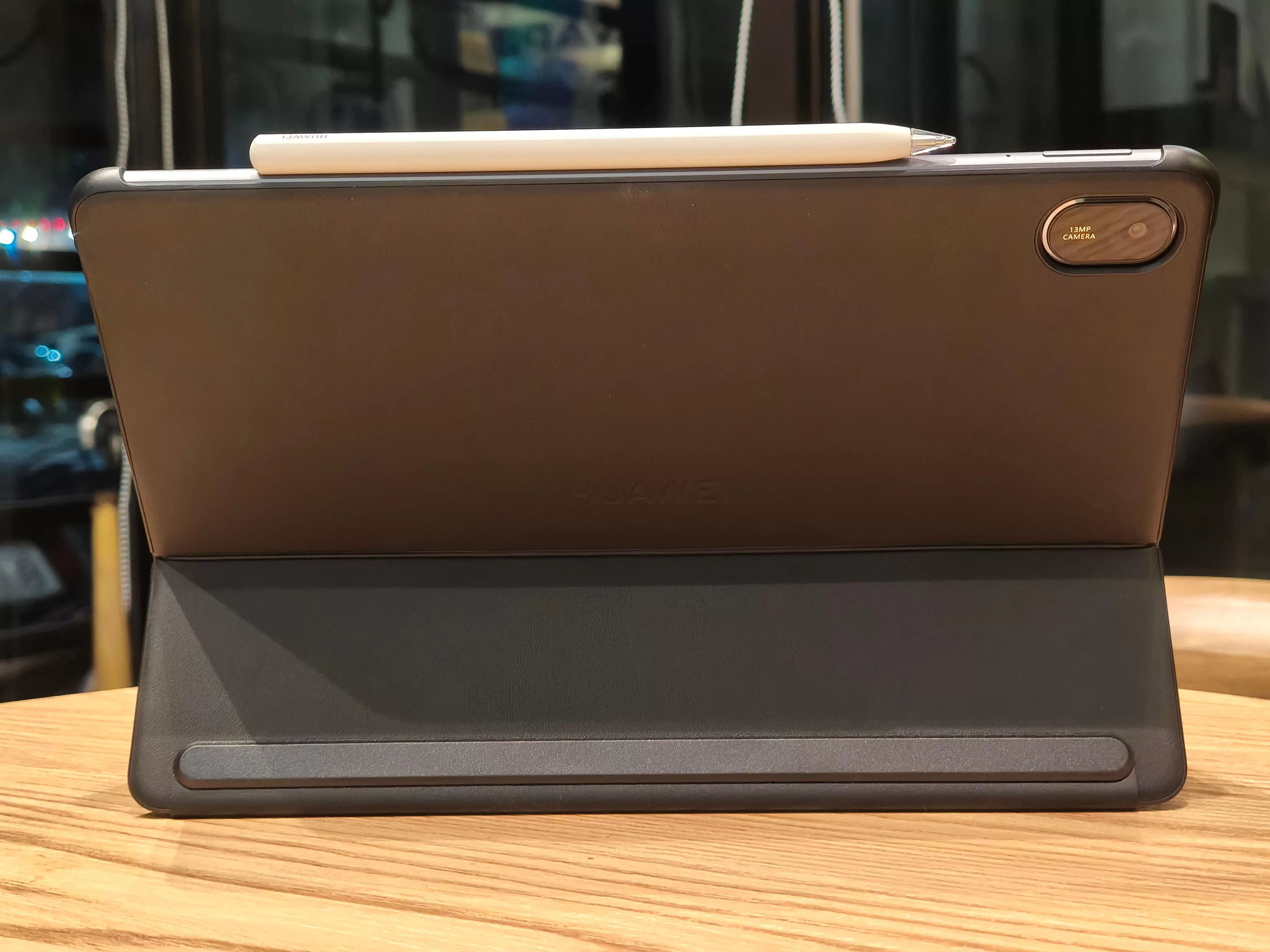
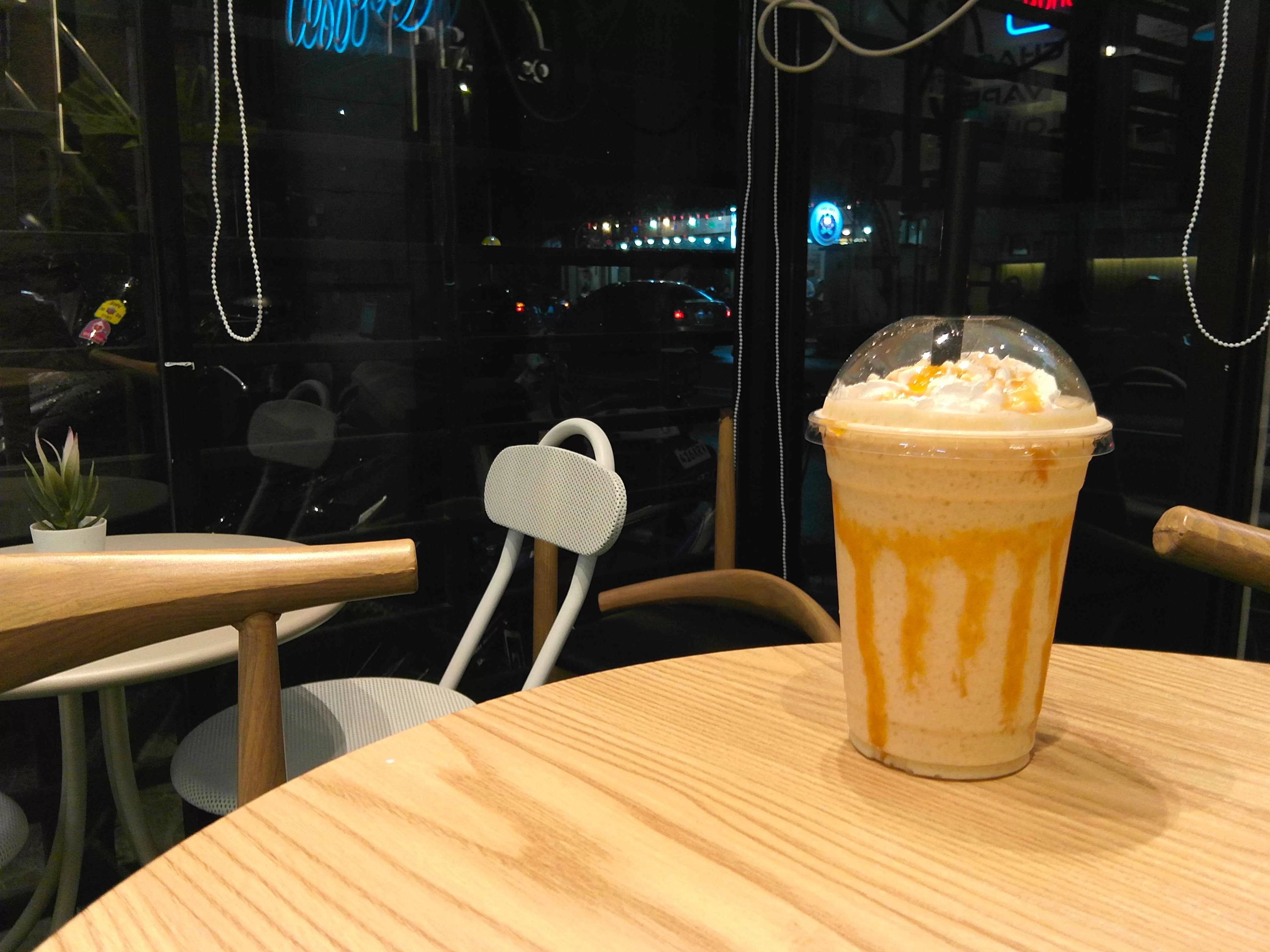
The design philosophy here is refreshingly simple yet eye-catching. HUAWEI has focused on clean lines and practical functionality rather than flashy design elements, resulting in a device that looks equally at home in boardrooms, coffee shops and your cluttered work desk (yes, we know). The magnetic attachment system for both the keyboard and M-Pencil 3rd generation works seamlessly, creating a cohesive ecosystem that actually enhances rather than complicates your workflow.
Build quality feels rock-solid throughout, thanks to the all-metal unibody and the ultra-slim profile never feels fragile or compromised. This is engineering that prioritizes both form and function without making unnecessary sacrifices to either.
Binge-Watching Factor
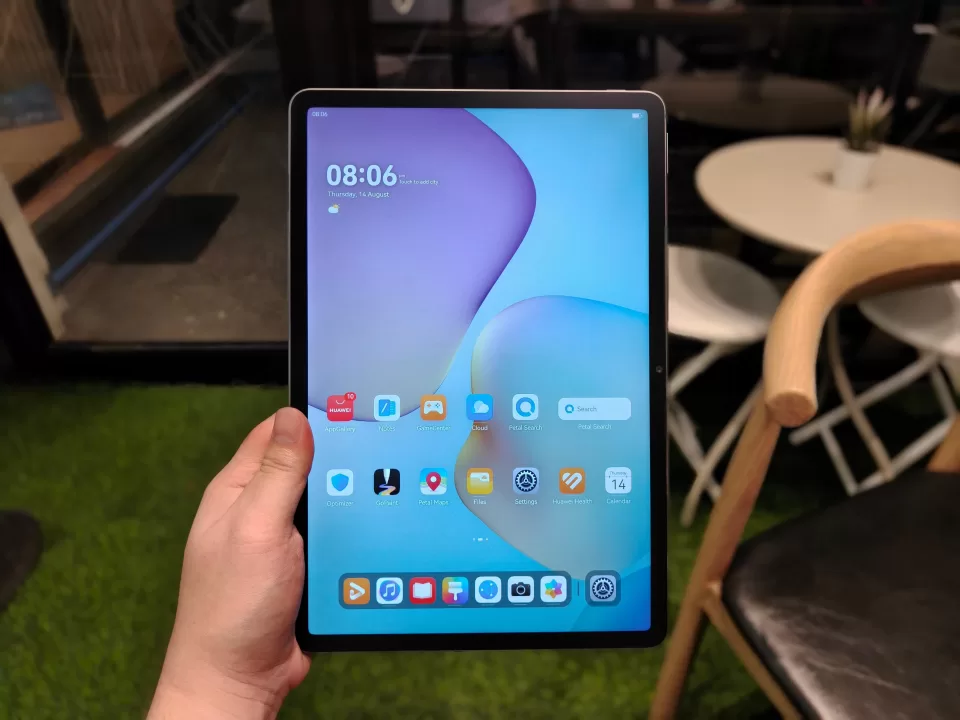
Here’s where the HUAWEI MatePad 11.5 (2025) comes out swining. That 2.5K resolution blends seamlessly with the PaperMatte display technology, creating a viewing experience that’s both visually stunning and remarkably comfortable for extended sessions. Coupled with the brilliant 3:2 FullView Display and snappy 120Hz refresh rate, you’re golden. Yes, that was a K-pop Demon Hunters reference.
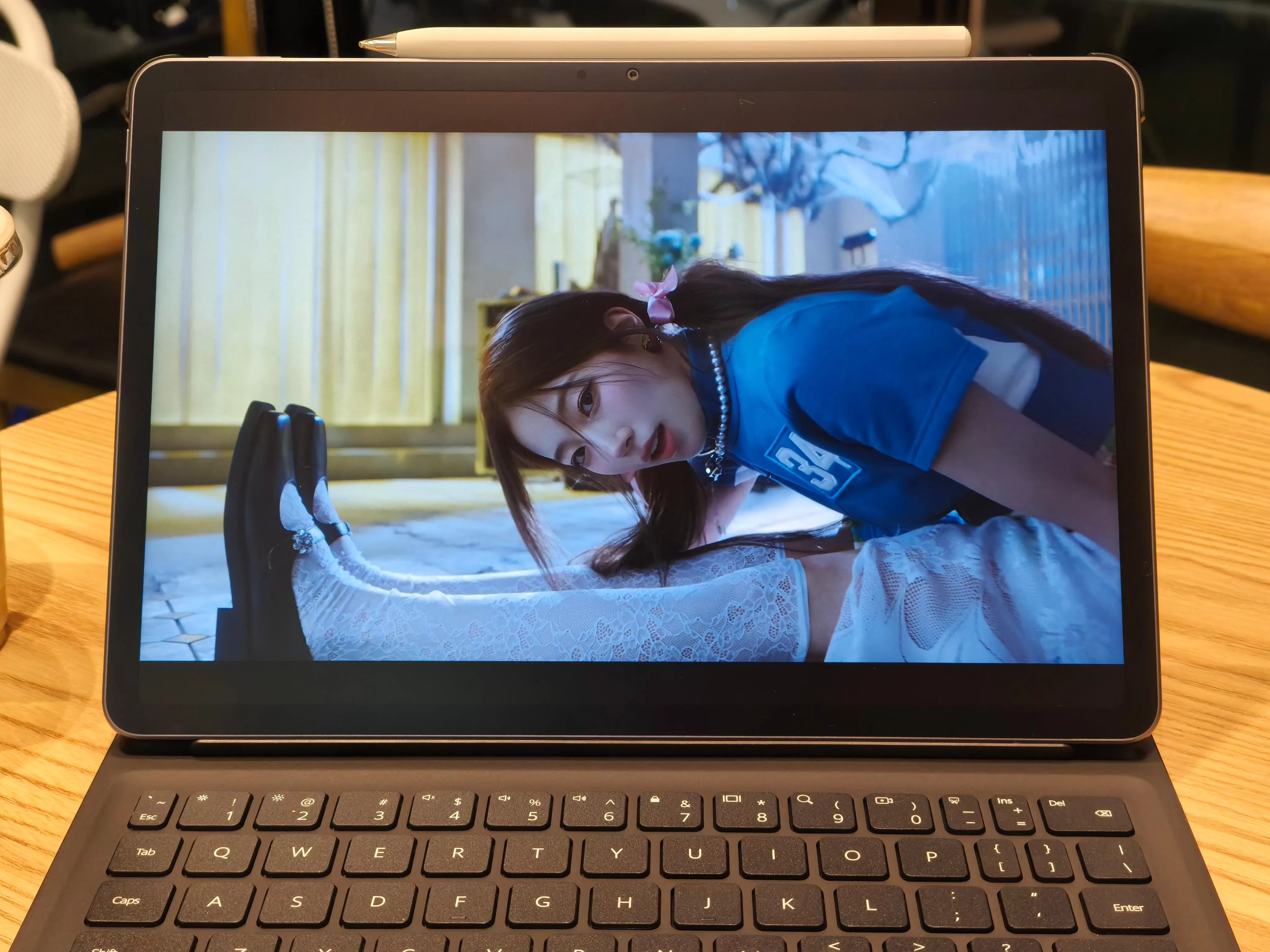
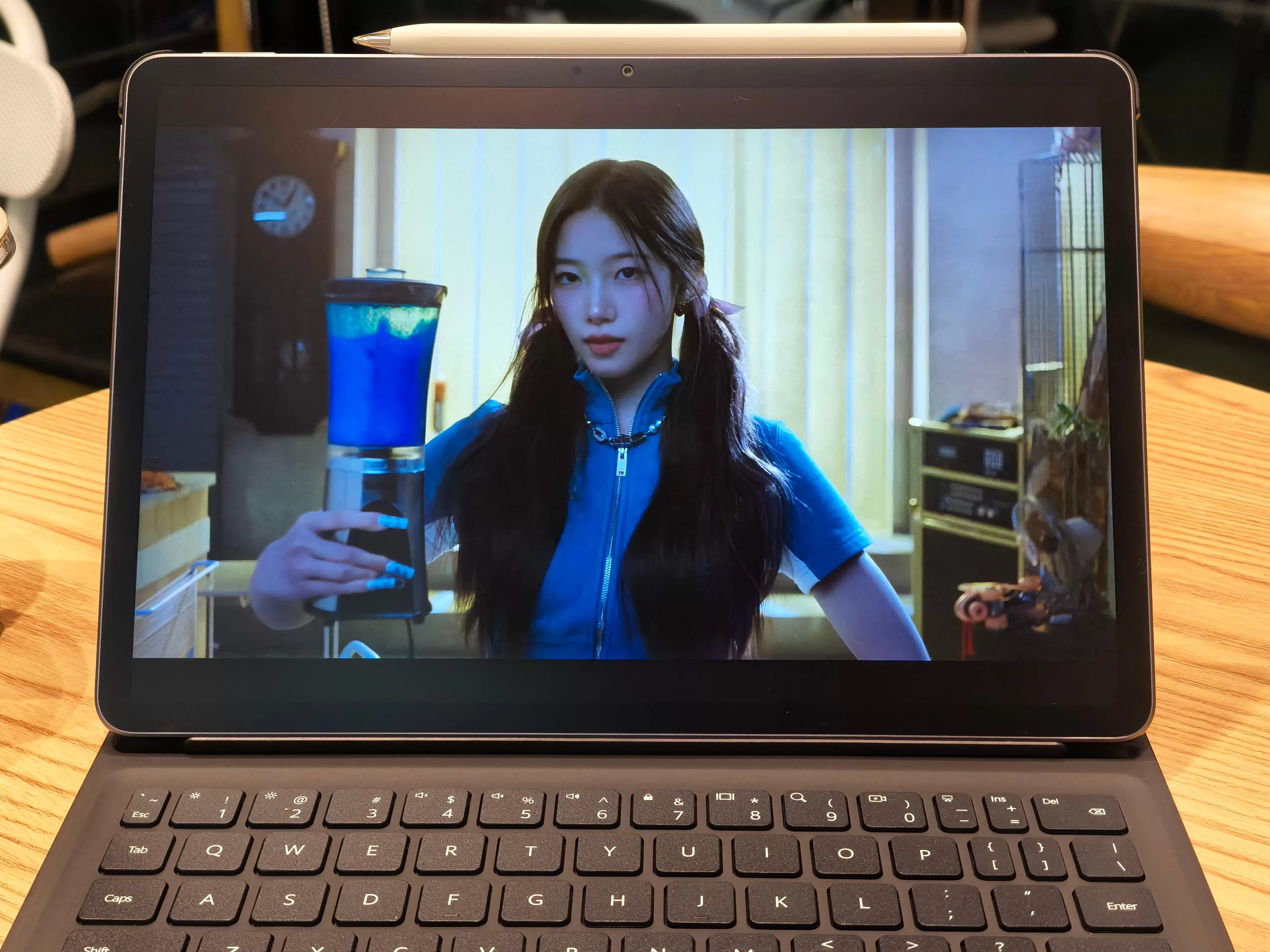
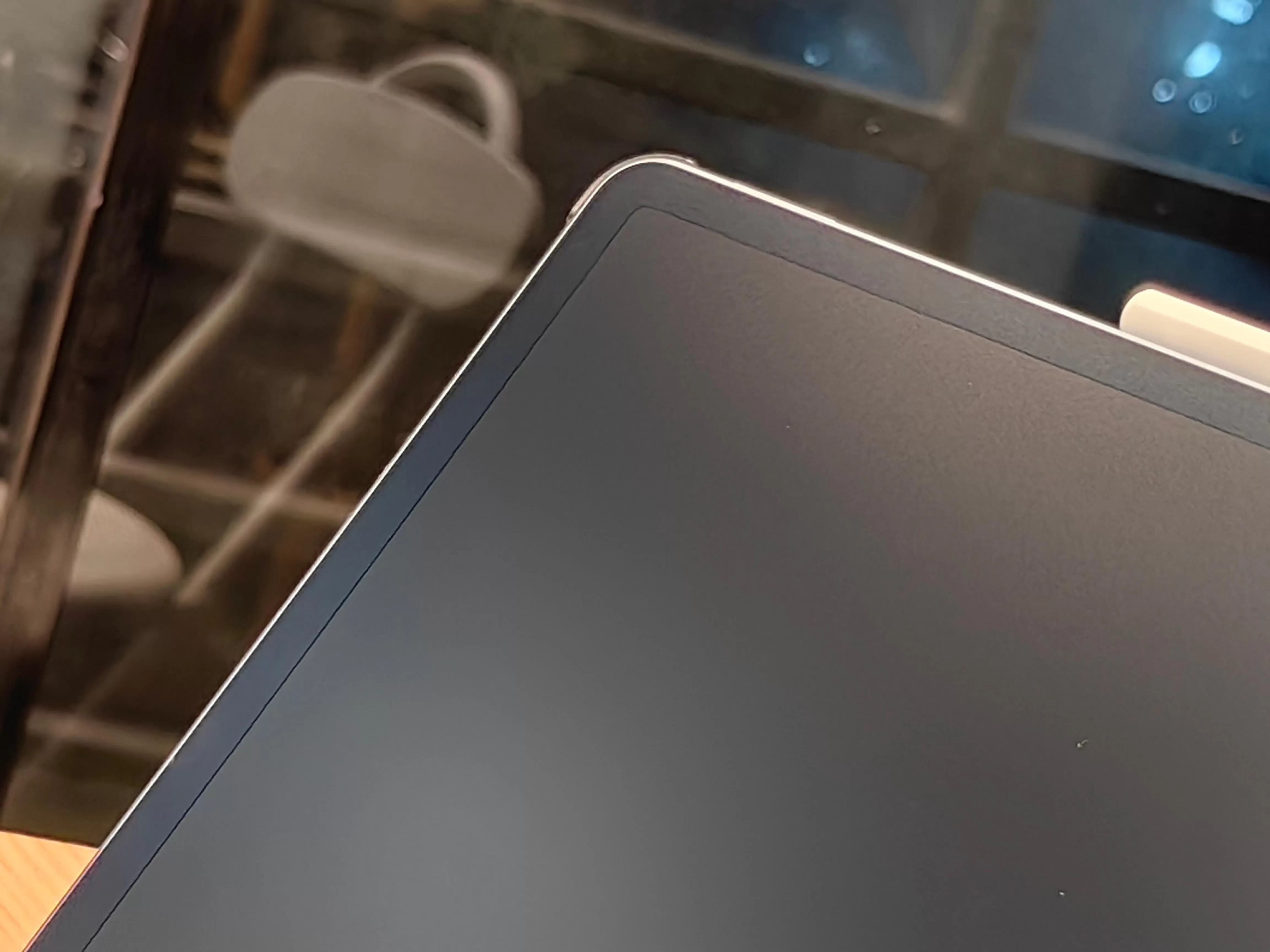
Based on our experience, the circular polarization technology converts linear polarized light into a more evenly distributed sheen, which is great. The goal is to mimic natural sunlight and significantly reducing eye strain, which it does. In practical terms, this means virtually no glare unless you’re under very bright lights, ensuring a consistently sweet viewing experience whether you’re watching K-pop content or detailed animation.
The 600 nits brightness provides excellent visibility across various lighting conditions, while the PaperMatte surface reduces reflections and fingerprints effectively. The generous 11.5-inch screen real estate makes everything from streaming content to document review genuinely enjoyable, with colors that remain vibrant without being oversaturated.
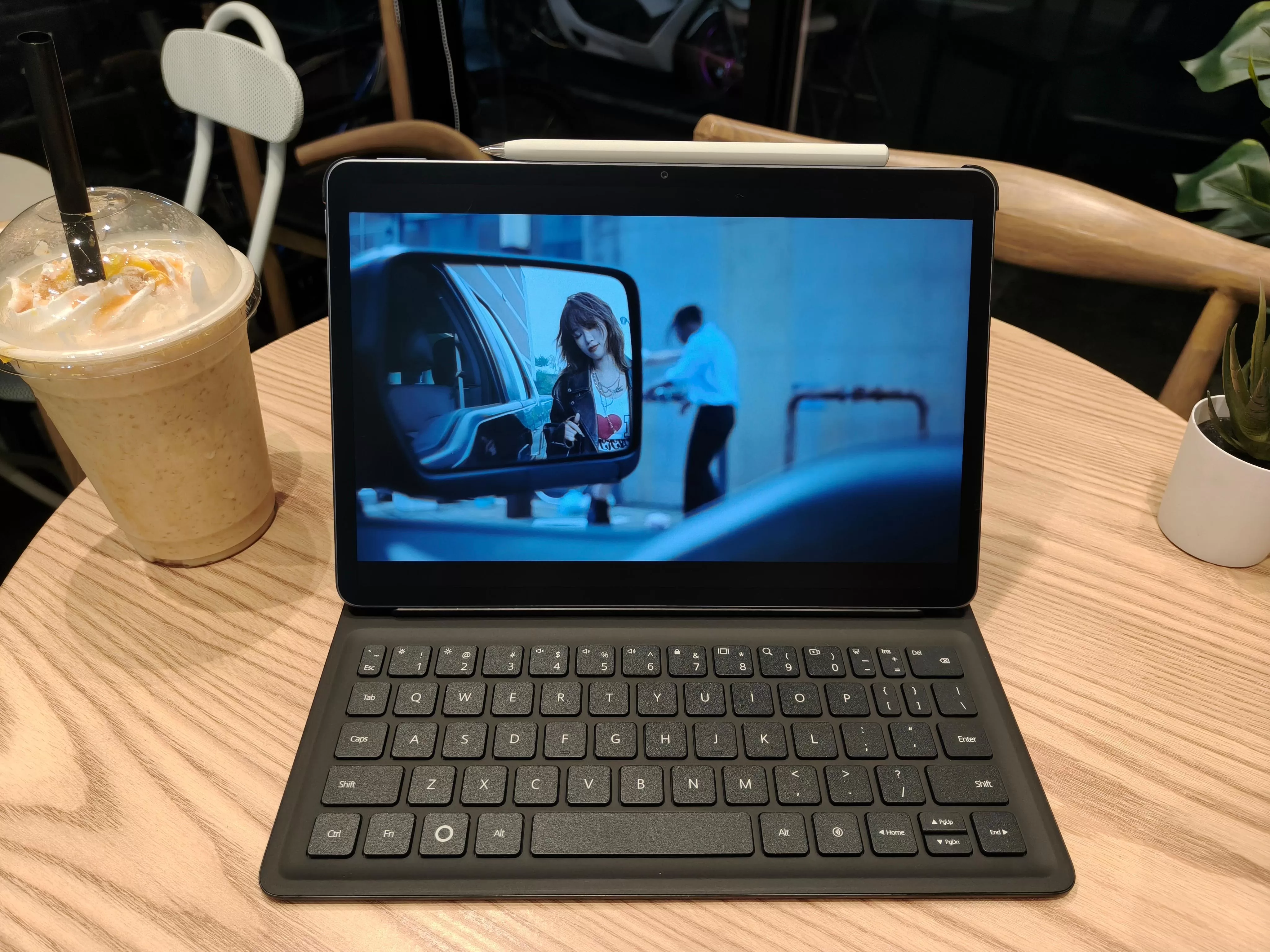
Audio quality complements the visual experience well, though specific speaker configuration details weren’t extensively detailed in the materials. The overall multimedia experience feels cohesive and premium, making this tablet genuinely suitable for both work and entertainment duties.
Productivity Prowess
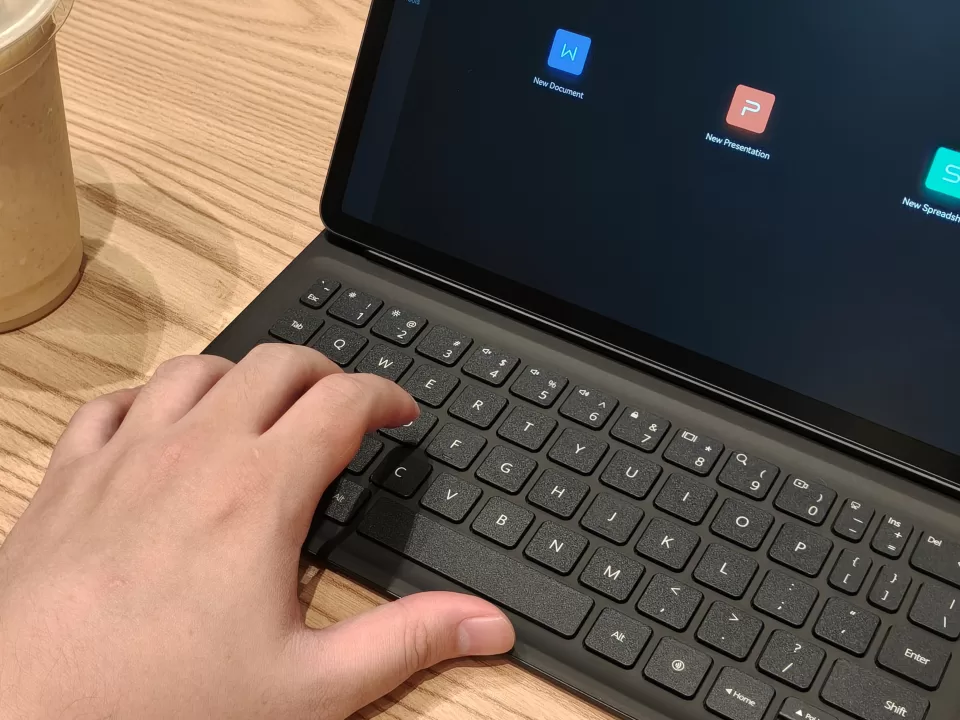
Since this device is geared more towards daily work rather than gaming, the PC-level WPS Office absolutely takes the cake in ensuring documents, spreadsheets, and presentations are crafted easily without any compromises. The Smart Split Keyboard and floating multi-window capabilities transform this tablet into a genuine laptop replacement for most productivity tasks.
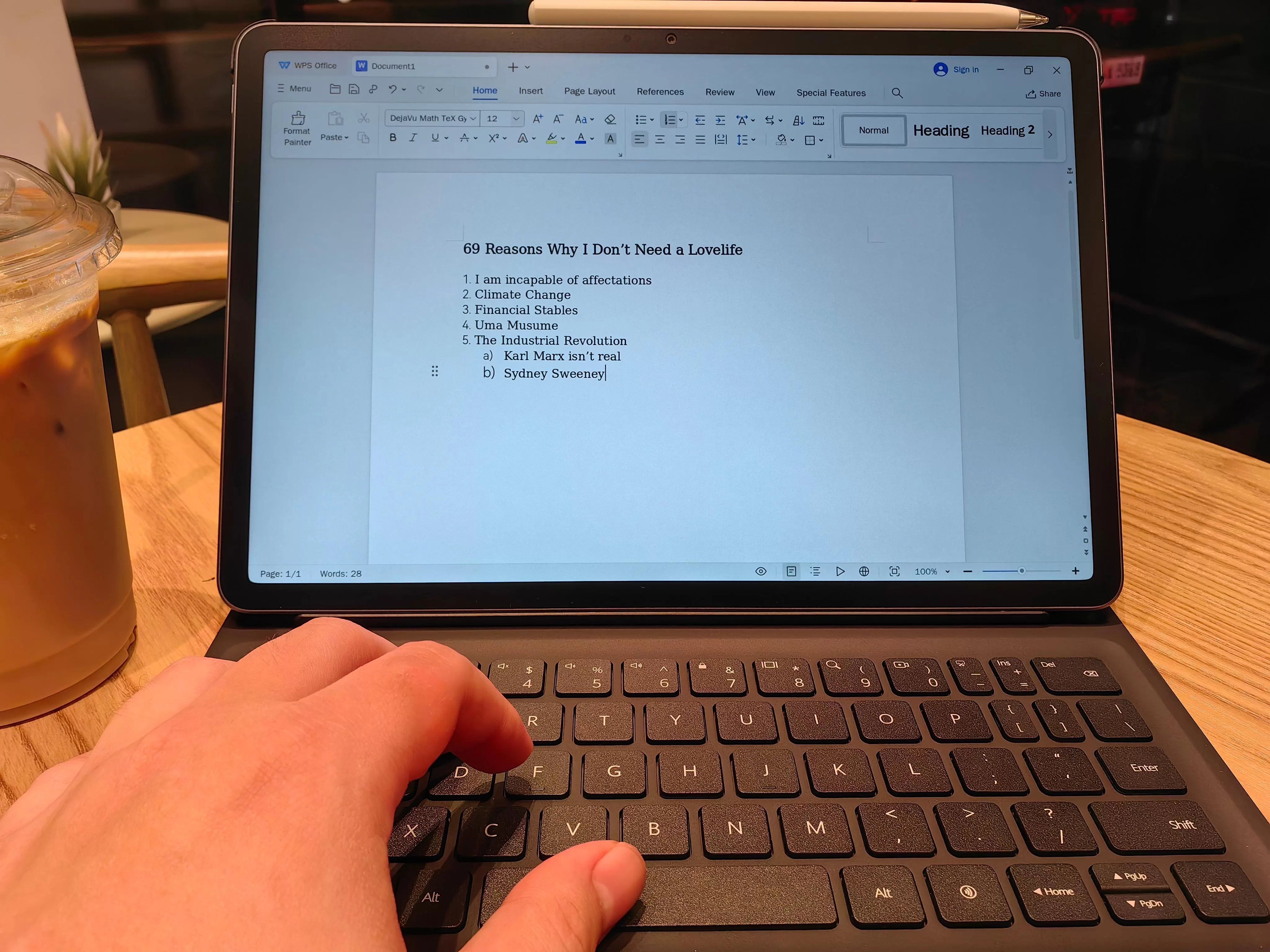
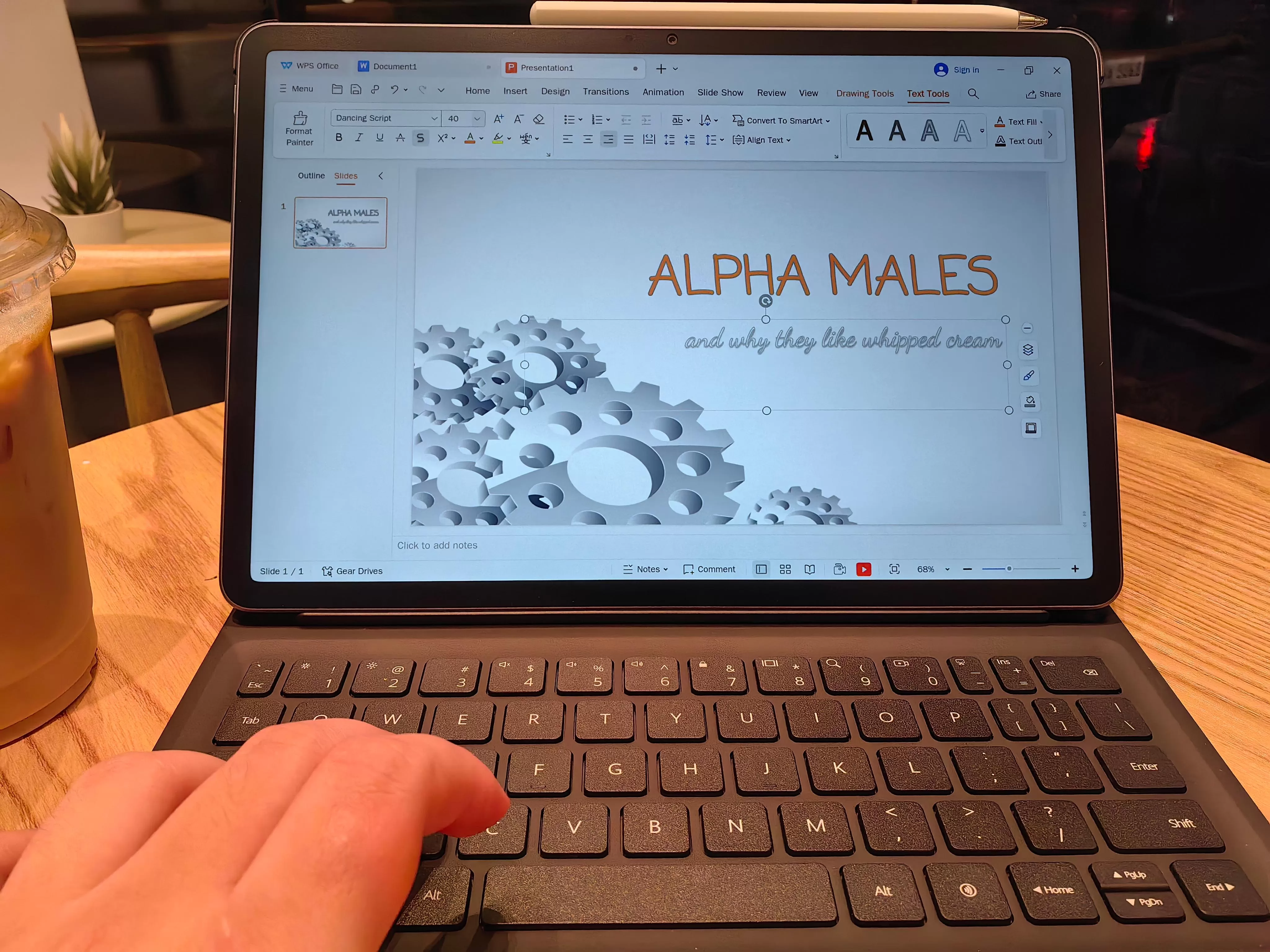
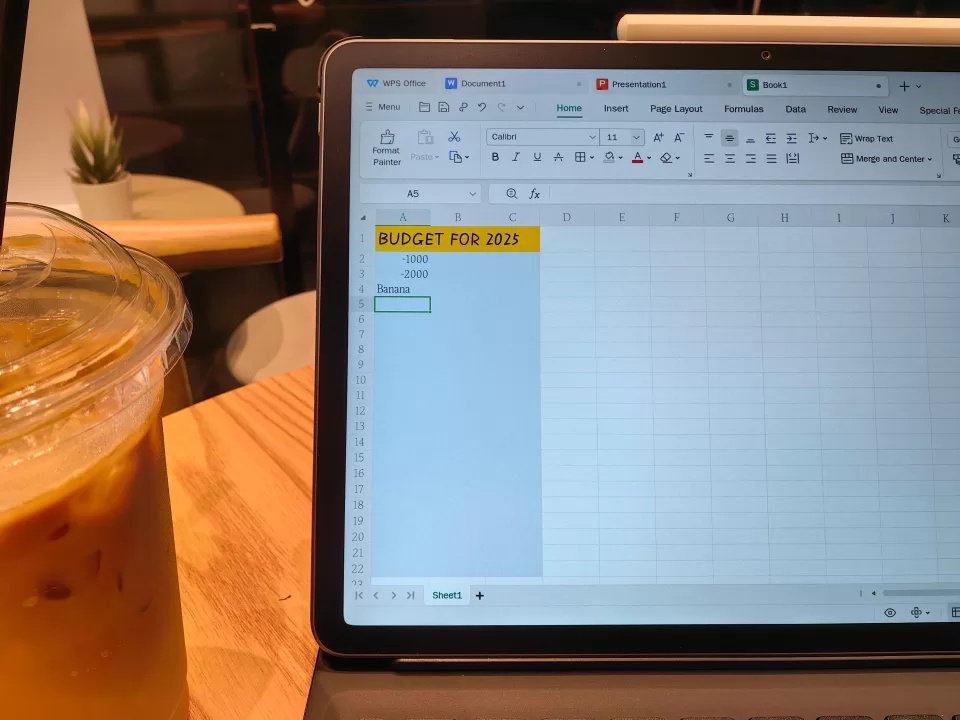
The device proves powerful enough for serious multitasking scenarios. We had no trouble going back and forth in complex workflows, whether switching between multiple documents, managing spreadsheets with formulas, or creating detailed presentations. The PC-level WPS Office 2.0 delivers functionality that’s genuinely comparable to desktop versions, including advanced features like table of contents, citation references, and comprehensive Excel formula support.
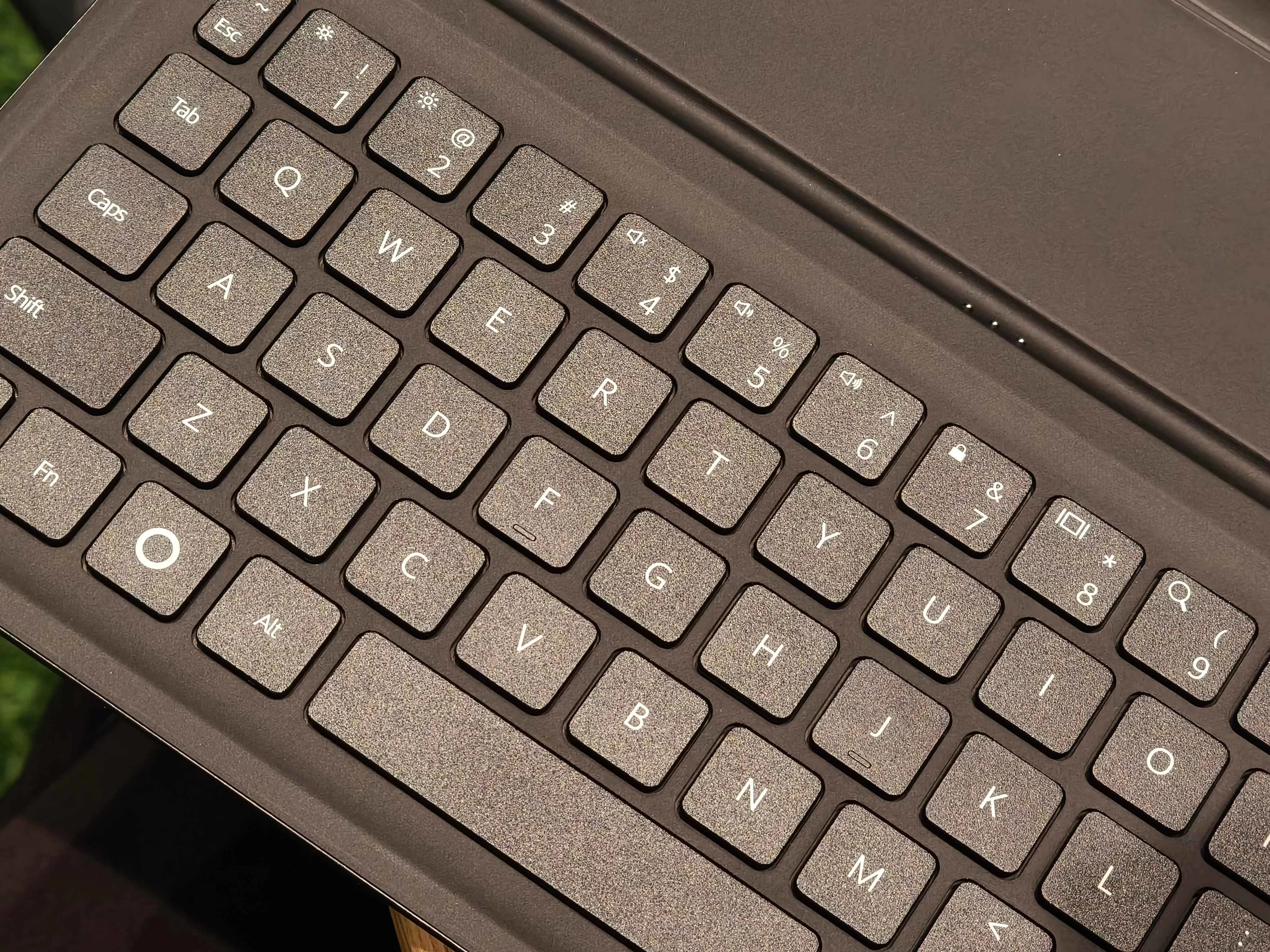
The Smart Keyboard deserves special mention with its 1.5mm key travel and 15mm large keycaps, providing a typing experience that feels remarkably close to a traditional laptop. The magnetic attachment system works flawlessly, allowing seamless transitions between laptop mode and tablet use without any connectivity issues or delays.
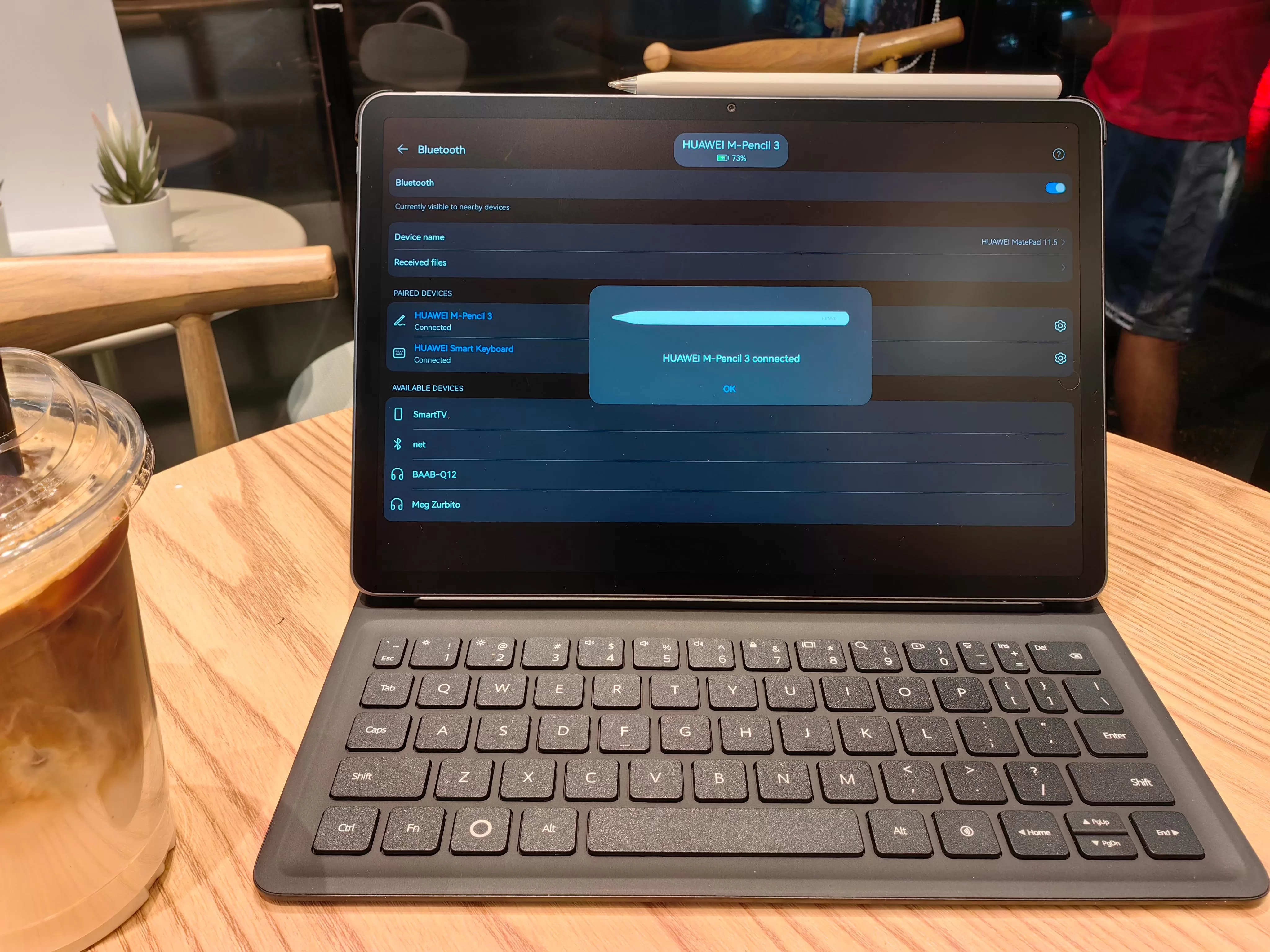
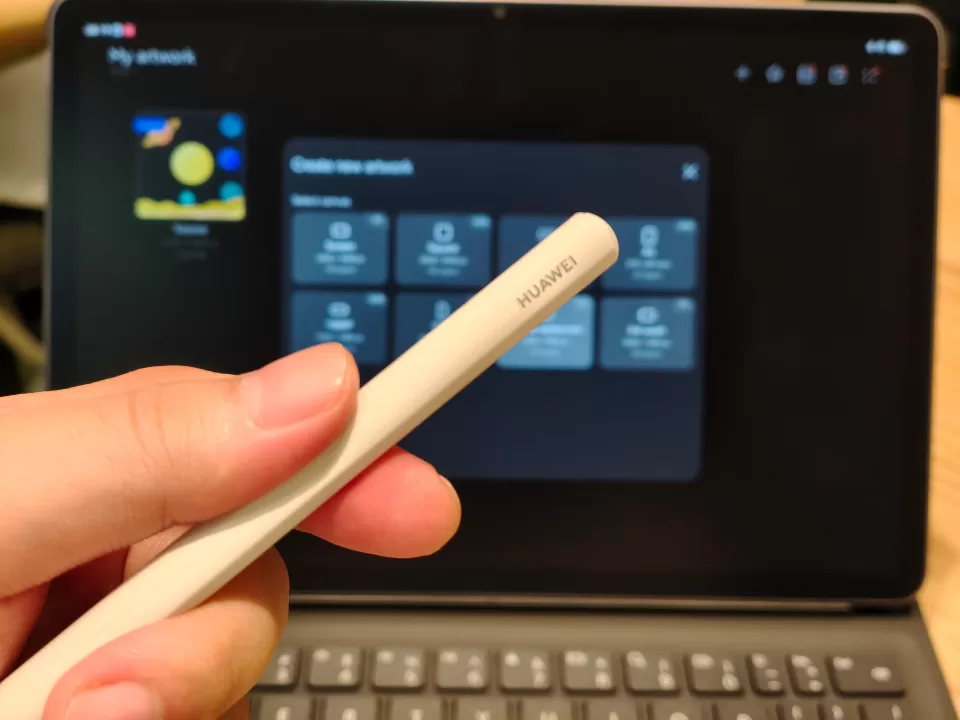
HUAWEI Notes integration adds another layer of productivity capability, with AI handwriting enhancement and multi-window support that makes note-taking and annotation genuinely efficient rather than just a novelty feature. They’re nice tools to have, even if you focus more on WPS Office.
Geek Artistic Capabilities
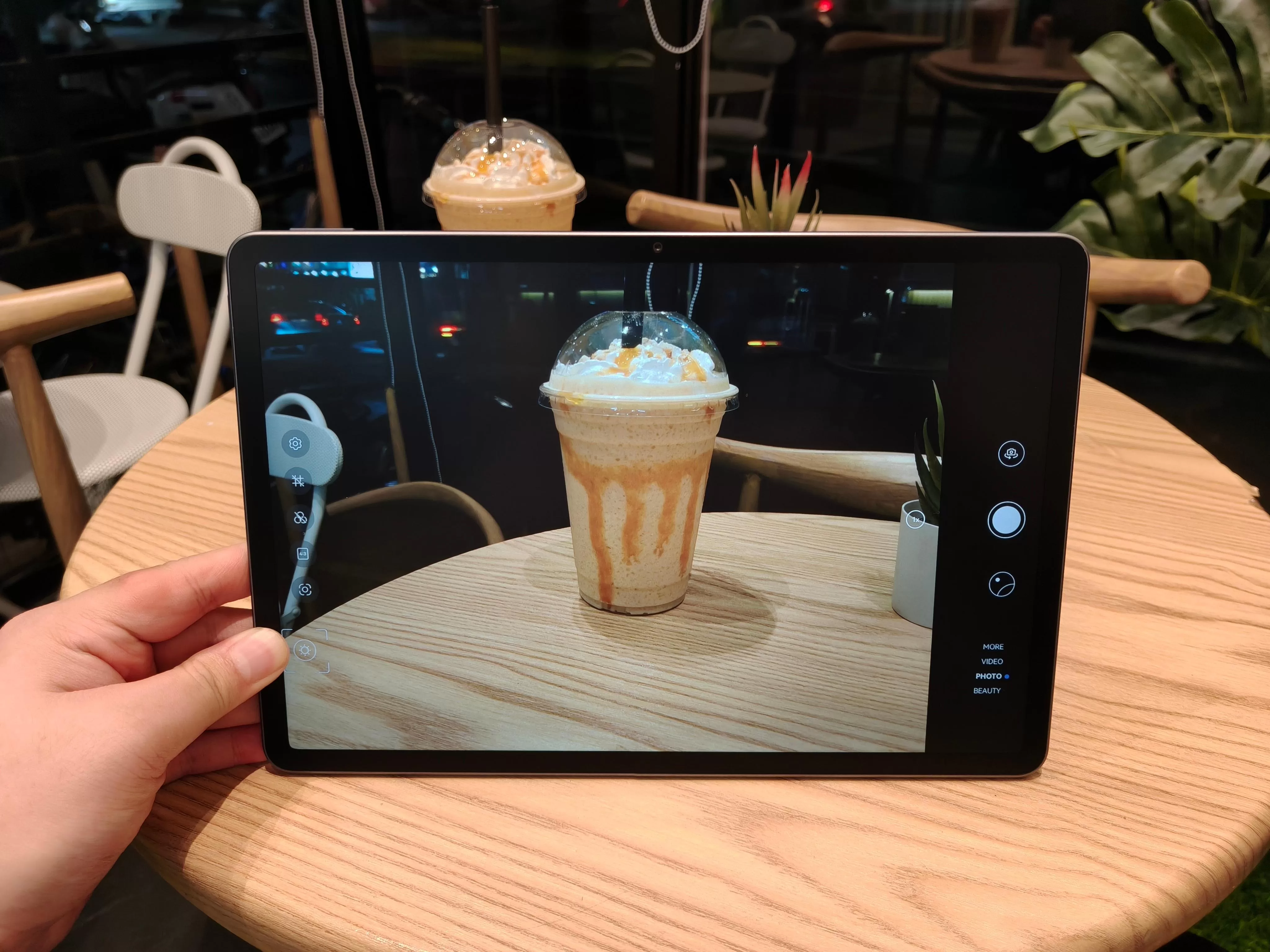
While cameras work well enough for their intended purpose – taking clear photos and videos when necessary – they’re clearly not the highlight of this device. They’re perfectly capable for document scanning, video calls, and casual photography, but don’t expect HUAWEI smartphone-level camera performance.


Where this tablet truly shines artistically is with GoPaint, which synergizes effortlessly with the M-Pencil 3rd generation. This marks the first time GoPaint has appeared on a midrange MatePad, and it’s a very nice addition to the cavalcade of goodies this device brings. The app allows you to craft virtually any work of art your heart desires, with dozens of brushes including watercolor, pencil, and marker options.
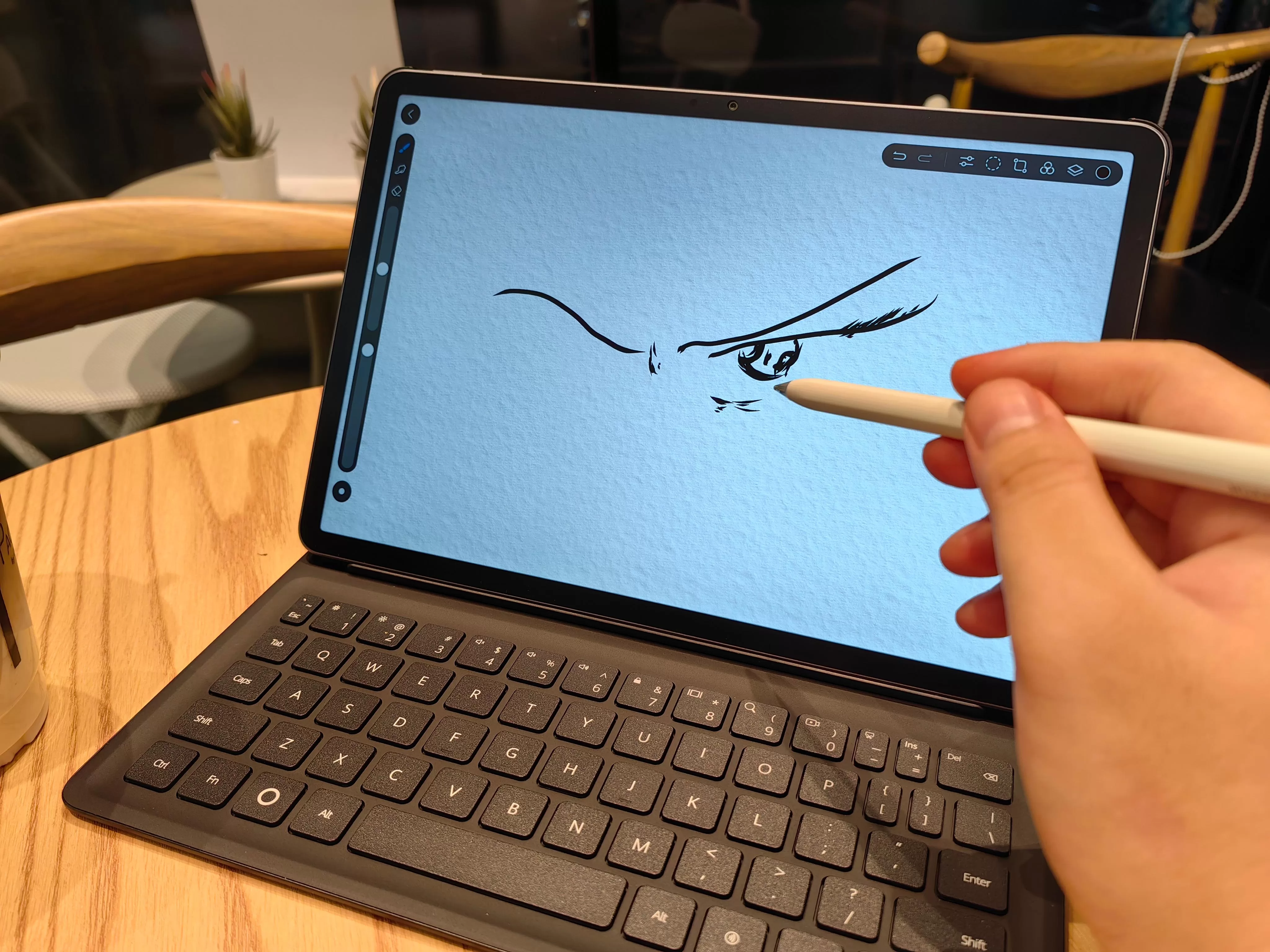
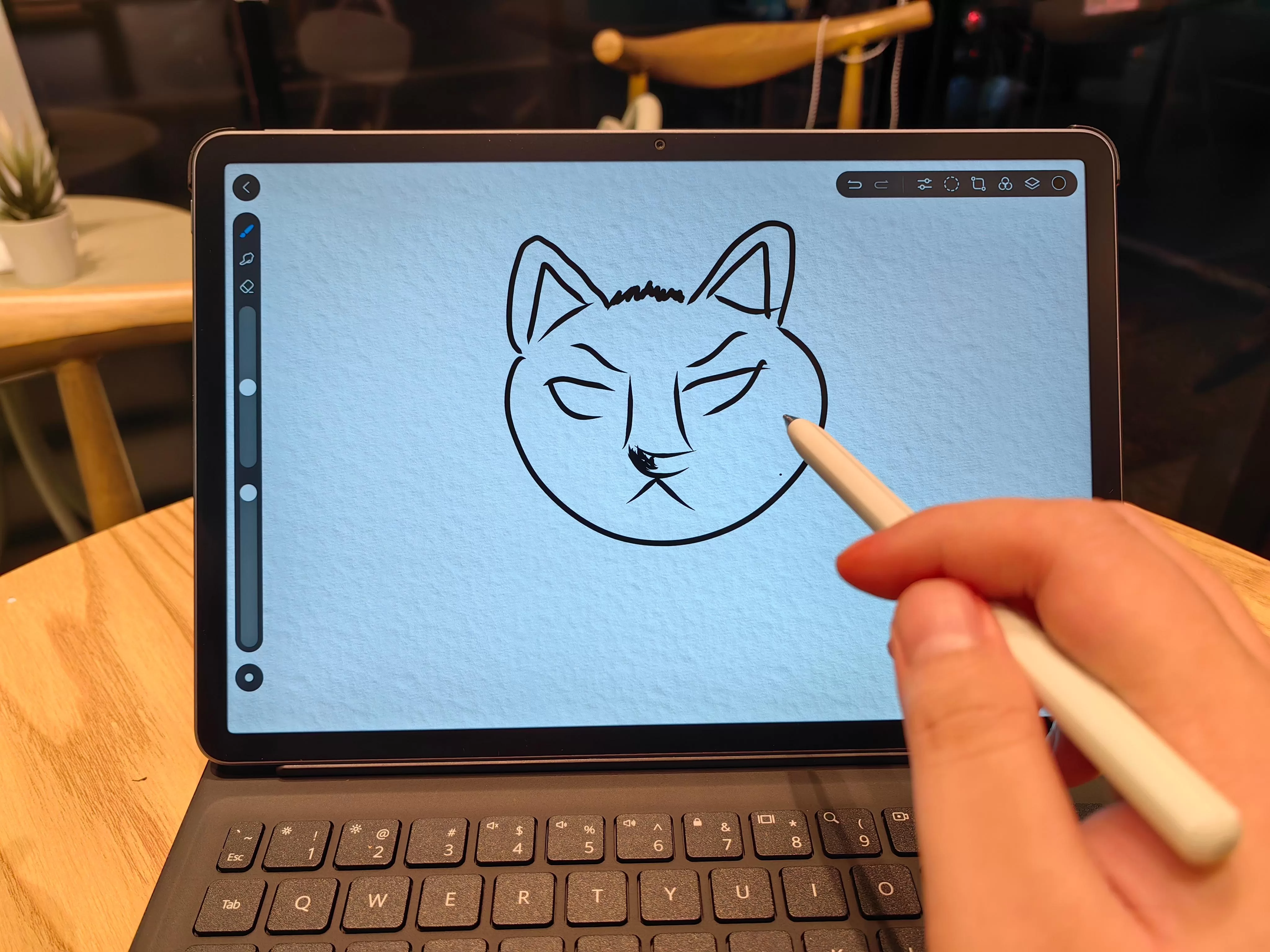
The learning curve is remarkably low – even complete newcomers to digital art won’t have trouble managing the interface and tools. Professional features like layer management, lasso tools, and comprehensive color palettes provide depth for serious artists while remaining accessible for casual doodling and creative expression.
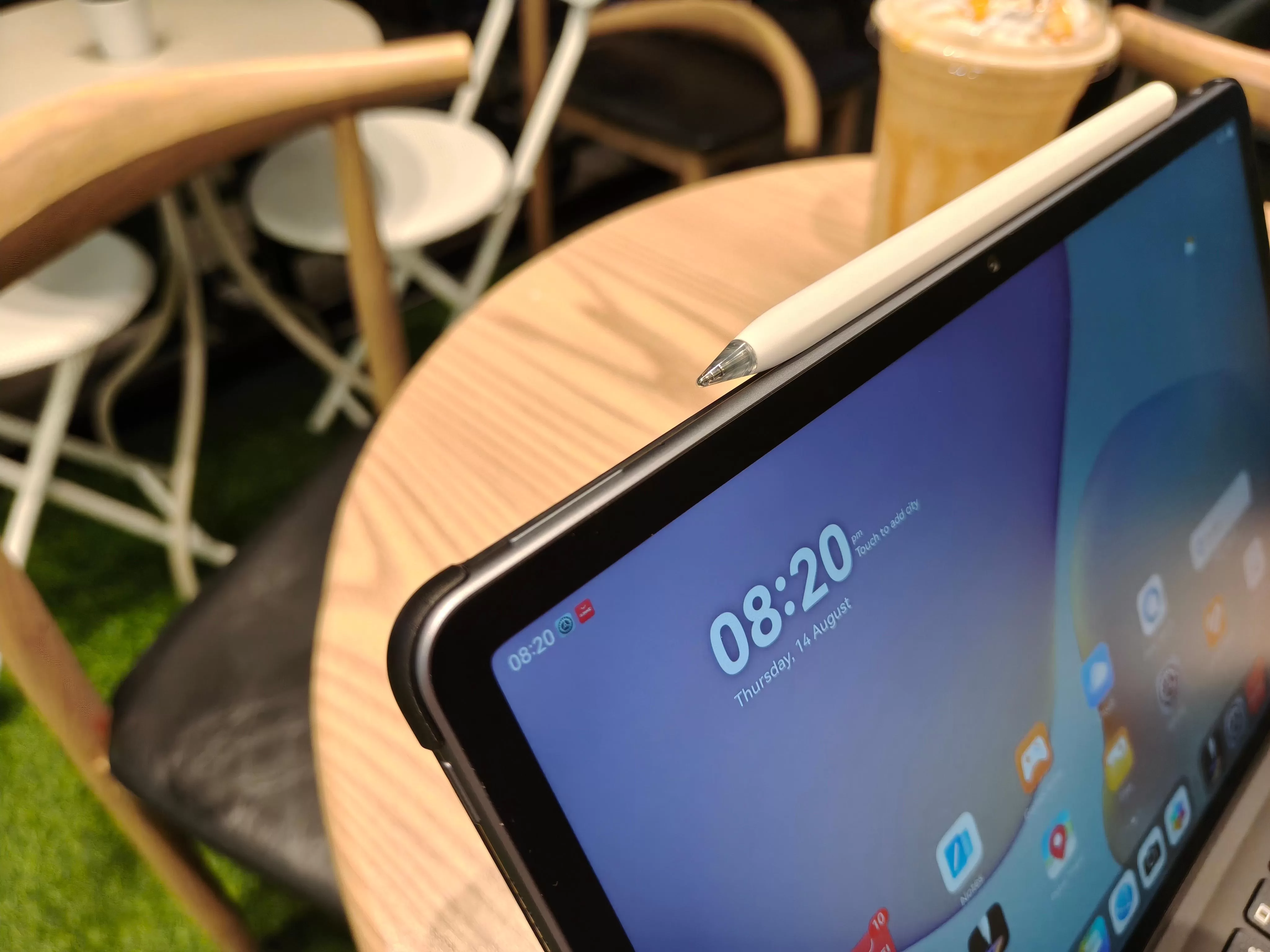
The M-Pencil 3rd generation with magnetic wireless charging responds beautifully on the PaperMatte surface, providing that paper-like writing experience that makes both note-taking and artistic work feel natural and intuitive. The magnetic attachment ensures your stylus is always charged and ready when inspiration strikes.
Everyday Reliability
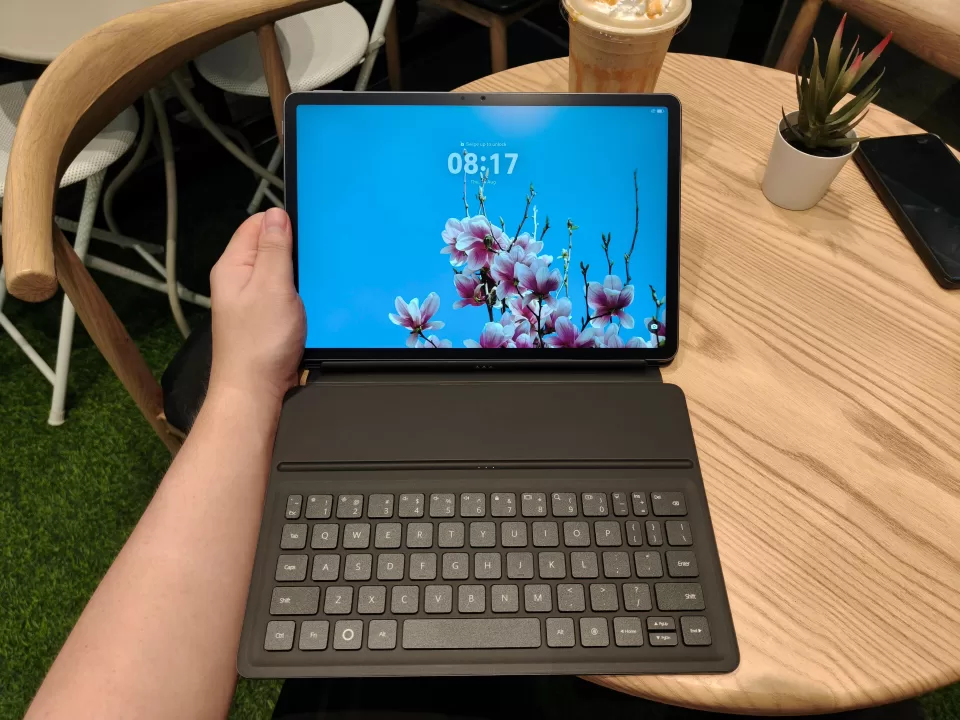
The 10,100mAh battery powers through daily use splendidly, delivering up three days of continuous regular use without requiring constant attention to charging schedules. Of course, this was our own personal experience–and experiences may vary. This will definitely get cut short if you add mobile data to the mix. This kind of endurance transforms how you think about mobile productivity – you can genuinely leave the charger at home for extended work sessions or travel.
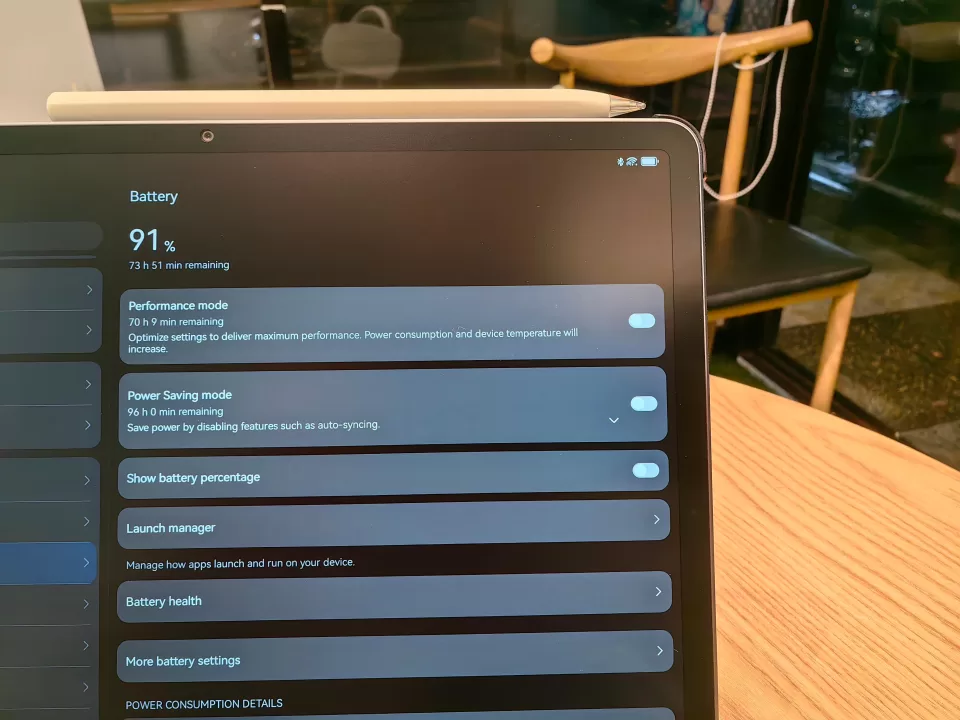
The 40W fast charging gets you back in action in just about a couple of hours, which is perfectly reasonable given a battery of this substantial size. The charging time feels proportional and manageable, especially when you consider how long that charge actually lasts in real-world usage.
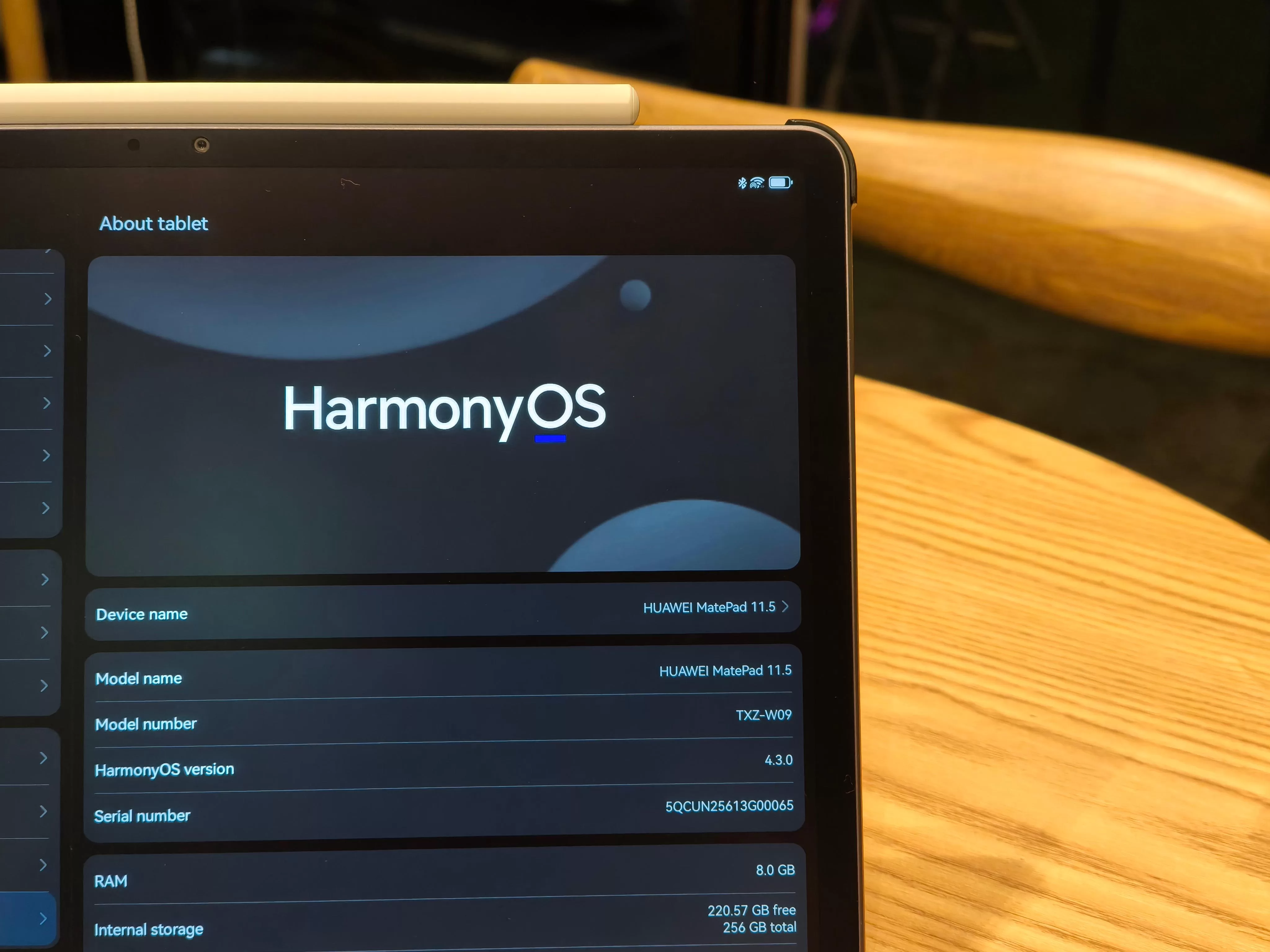
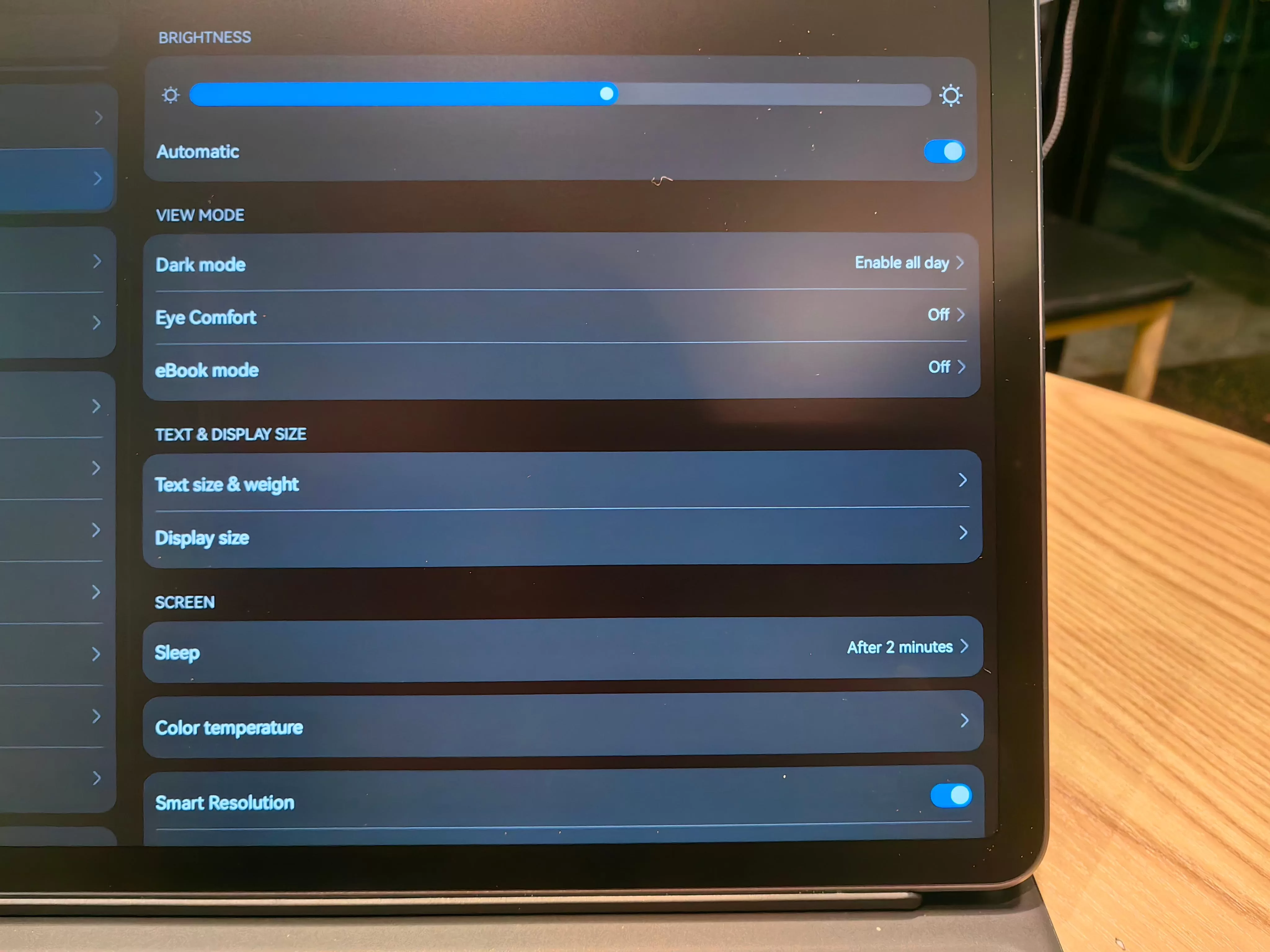
HarmonyOS works flawlessly throughout daily operation, providing a smooth and responsive interface that never feels sluggish or compromised. The AppGallery continues improving with each generation, offering better app selection and compatibility than previous iterations. GBox proves genuinely useful as a productivity tool, adding practical functionality rather than just feature bloat. There was actually a time recently where AppGallery and GBox seemingly clashed when it comes to operating properly–but in our time of usage, it’s yet to conk out on us. Good job.
Software integration between HUAWEI Notes, WPS Office, and GoPaint feels seamless and well-considered. You can easily switch between productivity tasks and creative work without feeling like you’re fighting the interface or dealing with compatibility issues. All in all, managing day-to-day tasks with this device feels effortless and natural.
Geek Lifestyle Final Verdict
The HUAWEI MatePad 11.5 (2025) delivers on its promise of providing sweet PC-like power, combining genuine productivity capabilities with innovative display technology and impressive battery life. We’ve always had good things to say about the MatePad series, so it’s great to see that the brand is not only being consistent, but improving quite a bit.
The combination of PC-level WPS Office, innovative PaperMatte display with circular polarization technology, comprehensive creative tools, and that remarkable 10,100mAh battery creates a compelling package for students and young professionals who need serious productivity capabilities without laptop bulk.
Priced at PHP 21,999, the HUAWEI MatePad 11.5 (2025) represents some sweet value for users who prioritize productivity, eye comfort, and all-day battery life. The included Smart Keyboard and M-Pencil 3rd generation eliminate the need for expensive accessories, while GoPaint adds creative capabilities typically reserved for much more expensive devices.
This tablet excels as a laptop replacement for students, content creators, and professionals who need genuine productivity capabilities in a portable form factor. It’s great, and you should check it out.
For more information, check the official HUAWEI website and Facebook page.