


Recently, we covered Tokyo Game Show 2025, and during the week-long coverage, the new Acer Swift Go 14 AI became my constant companion. The new Acer Swift came just in time for me, especially given that I had concerns with my personal laptop heading into the event.
Since 2022, I’ve been using an old laptop, and while it still runs well, battery life has very much fallen off, meaning I’m only able to get some work done for around 2 hours before I need to plug in. This is an issue at Tokyo Game Show (or TGS for short), especially as I had to work in various areas where there are no power outlets within reach.
Thankfully, I got my hands on the Swift Go 14 AI just days before my flight to Tokyo. With this laptop, I hoped that I would be able to do all the articles and posts I needed to for the event. Well, after a week with it in Tokyo, I can say that it exceeded expectations when it came to productivity, especially given that it truly is a laptop that you can work on anywhere.
You can literally work anywhere with the Swift Go 14 AI
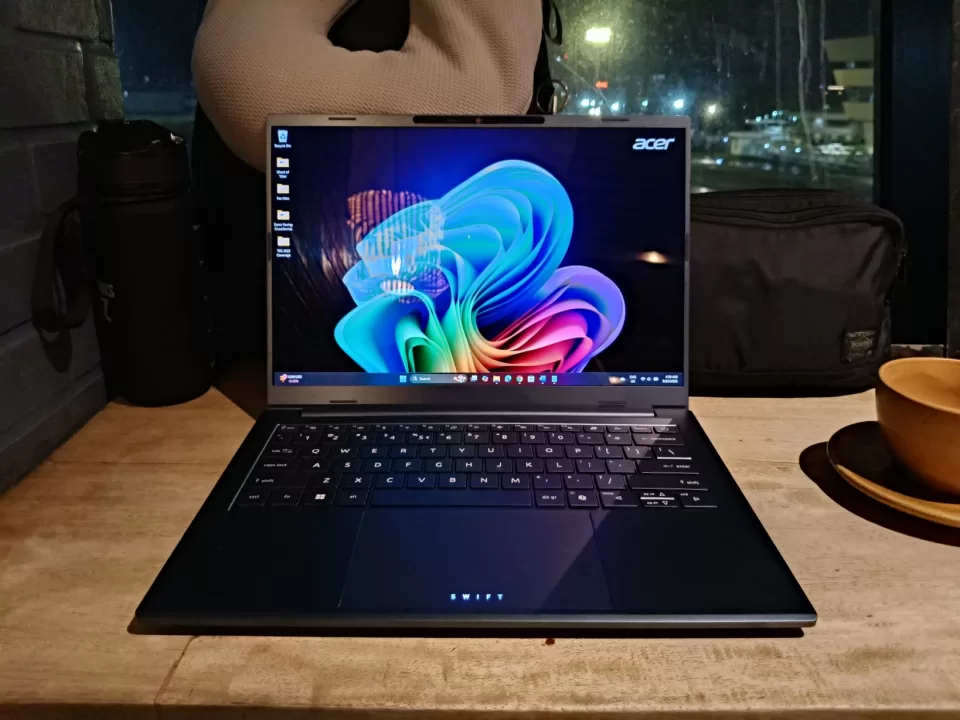
Even though it has a large 14-inch display, the Swift Go 14 AI is incredibly thin and light, with some variants being just under 1kg. Because of this, I barely felt the laptop in my backpack while I was going around the halls in Makuhari Messe (the convention center where TGS is held). This was important as I had to run around the event’s first two days, given how packed with appointments my schedule was.
Its thin and light frame also helped, as I was able to bring another bag with me. For events like these, I prefer having a backpack for my laptop and camera, though I also want a crossbody bag for easy access to things like a power bank, sanitizer spray, and more. This can be a cumbersome setup if I bring heavy equipment, though this wasn’t an issue given that the Acer Swift didn’t add much weight to my backpack.
More than how comfy it is to lug around in my backpack, the laptop’s size also helped, as I didn’t have much access to a proper work desk. Moreover, there were also times when I had to work in some unexpected areas.
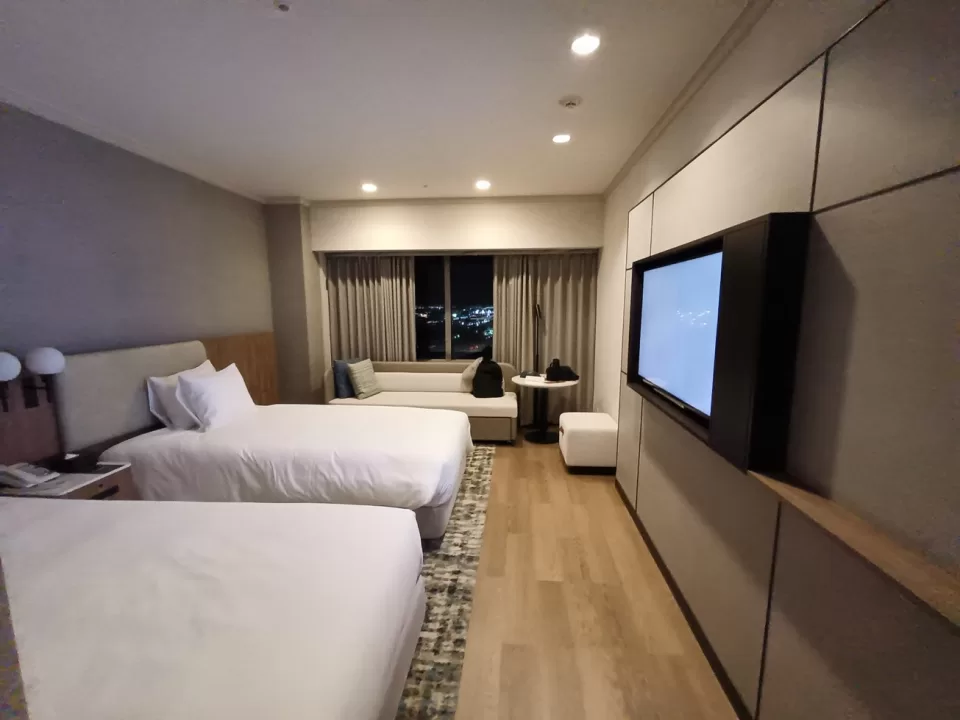
To start, I stayed for two nights at a hotel to cover some game previews and interviews. The hotel was quite nice and pretty big for Tokyo standards. What it lacked was a proper desk/workspace. Instead, there was only a long couch area with a table on the side. If I had a bigger laptop, it would’ve been awkward to work in this space, but because of how slim the Swift Go 14 AI is, I had no issues writing the articles I needed.
After these nights, I then moved to a bigger shared space with other members of the team. While there was a dining table, which became our makeshift workspace, I did a lot of work on my bed. That’s because I wanted more space for myself while working, not to mention that the laptop was light enough to be comfortable to use on my lap.
There were also times that I used the laptop in the TGS media room. This area is designed to have ample space for working, though I found that it would be tough to work here with a bigger laptop, given that you’re sharing the space with others. In this regard, I appreciated having such a small laptop with me.
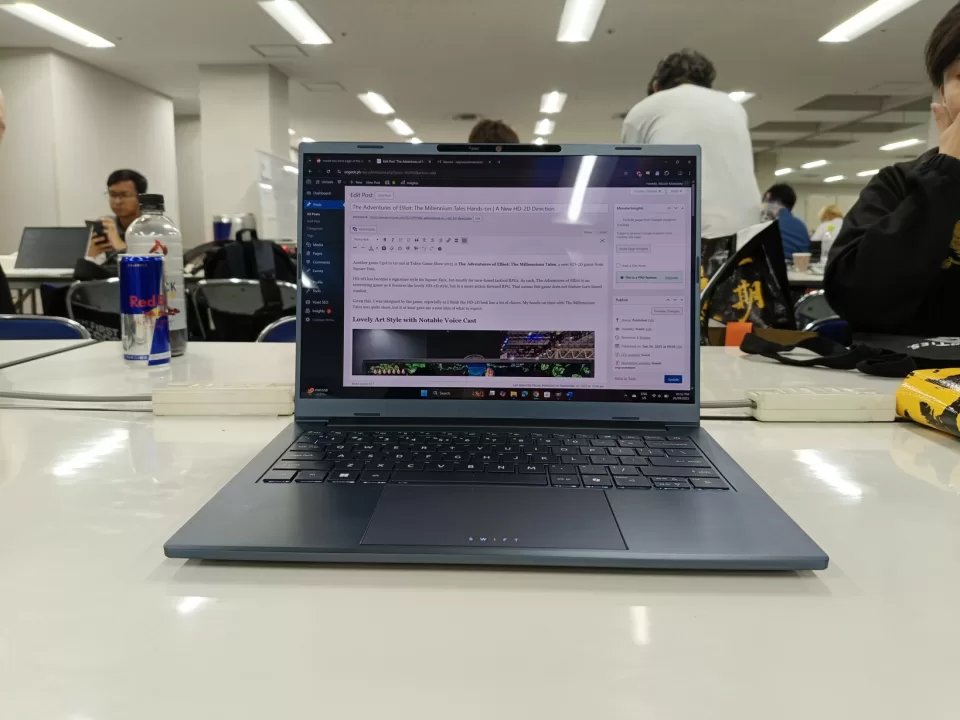
As for the most challenging work scenarios I faced at TGS, one was during the first day when I had to write an article quickly with just 30 minutes. I didn’t have time to run back to the dedicated media room as I had an appointment coming up soon. As such, I looked for a spot on some stairs where other attendees are resting. I brought out my laptop and typed away, and I made it with time to spare. Even though this wasn’t much of a workspace, I had no issues with the Swift.
There was also a time that I had to edit some articles while on the train. Thankfully, the train had some seats open, so I had enough space to put the Swift on my lap and edit away before I reached my stop.
Intel Core Ultra processor and 32GB RAM combo is great for productivity
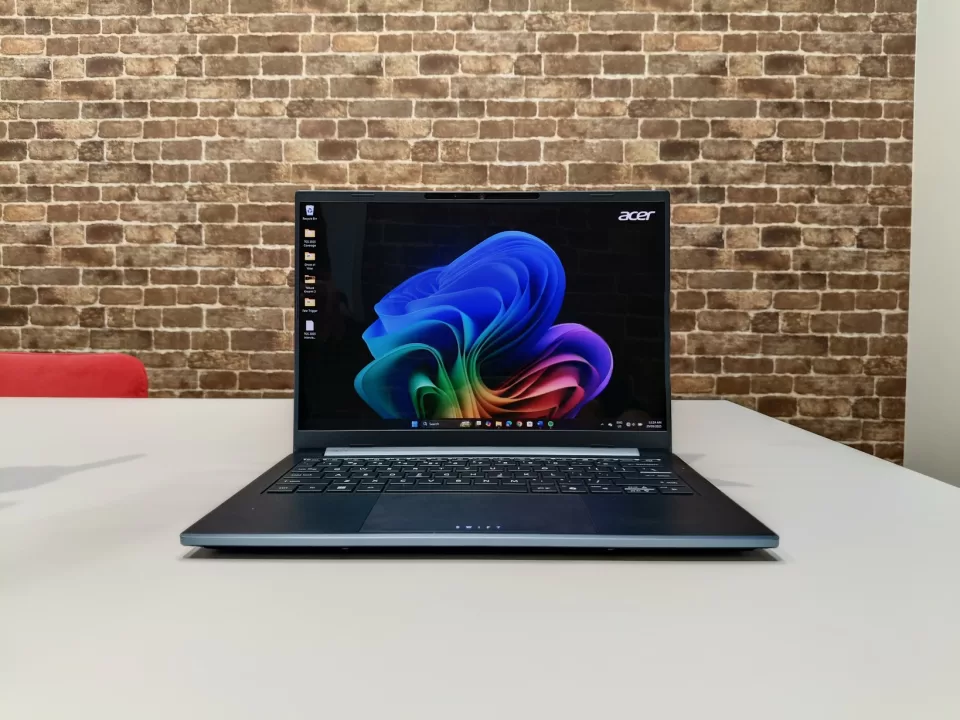
I talked a lot about its portability and how it allowed me to be productive anywhere, but that’s not the only thing the Acer Swift Go 14 AI was good at. Thanks to its Intel Core Ultra processor and 32GB of RAM, the laptop had no issues running all the apps I needed during the coverage.
Of course, my work tasks are mostly in Microsoft Office and a browser, but it was nice to know that I didn’t have to worry about any slowdowns, even when I had plenty of tabs open (for research purposes). The 32GB of RAM truly helped in this regard.
As we also needed to edit some reels, the laptop also worked well for this task. In fact, if you also need to do some lighter video editing work, the Swift Go 14 AI should have no issues with that.
Meanwhile, those who prefer using AI assistance for their work will be happy to know that the Swift Go 14 has Copilot+ PC features. While I don’t use AI for writing, I do use it for tasks like organizing our content plan and initial clean-up of transcriptions. Given this, I appreciated the Copilot button as it allowed me to have quick access to Copilot (and GPT-5).
As a bonus, the Swift Go 14’s I/O also proved to be helpful. Aside from the USB-A and USB-C ports being great for transferring files and for peripherals, the microSD card reader was a lifesaver. There was a time when we needed to transfer game capture footage from a microSD card. Most of the laptops that we had with us didn’t have a reader, but the Swift Go 14 did. Without this, getting the footage would’ve been a challenge.
No need to hunt for a power outlet with this laptop
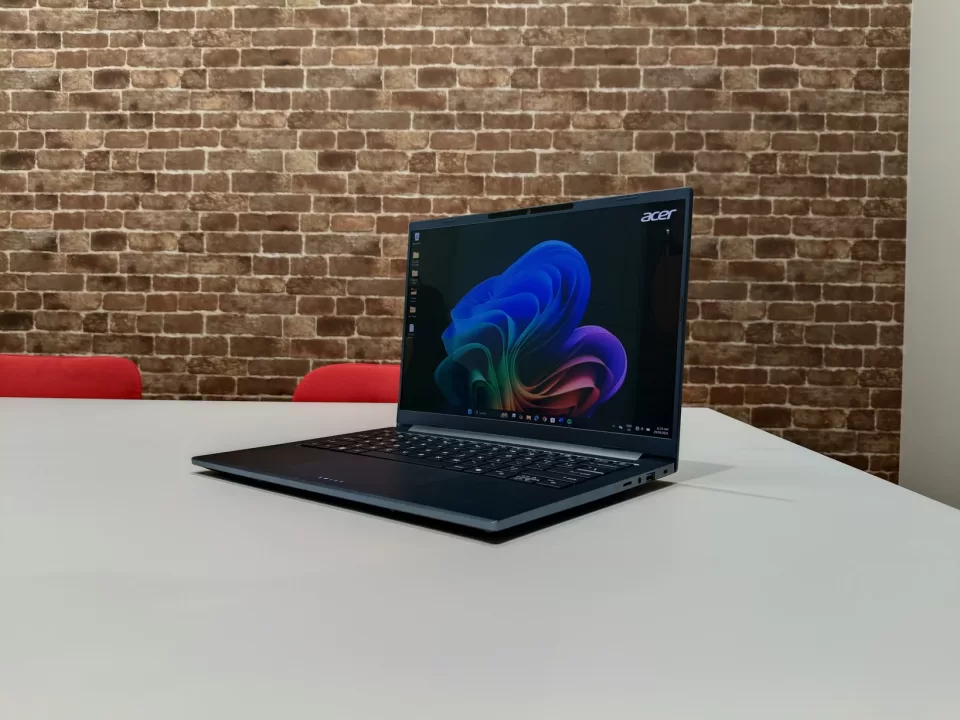
Being portable and having great performance is nice and all, but a laptop won’t be reliable if its battery life is short. Thankfully, that’s not the case with the Swift Go 14 AI. In my time with it, the laptop delivered all-day battery life. There was no point during the coverage days when I had to rush to find a power outlet. The TGS media room had power outlets, but in most places where I had to do some work, there were no outlets in sight.
For instance, on Sunday after the TGS business days, I had time to go around a bit before working again. As I went to Ueno Park on a Sunday, the cafes around the station were pretty full, though I did manage to get the last empty seat at a café in the station itself. This didn’t have a power outlet, but I didn’t have to worry as the Swift Go 14 had plenty of charge left.
On the same day, I went to Shinjuku, though I had to finish more work before meeting up with members of the team. I found another café to stay in, with a nice view of the Kabukicho gate. While there were outlets there, I forgot to bring my travel adapter. Again, this wasn’t an issue, as the laptop still had over 70% left, even after hours of use.
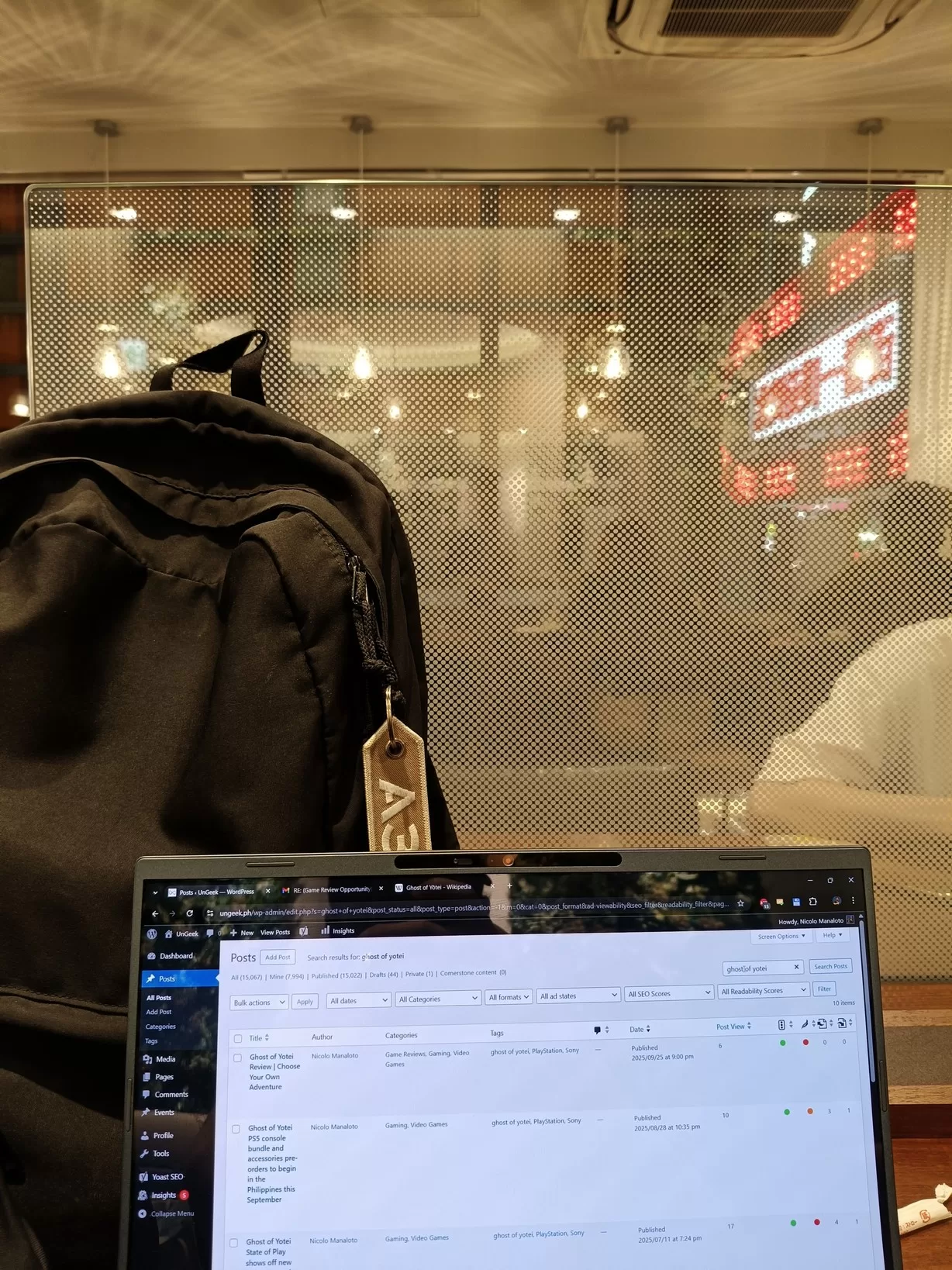
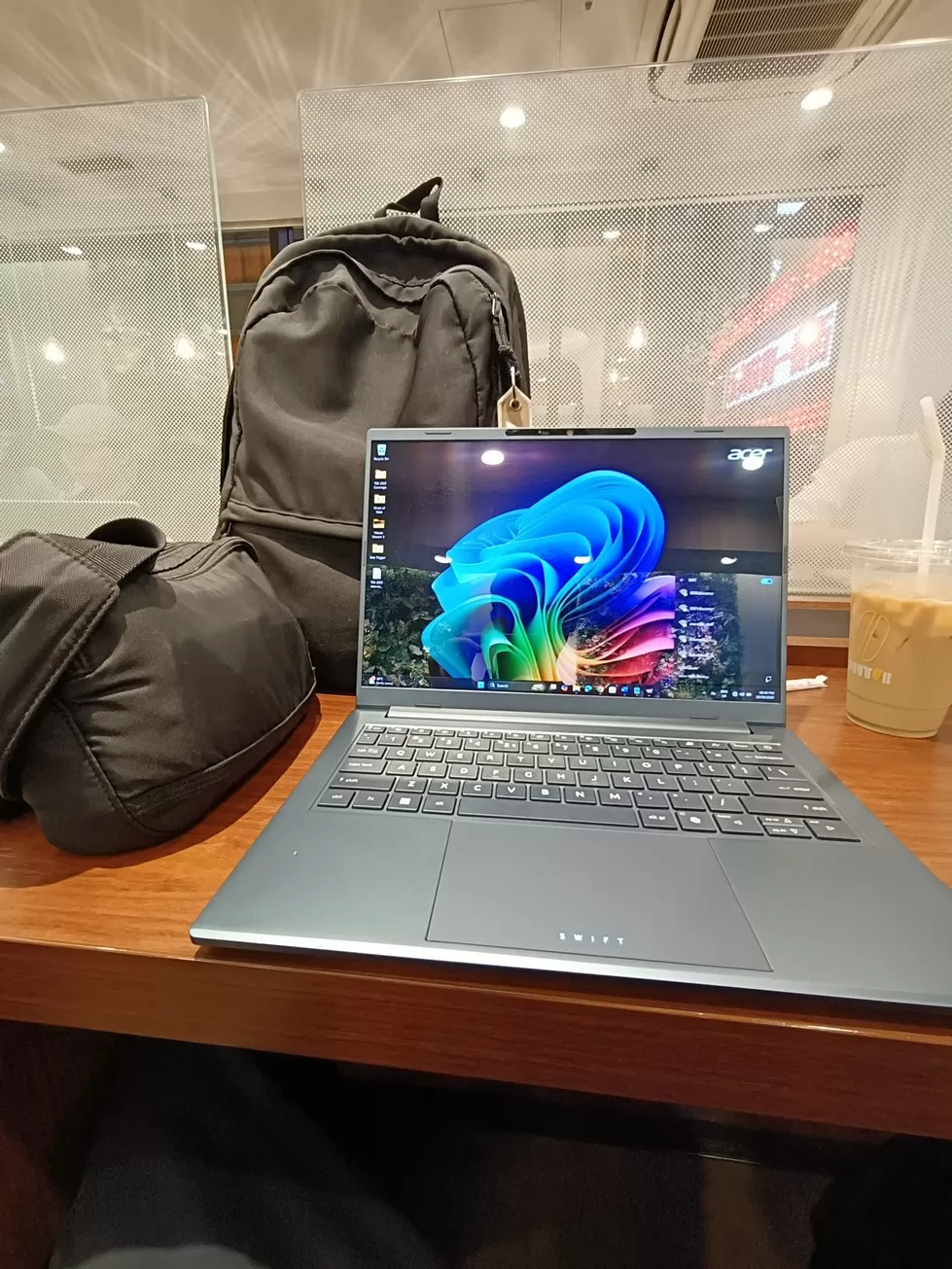
Note that I wasn’t even trying to conserve the battery life, as I just kept the laptop in the balanced power mode. Plus, I kept the display’s brightness at around 50%, increasing it as needed. Given this, I was definitely impressed with the battery life.
Speaking of the display, the Swift Go 14’s screen was also great. Thanks to the fact that it’s an OLED panel, this laptop’s display has vibrant colors that make it not only great for content creation but also for binge-watching movies and shows.
The Acer Swift Go 14 AI is a great partner for on-the-go productivity
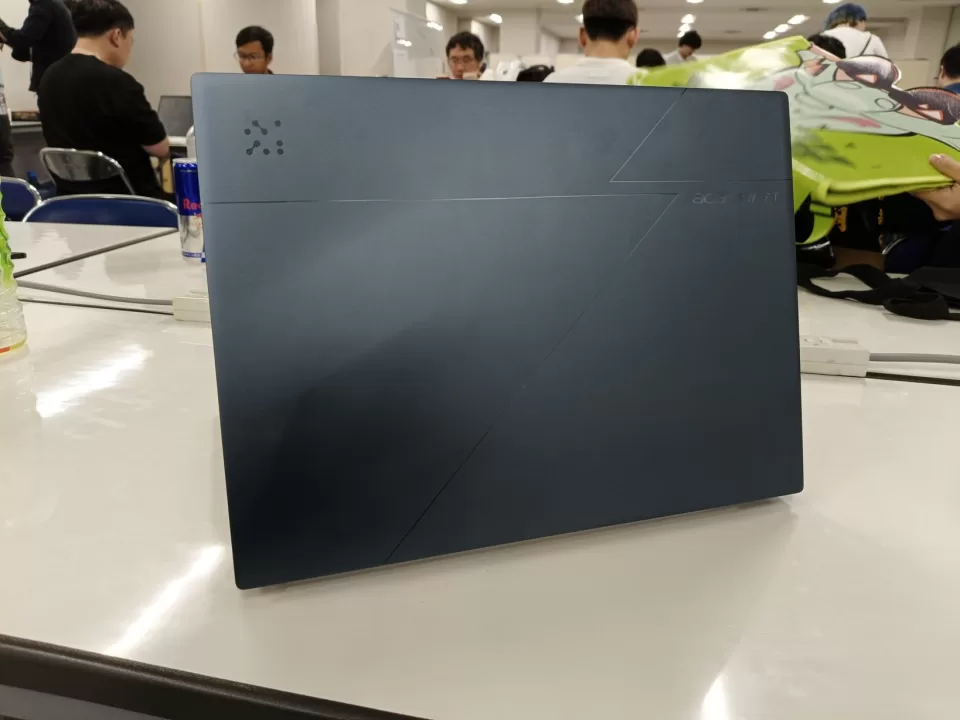
This year’s TGS 2025 coverage was quite a challenge for me, given the number of appointments I had to attend and articles I had to write. I was able to pull it off as I didn’t have to worry about where I needed to work, thanks to the Acer Swift Go 14 AI.
With this laptop, I got to do work whenever and wherever I needed to, as the Swift Go was slim and light, all while having great performance and excellent battery life. So, for future event coverages, especially international trips, I’d definitely love to have this laptop again.
The Acer Swift Go 14 AI is available now in the Philippines for only PHP 56,999 at Acer concept stores and partner retailers nationwide.