

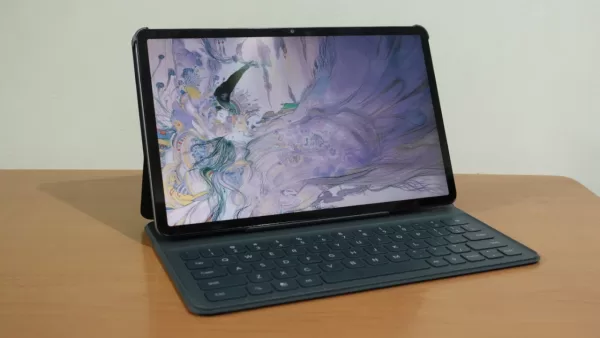
After getting our hands on the tablet earlier this month, we proceeded to spend more time with the HONOR Pad X9a, a new budget tablet that promises to be a good partner for productivity and entertainment, all while having an affordable price tag.
The X9a is a follow-up to last year’s Pad X8a, a tablet that we thought was quite a good deal, especially at its sub-10k Peso price. With the X9a though, the price is just a bit above PHP 10k, but you do get some notable improvements. Among these is the screen which has a higher resolution and refresh rate. The newer model also comes with an upgrade processor.
Given these improvements, the Pad X9a should make for an even better Android tablet. Of course, that’s just on paper as we still need to test out the X9a before we can give our final verdict. So, here’s our full review of HONOR’s latest budget tablet offering.
Geek-sthetic
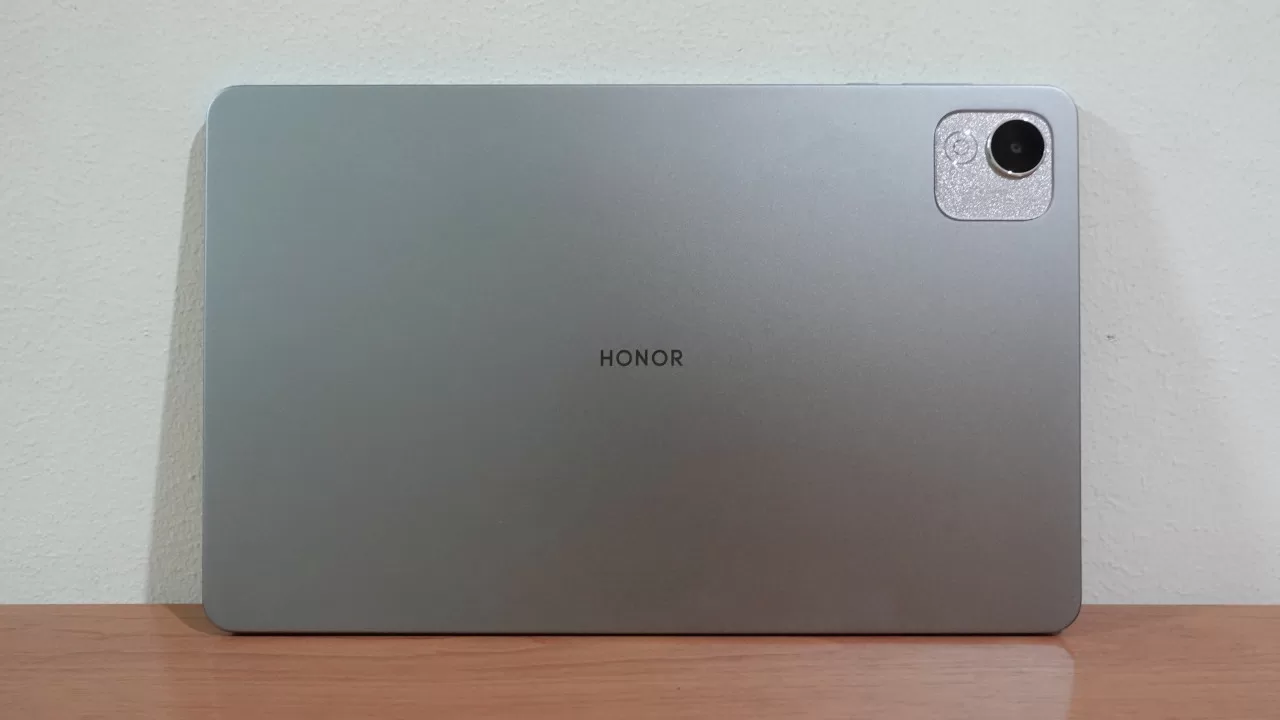
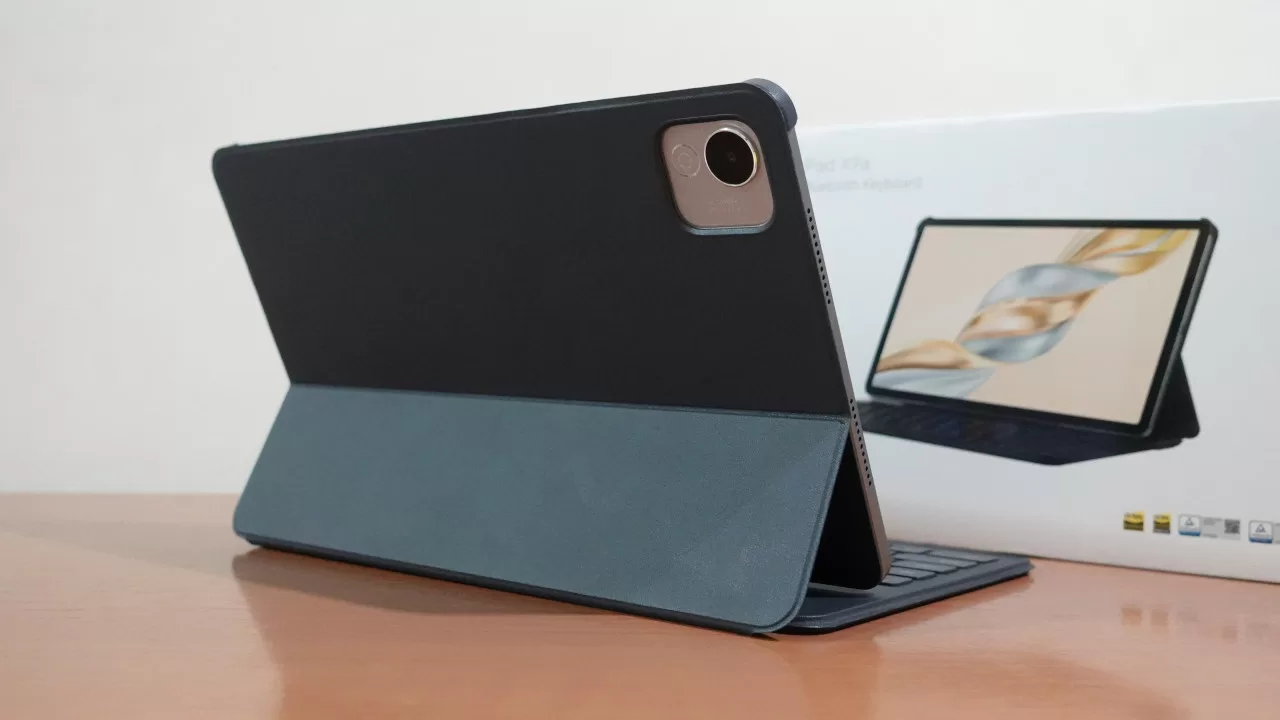
To start, let’s take a look at the Pad X9a’s design. From the back, the tablet has a sleek matte finish, with the HONOR logo in the middle its only real design flourish. This makes sense as tablets aren’t typically designed to look as eye-catching as phones. After all, most tablets are used with a case, be it a standard protective case or a keyboard cover. There is a bit of flourish on the Pad X9a’s back though, and that is on the camera module. Specifically, the camera module features a glittery finish that makes it pop out a bit.
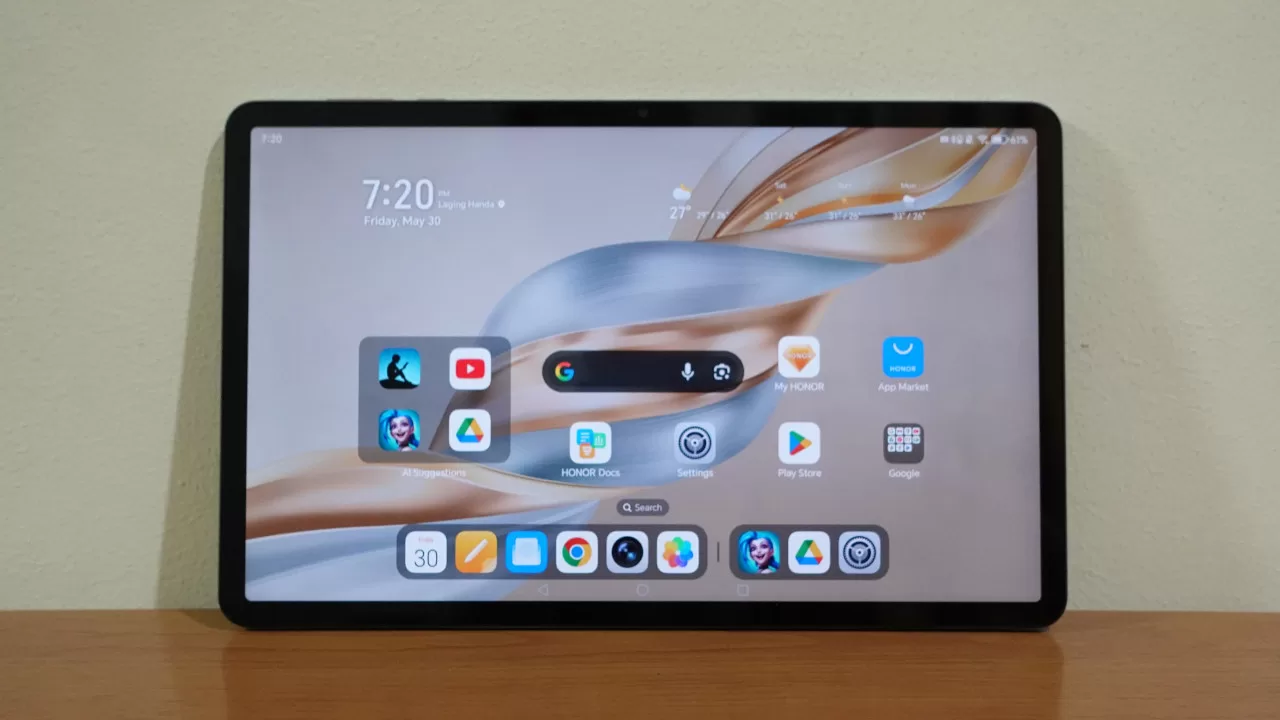
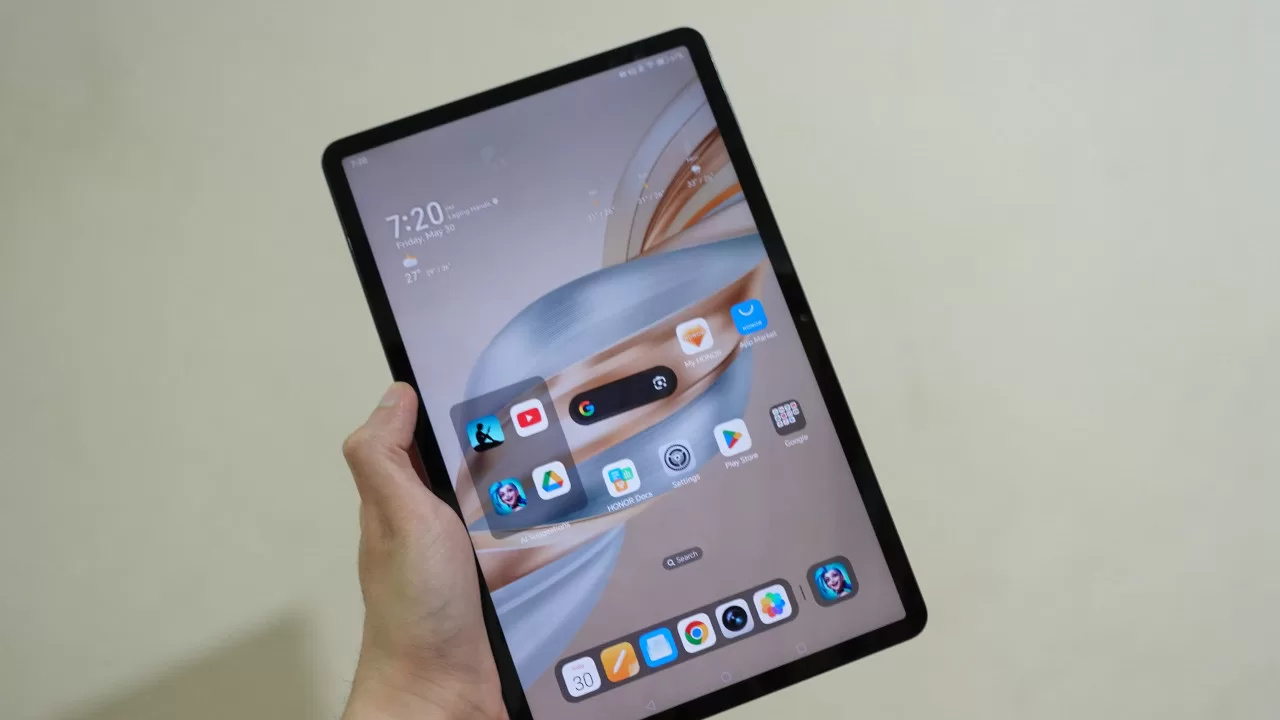
Moving to the front, we have the Pad X9a’s 11.5-inch display that has a 2508 x 1504 resolution and a 120Hz refresh rate. At first glance, the tablet has some fairly noticeable side bezels, but this is far from a dealbreaker, especially considering this is still a budget device.
It’s worth noting that the tablet’s screen has a 5:3 aspect ratio. This is a fairly common tablet aspect ratio, and it should make the Pad X9a great for both vertical and horizontal use. If you’re like me and are used to tablets with a 16:10 aspect ratio, the Pad X9a’s 5:3 display shouldn’t feel all that different, though I did notice that the Pad X9a felt a bit longer vertically than other tablets (possibly because of its design).
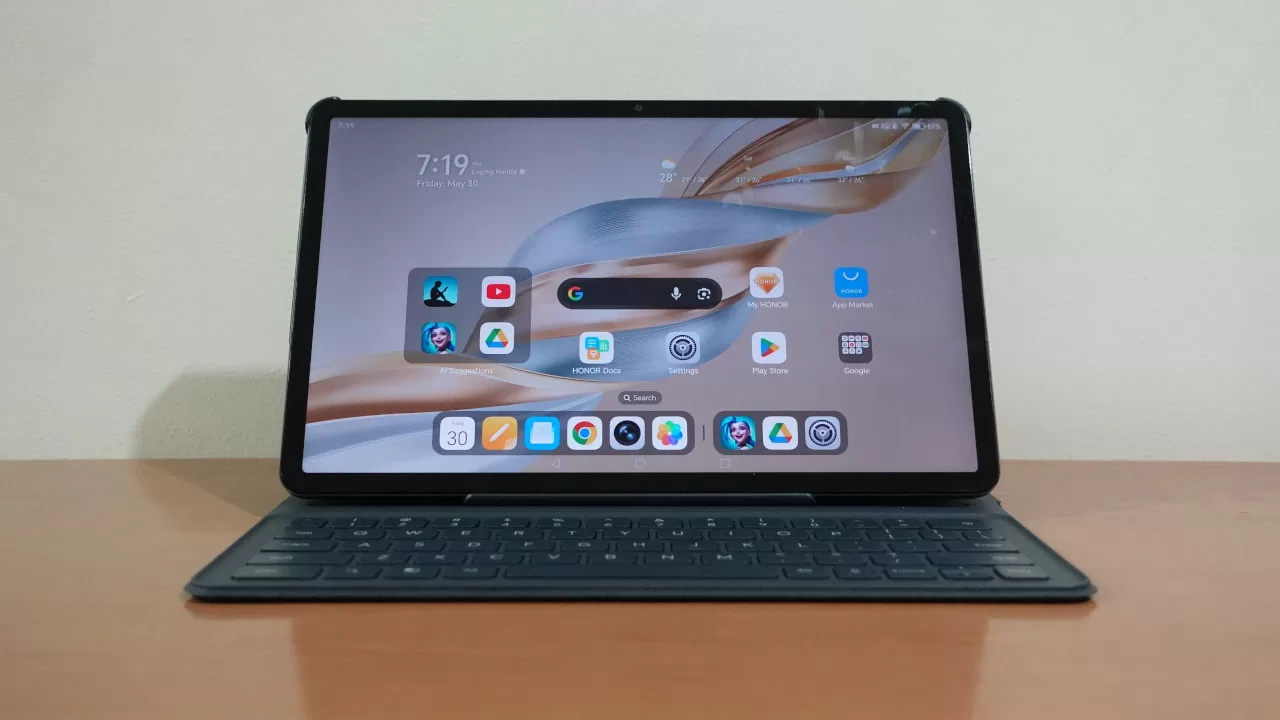
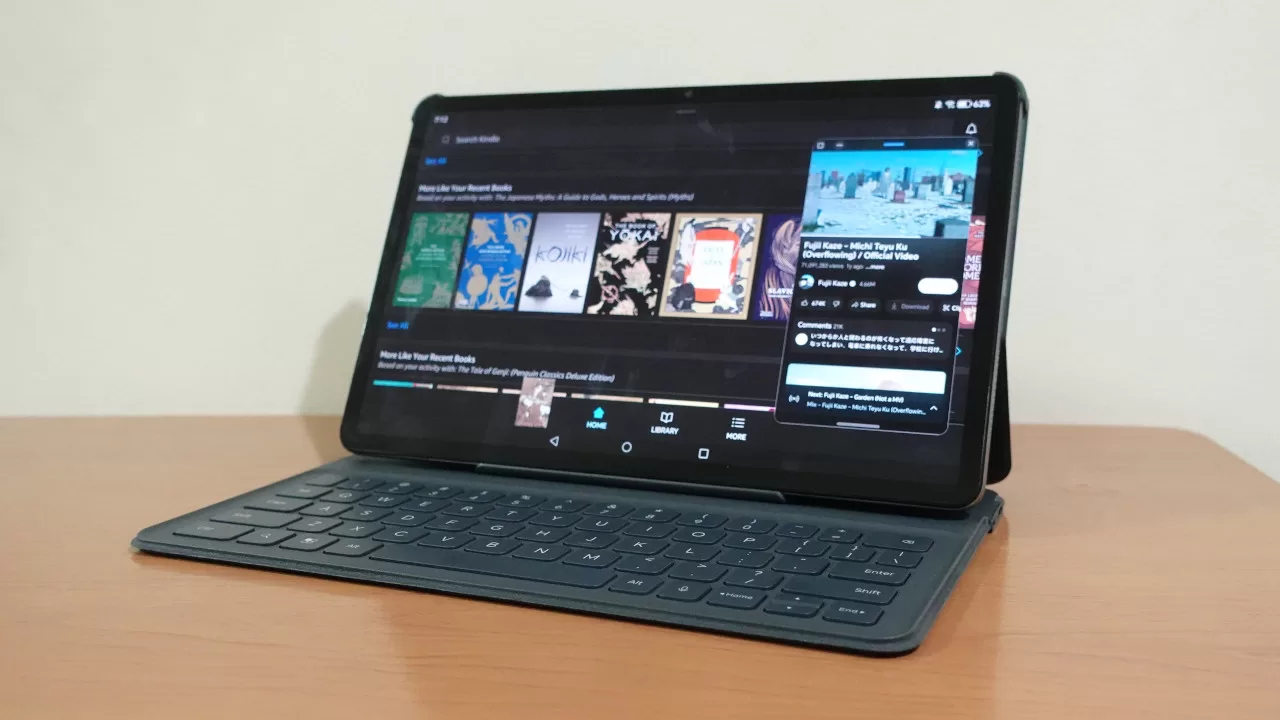
While it’s light enough to feel easy to use as a handheld device, if you’re planning on getting some work done, getting the HONOR Bluetooth keyboard cover is very much recommended. This is thanks not only to the keyboard which makes typing way easier, but also because the cover also doubles as a stand. Having a stand is also great for binge-watching, though we’ll get into that more later.
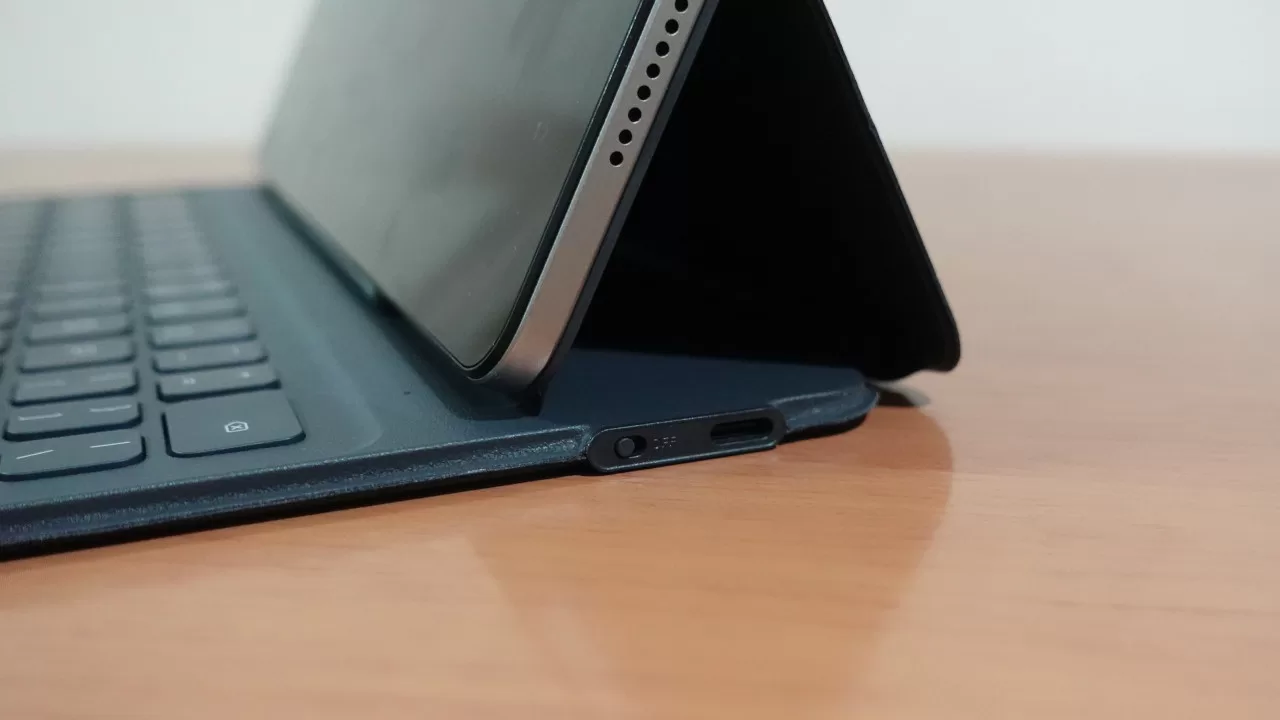
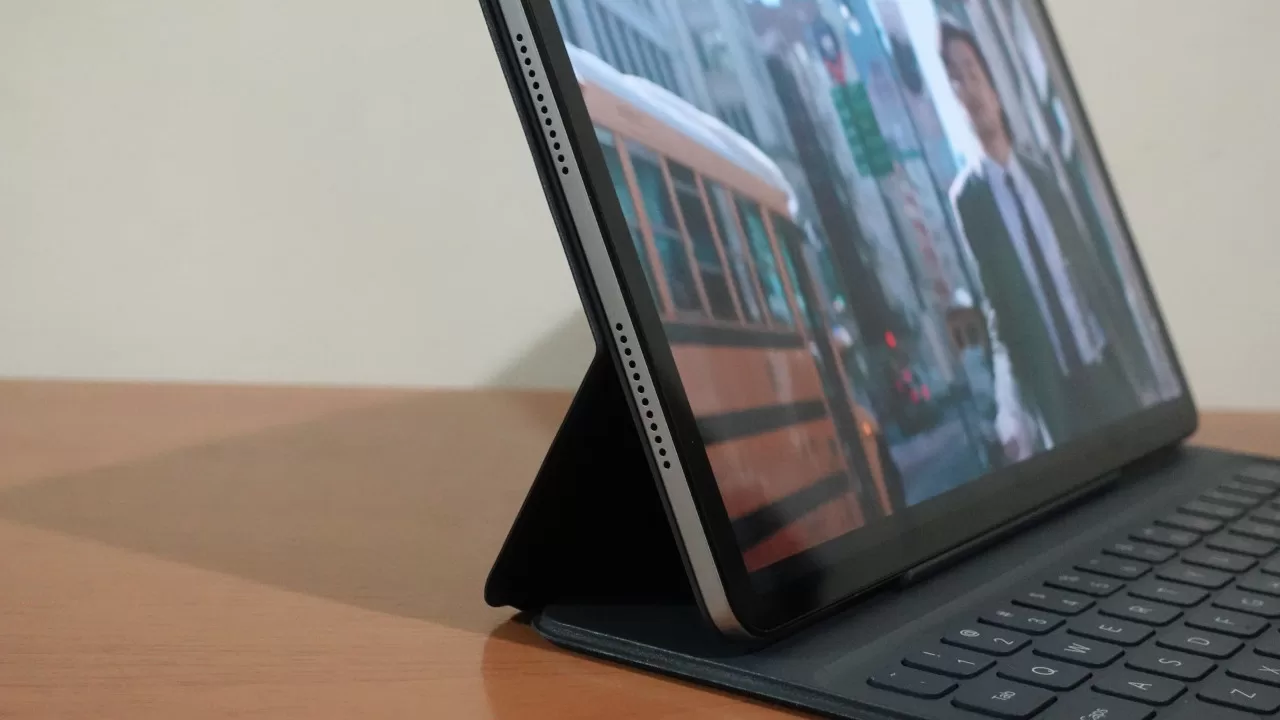
Note that, unlike other Bluetooth keyboard cover which attach to the back magnetically, HONOR’s version attaches much like a phone case. This means you get less of a premium feel compared to magnetic covers, but it doesn’t make much of a difference in actual use. The HONOR case also has a physical power switch and a Type-C port for charging. Connecting the keyboard is thankfully easy via Bluetooth, though we would’ve liked to see the charging light for the cover to be on the side instead of the inside (so that you can see if the keyboard is done charging when the cover is closed).
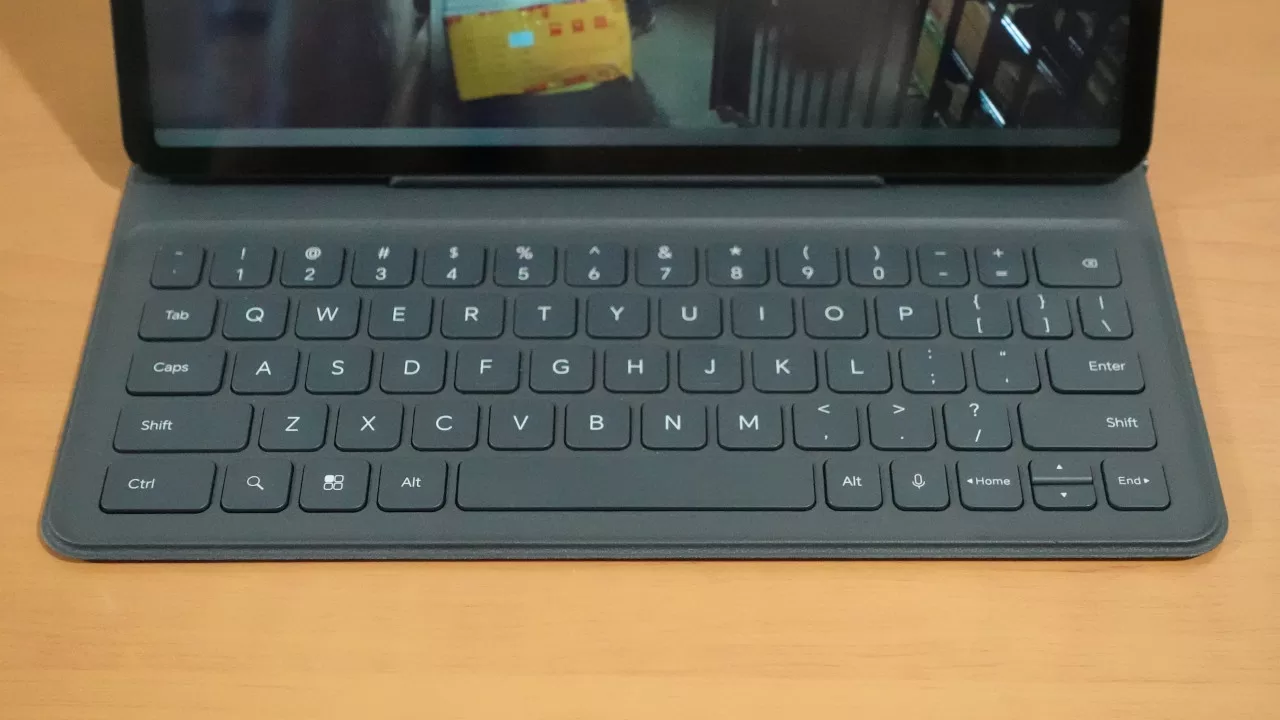
As for the keyboard itself, it felt nice to type on, enough that I had no issues typing on it for work. Even though the keys are rather small, it wasn’t a big issue for me as they’re still spaced well, meaning I didn’t mistype as often as I was expecting.
Binge-Watching Factor
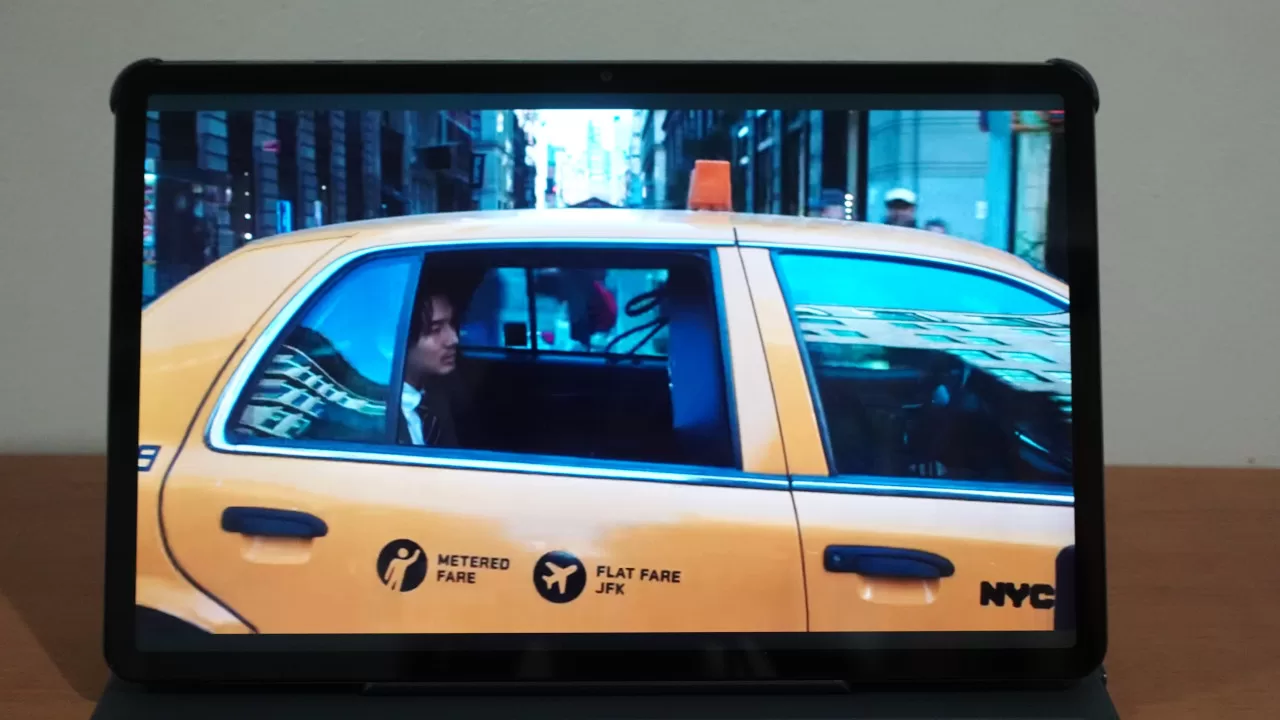
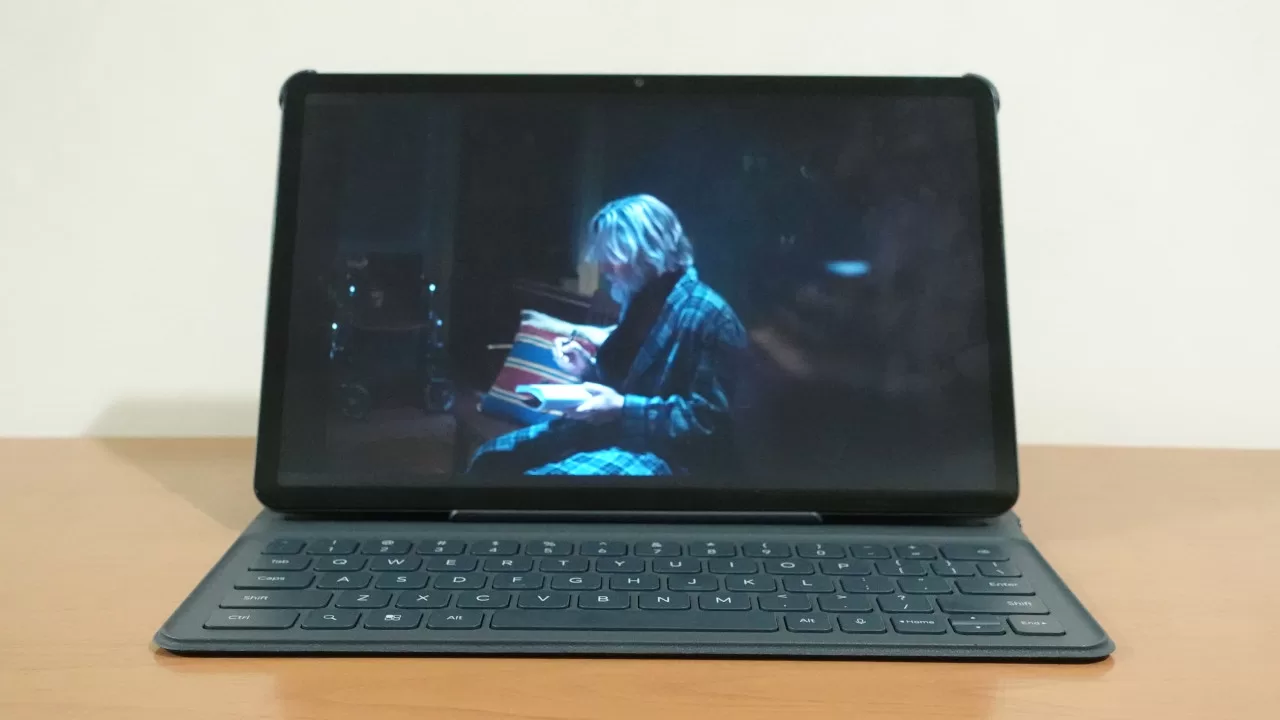
Next up, let’s give the display a closer look. As mentioned above, the Pad X9a has a large 11.5-inch screen with an upgraded resolution that’s higher than 1080p. Note that, because this is an affordable tablet, the screen is LCD instead of OLED. As such, you don’t get the true blacks of an OLED screen.
In practice, this is thankfully not a major issue. Because of the aspect ratio of the screen, black bars shouldn’t be too noticeable for many shows and movies. Of course, if you watch a widescreen movie, the black bars may be a bit distracting if you’re coming from another device with an OLED screen. Still, this isn’t a dealbreaker given the price tag.
Even with the display being LCD, the colors are still fairly vibrant, and there’s a bit more detailed compared to the previous generation model. Of course, because of how large the screen is, some content may not look as sharp even with the upgrade in resolution.
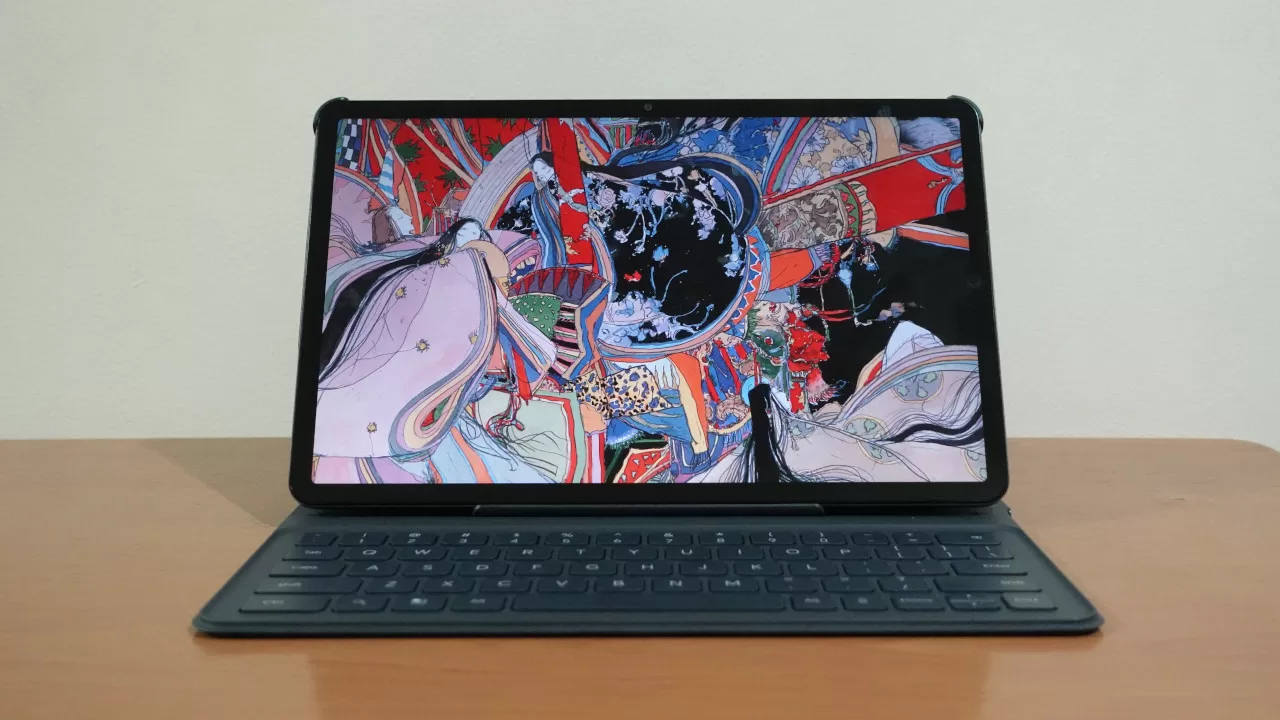
On the whole for watching videos, the HONOR Pad X9a is a fine partner. In fact, I’d even say that the viewing experience on this tablet is similar or even better to some laptops, making it a nice device for users who love watching movie/shows while on the go; or if they’re at home and someone else is using the TV.
As for audio, the Pad X9a did not disappoint. Thanks to its stereo speaker setup, the tablet’s audio gets quite loud, enough that even 80% volume can fill a small room. Of course, we still recommend using headphones or external speakers for the best movie/series experience, but you’ll still have a good time with the internal speakers given how clear the audio output is. It also helps that it has surprisingly deep bass extension.
Gaming Performance
Powering the HONOR Pad X9a is a Snapdragon 685 chipset paired with 6GB of RAM. With this configuration, we expected the Pad X9a to be a fairly good match for popular MOBAs and shooters.
As expected, the new HONOR tablet was able to run games like League of Legends: Wild Rift and Call of Duty: Mobile at medium to high graphics settings. So long as you don’t max out the settings, you won’t be disappointed by the results. Of course, you also shouldn’t expect to run the most demanding games on this tablet, unless you settle for the lowest graphics options.
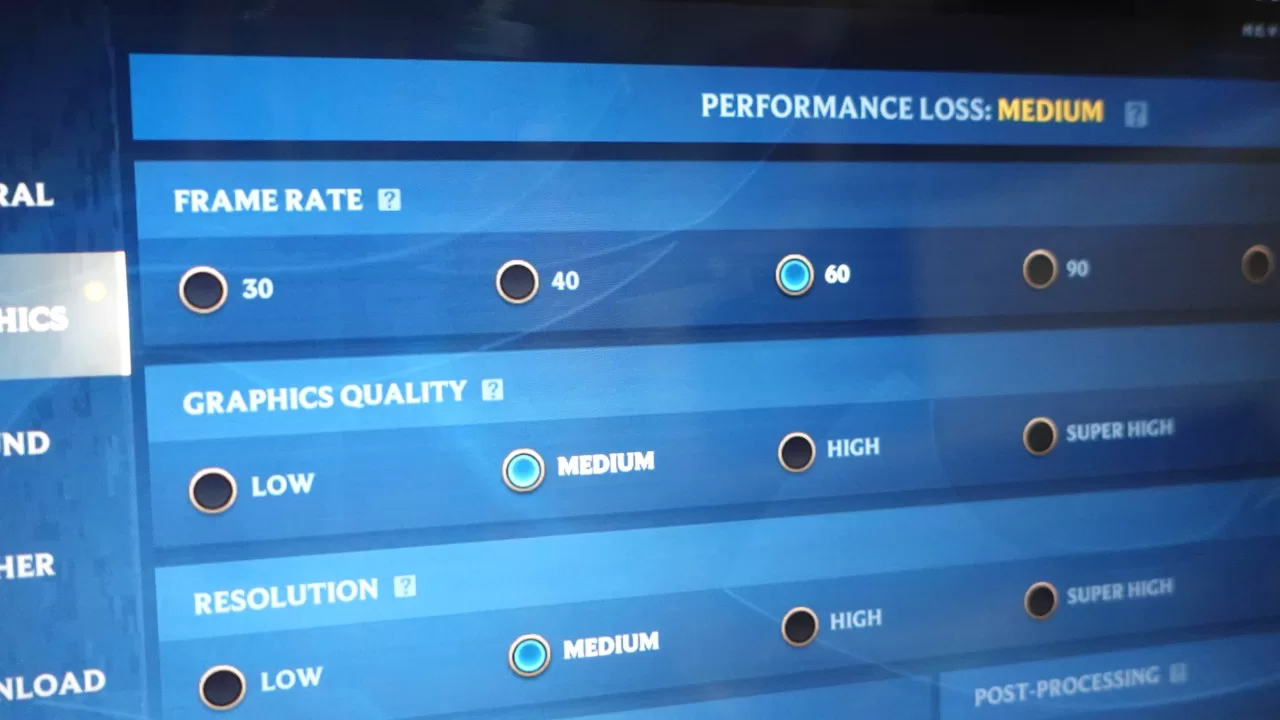
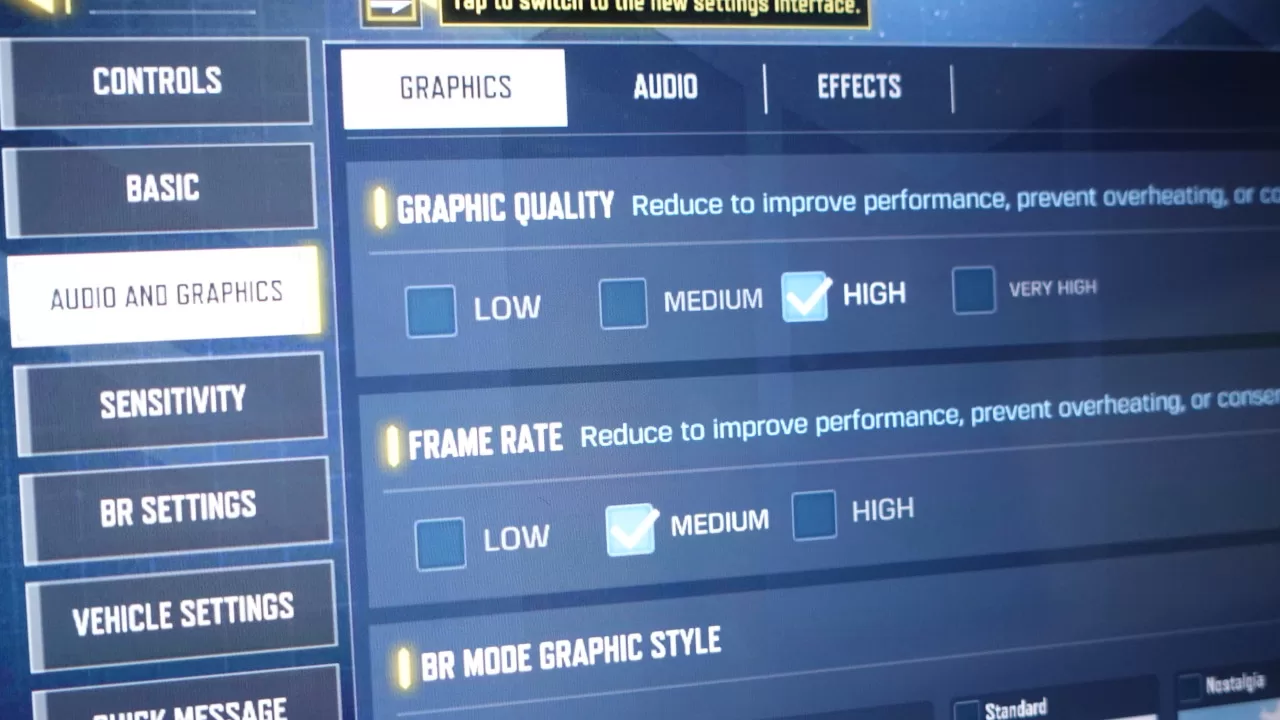
Running them is one thing, but it’s another to actually experience playing on the tablet. We usually don’t like playing on tablets given how large and unwieldy they are, so you shouldn’t think of the Pad X9a as primarily a gaming device. On the flip side, if you’re someone who plays older titles with a controller (via emulators), you can get a good time with the Pad X9a.
When it comes to gaming though, the visual experience may not be the best. Even with the upgraded 2508 x 1504 resolution, games can still lack sharpness, especially when you’re playing at only medium graphics settings. This is more apparent if you try playing games like Genshin Impact on the lowest settings. The visuals aren’t bad, mind you, they’re just not as sharp compared to what they would look like on a phone (at least, for phones with Full HD screens).
Geek Photoshoot Capabilities
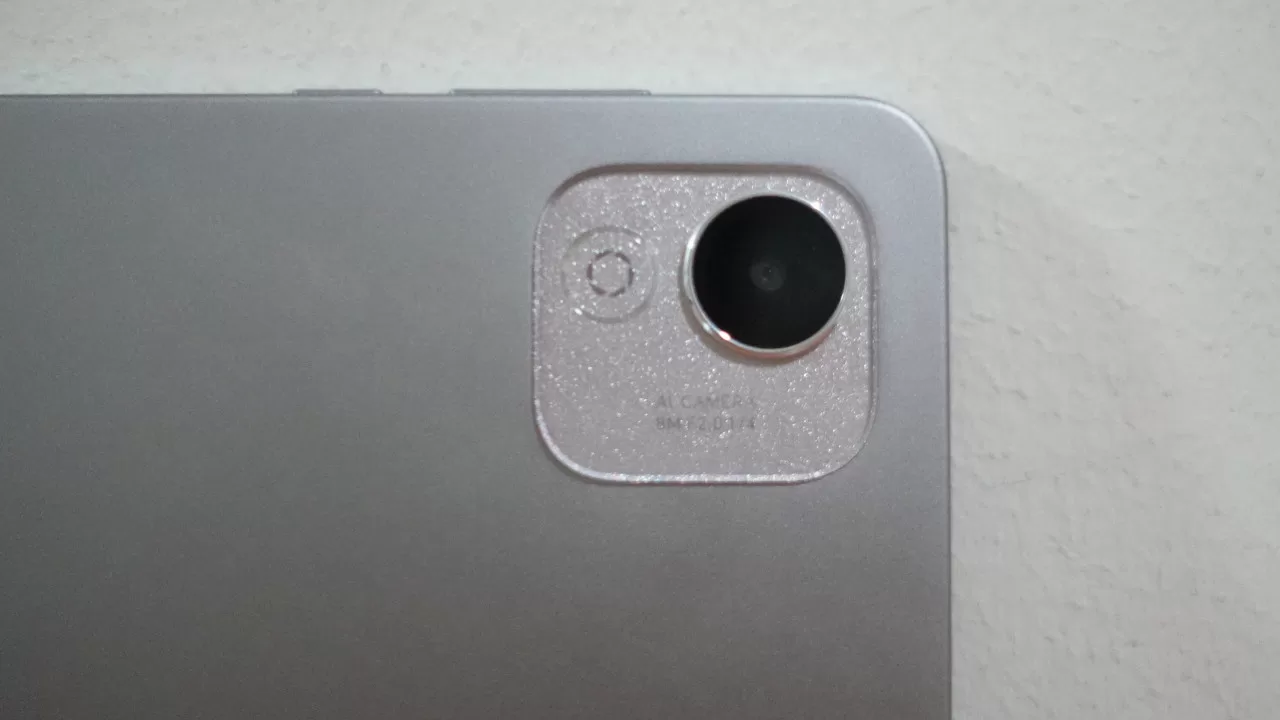
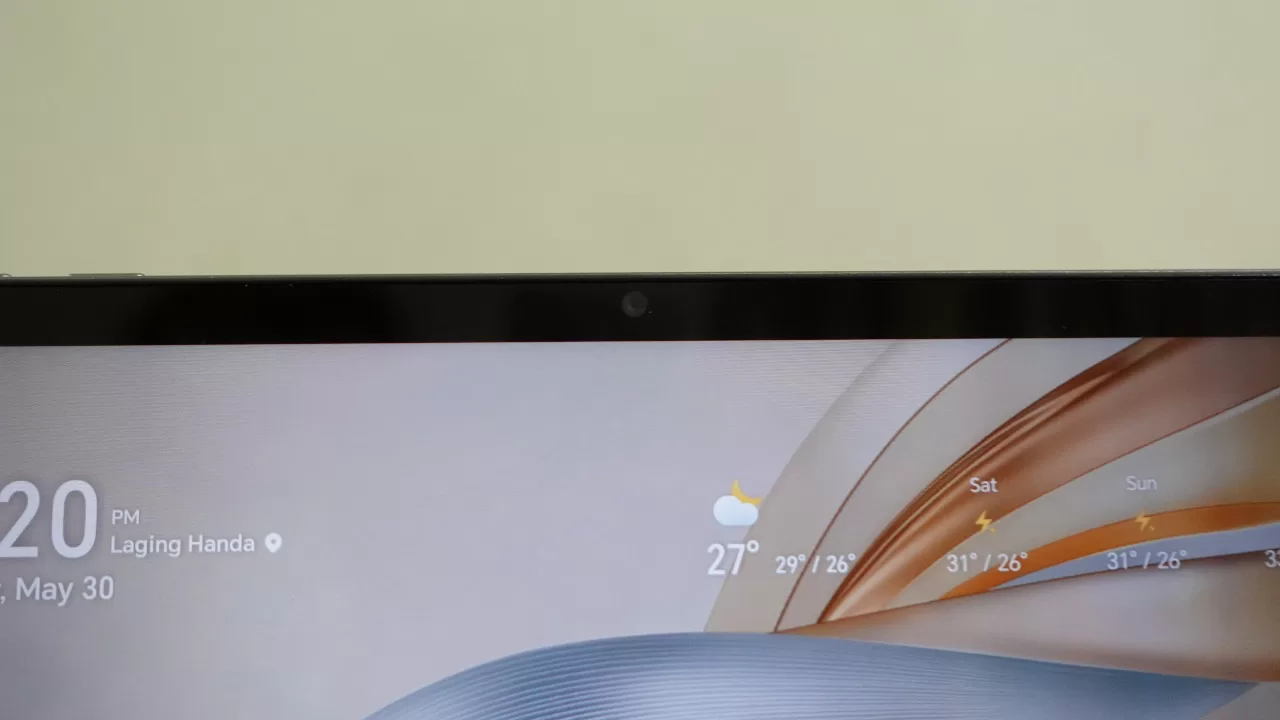
As with gaming, Android tablets, especially budget-friendly models like this, aren’t designed with photography as a major feature. That’s because tablets are way too big to be comfortable to use as cameras. Thus, the Pad X9a only comes with an 8MP rear shooter and a 5MP front camera.
Here are some samples from both shooters:

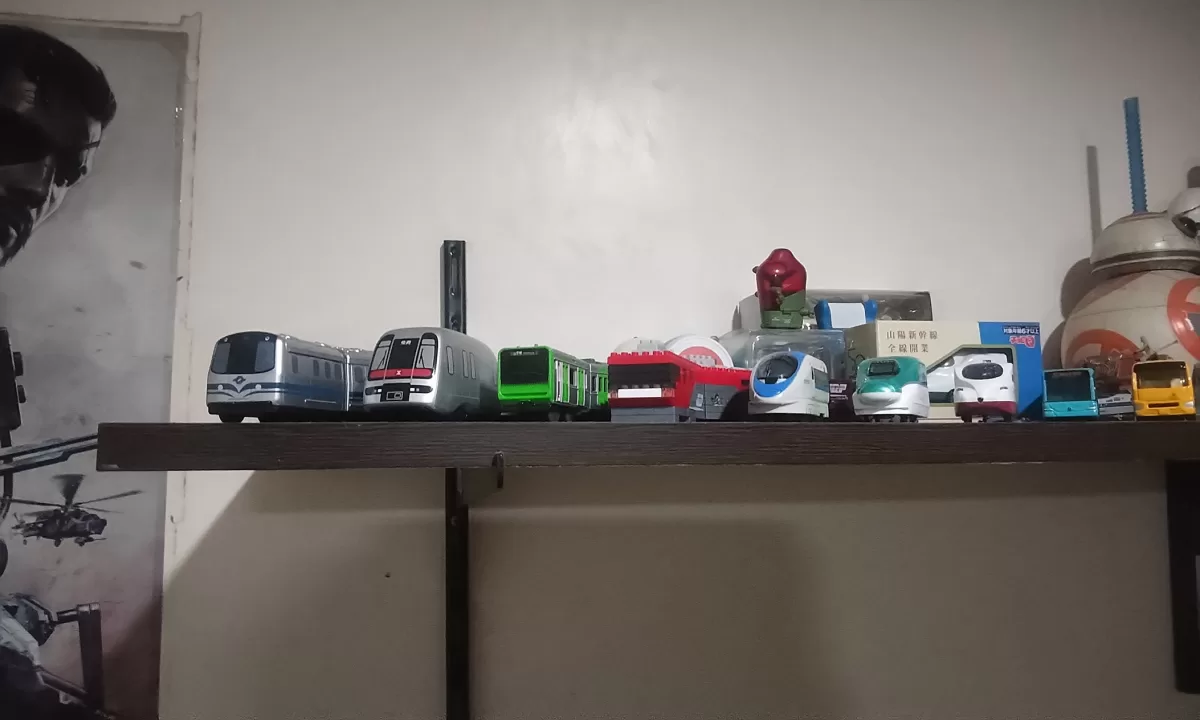

As you can see, the main 8MP shooter can take decent outdoor photos in the day, but the quality dips indoors. The 5MP selfie camera also performs as expected. Given this, I would’ve liked to see HONOR swap the cameras so that the 8MP shooter is the one at the front. That’s because having the better camera at the front would be better for online meetings.
Everyday Reliability
With its Snapdragon 685 chipset, the HONOR Pad X9a does not disappoint when it comes to everyday usability. Even though the tablet is a budget-friendly model with only 6GB of RAM, we found that it can handle office tasks and general browsing with no issues. This is likely thanks in part to its extended RAM feature which “borrows” memory from the internal storage to use as RAM.
The Pad X9a’s battery life is also good. Because it has a large 8,300mAh battery, it can last for a day of use with ease. If you use it a bit more lightly, the tablet can even last for up to two days. Of course, this is thank in part to the fact that this is a Wi-Fi only model. After all, mobile data is a big drain on battery for phones and tablet with a SIM slot.
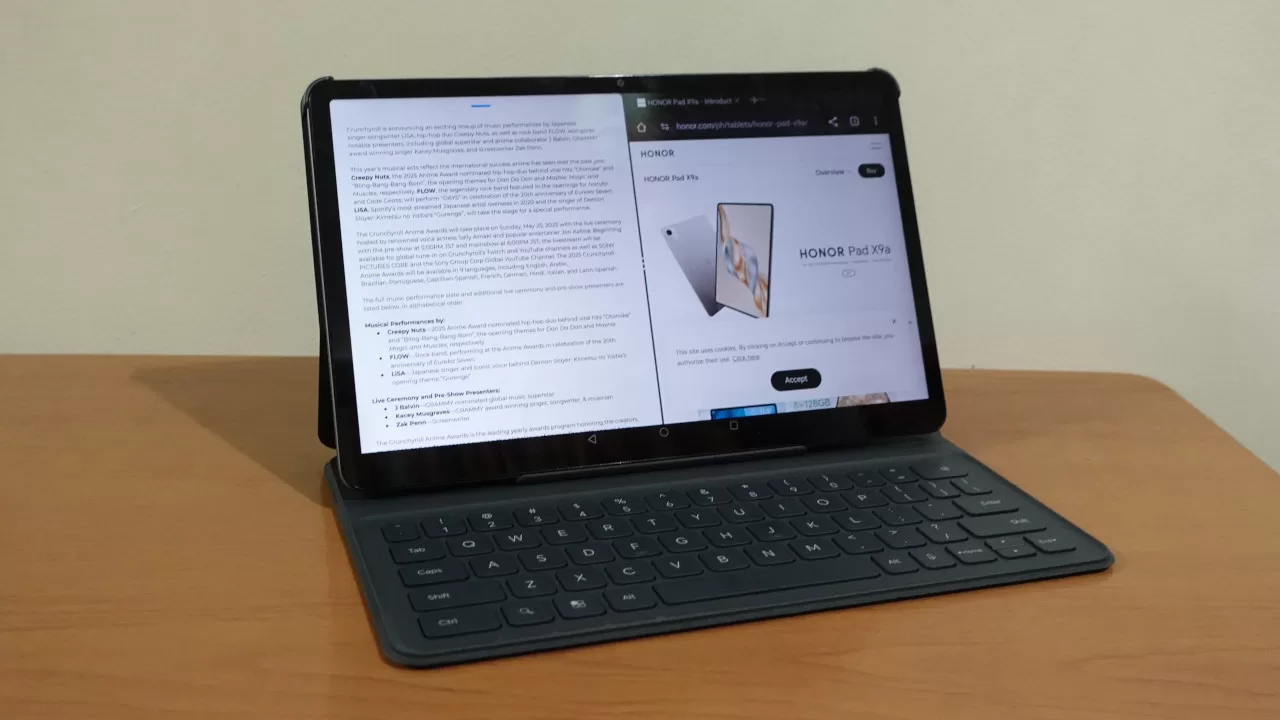
As a tablet with a big screen, the Pad X9a works well for productivity. You can do some light content creation here, but it excels as a laptop alternative if your work primarily consists of office tasks. For instance, I found that writing articles on the Pad X9a is great as you can easily open two apps side-by-side with no slowdowns.
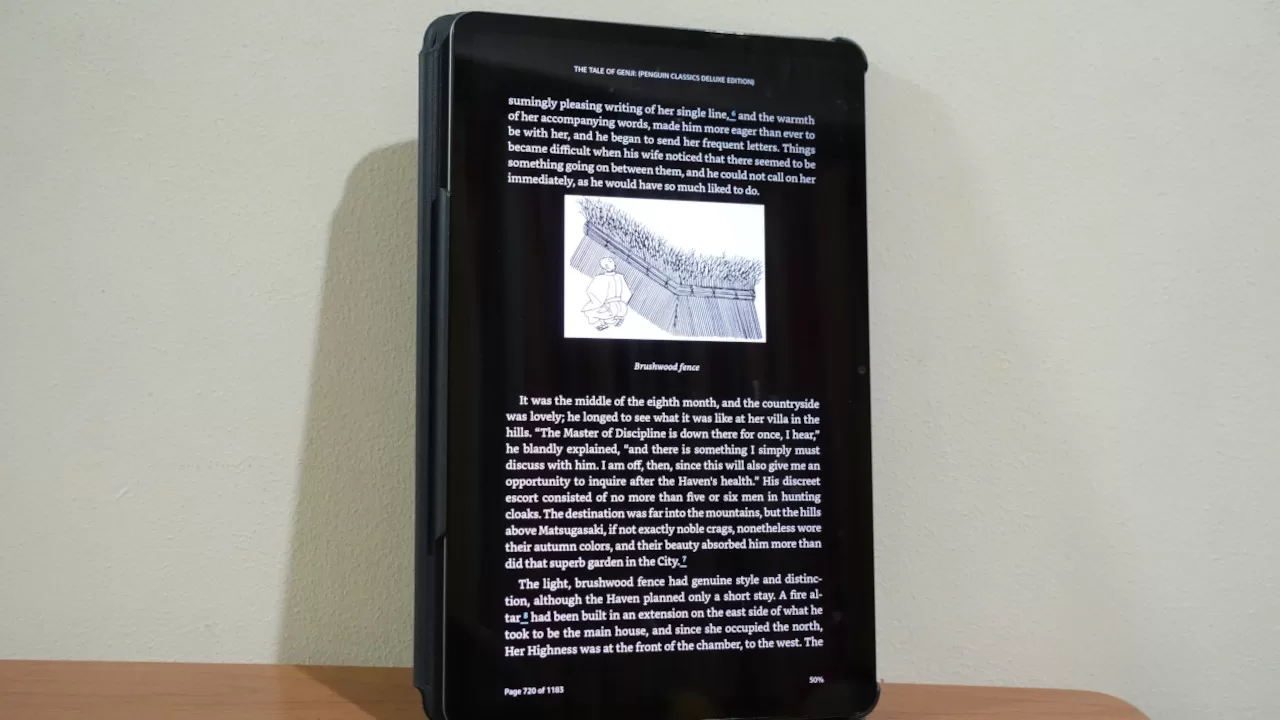
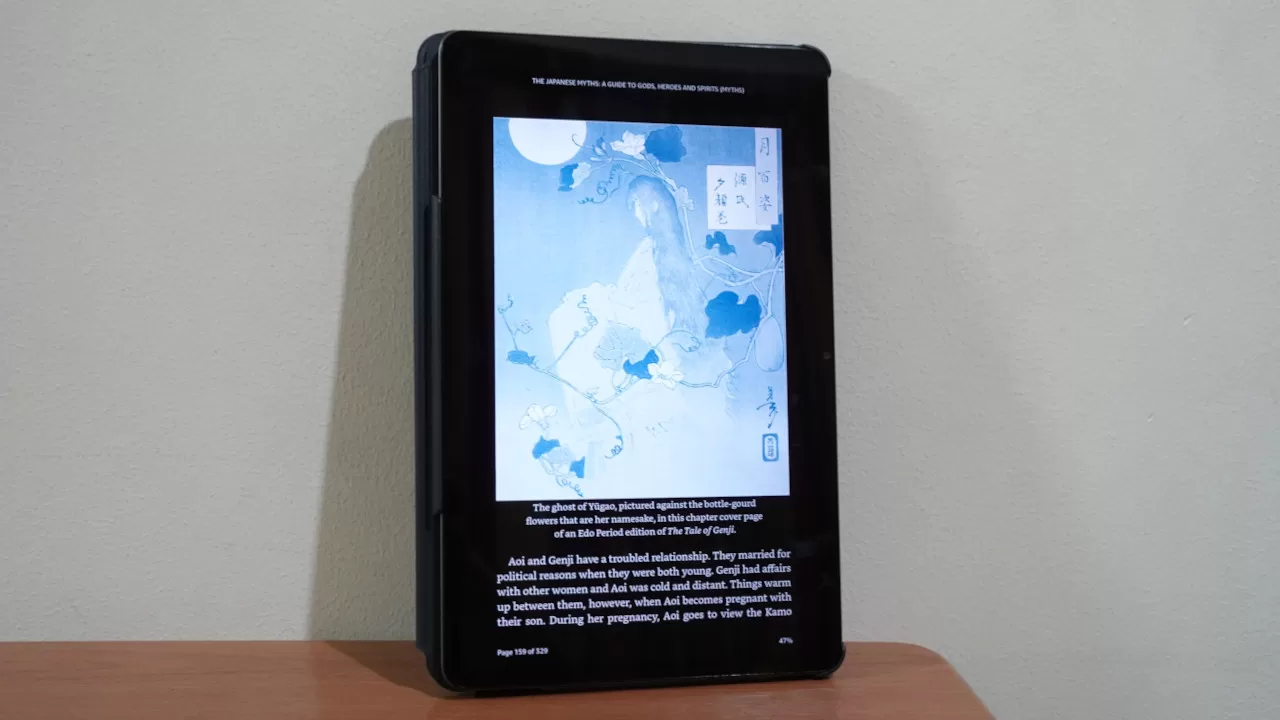
Another thing the tablet excels in is being an ebook reader. Sure, it does not have an e-ink display, but it’s not bad at all for reading. It’s big screen is great, while still not being too large to be unwieldy.
More than typical books though, the tablet works great as an e-reader for art and comic books. As someone who likes reading art books on a tablet, I found the Pad X9a to be a great partner in this regard.
Final Geek Lifestyle Verdict
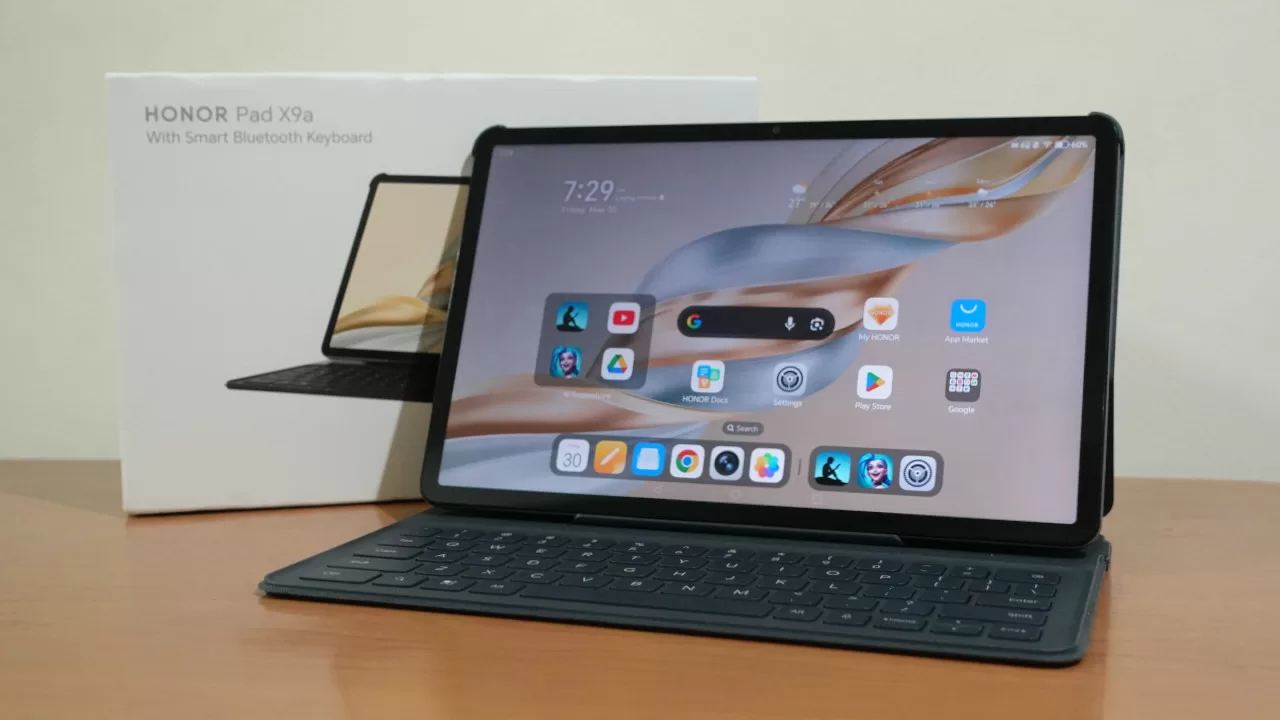
Overall, the HONOR Pad X9a is a good Android tablet thanks to its big display, good performance, and long battery life. While it could use a bit of extra power for heavier workloads (like more serious content creation), the Pad X9a’s PHP 10,999 starting price makes it a worthy option for budget-conscious buyers who want a device for media consumption and some productivity.
If you ask us though, we recommend going for the PHP 11,999-priced bundle which comes with HONOR’s Smart Bluetooth Keyboard. That’s because having a keyboard is great for work, not to mention that it acts as a stand which is great for watching movies and shows.
HONOR Pad X9a specs:
- 11.5-inch (2508 x 1504 resolution) LCD display, 120Hz refresh rate
- Qualcomm Snapdragon 685 processor
- Adreno 610 GPU
- 6GB RAM
- 128GB storage
- Rear camera: 8MP
- Front camera: 5MP
- Wi-Fi 802.11 a/b/g/n/ac, dual-band, Bluetooth 5.1, A2DP, LE
- Accelerometer, USB Type-C port
- 8300 mAh battery with 35W wired Fast charging
- Android 15 with MagicOS 9
- Price:
- PHP 10,999 – Tablet only
- PHP 11,999 – Tablet plus Smart Bluetooth Keyboard bundle