

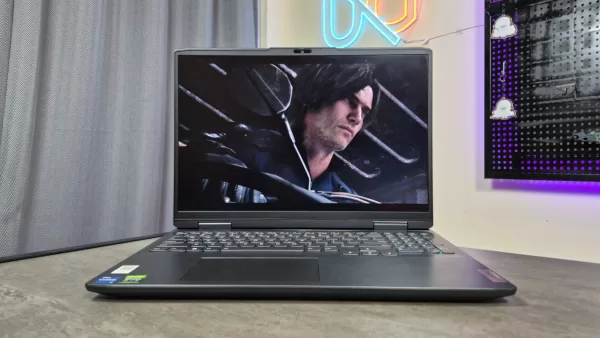
Resident Evil Requiem is a beautiful game, and surprisingly, its minimum system requirements aren’t that high, meaning it can run on even an older gaming laptop. We recently tested that out, and can confirm that even lower-end hardware can run the game with no issues.
This was great news for me, especially as I wanted to replay Requiem with a keyboard and mouse, though I only have my old gaming laptop with me currently. I finished my first playthrough of the game on PS5, and while I found it fun, I did want to experience the game with a keyboard and mouse for easier aiming, especially in the higher difficulty option (my first playthrough was on the Classic Modern setting).
Given that the laptop I’m using now is a 2022 model gaming notebook, I was unsure whether it could run the game, especially since it struggles with some newer games. Despite this, I decided to double-dip and play the game on this old laptop. Thankfully, I had a great time.
How Resident Evil Requiem Runs on an Older Laptop
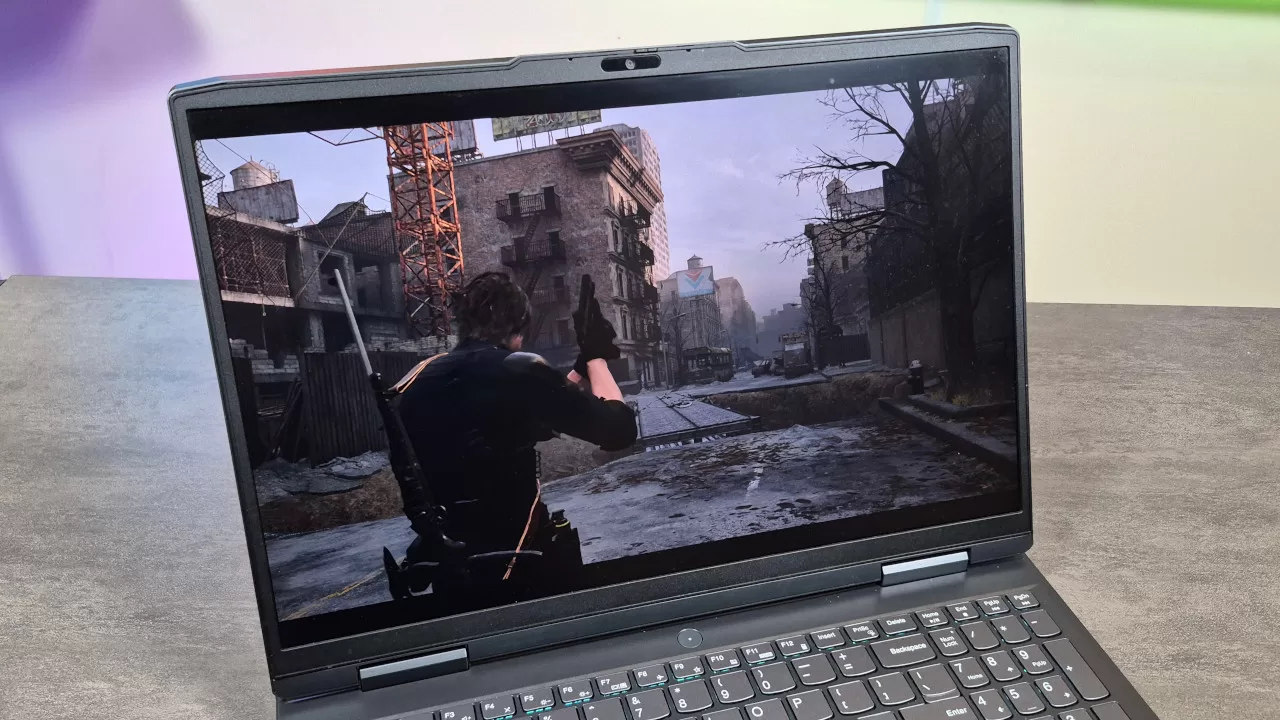
The laptop I’m using currently is an older Ideapad Gaming 3, which packs an Intel Core i7-12650H CPU and an RTX 3060 laptop GPU, with 16GB of RAM. While the specs are respectable at the time of its launch, it is definitely on the older side now.
While the processor and graphics combo is pretty capable on paper, what compounds the issue is that, because of its age, the laptop tends to thermal throttle on the CPU side. It doesn’t help that I’m playing in the Philippine summer in a room without air conditioning. Because of these, I’m running Resident Evil Requiem in a scenario that’s far from optimal. To my surprise, the game still ran quite well.
After starting the game, Requiem recommended the Low graphics preset. This worked well in the earlier parts of the game, but as I expected, the laptop ran into thermal throttling issues during the Raccoon City segments (with the CPU lowering its clock speed and the GPU not reaching high utilization). Because of this, I tweaked the settings, and I put the game on the Lowest preset, and with DLSS set to Performance.
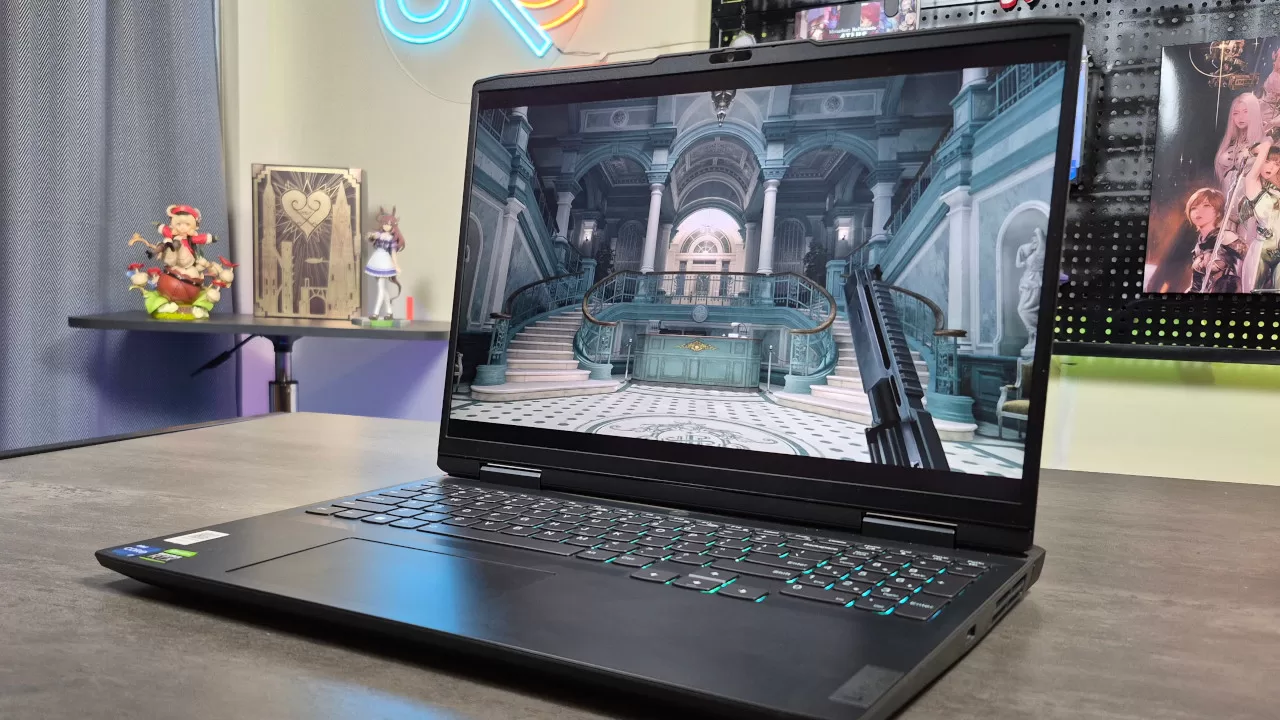
On these settings, the game ran buttery smooth in Grace’s Rhodes Hill section, with an average framerate of 86 FPS. What’s even better is that the 1% low framerate is 60.8 FPS, meaning there were no major slowdowns or hitches in this part of the game. The same can be said for the final third of the game, which also ran at a similar framerate.
As I mentioned, the Raccoon City segments were the most demanding parts. In the worst-case scenario, my old laptop ran these parts with an average framerate of 58.6 FPS, with a 1% low framerate of 42.5 FPS. Even though the numbers aren’t as high as the Rhodes Hill section, this still felt smooth and playable for me.
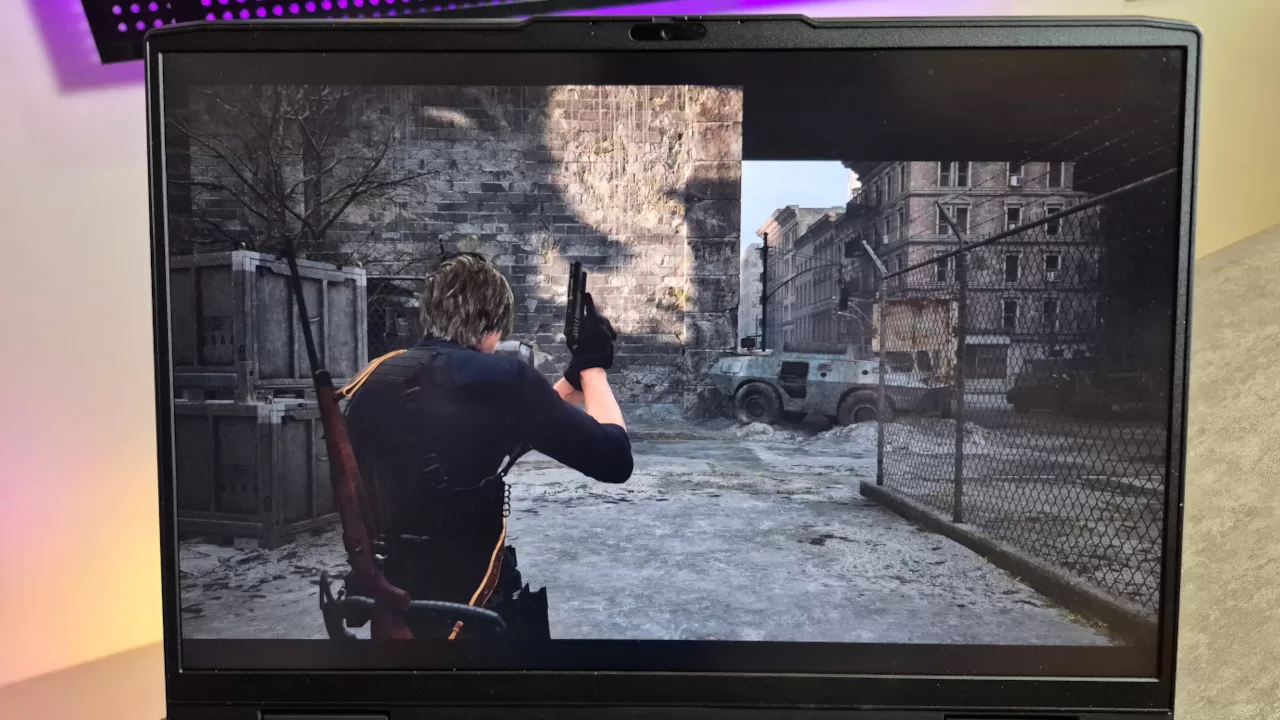
These were surprising results for me overall, especially given my older laptop’s issues. Again, I was also playing in the Philippine summer, which is incredibly warm, all without a powerful cooling pad. In that sense, it’s a small miracle that my laptop was able to run the game fairly smoothly overall. This is a testament to how well optimized the game is.
Based on these results, we’re certain that even older laptops or PCs should have enough power to run Requiem, as long as the rig meets the game’s minimum requirements. What’s more, even if you’re running a rig with a GPU that’s lower than the minimum, you should still be able to run the game. Of course, you need to ensure that you at least have 16GB of RAM, and you may need to turn down the settings to the lowest.
Requiem Looks Great, Even on the Lowest Settings
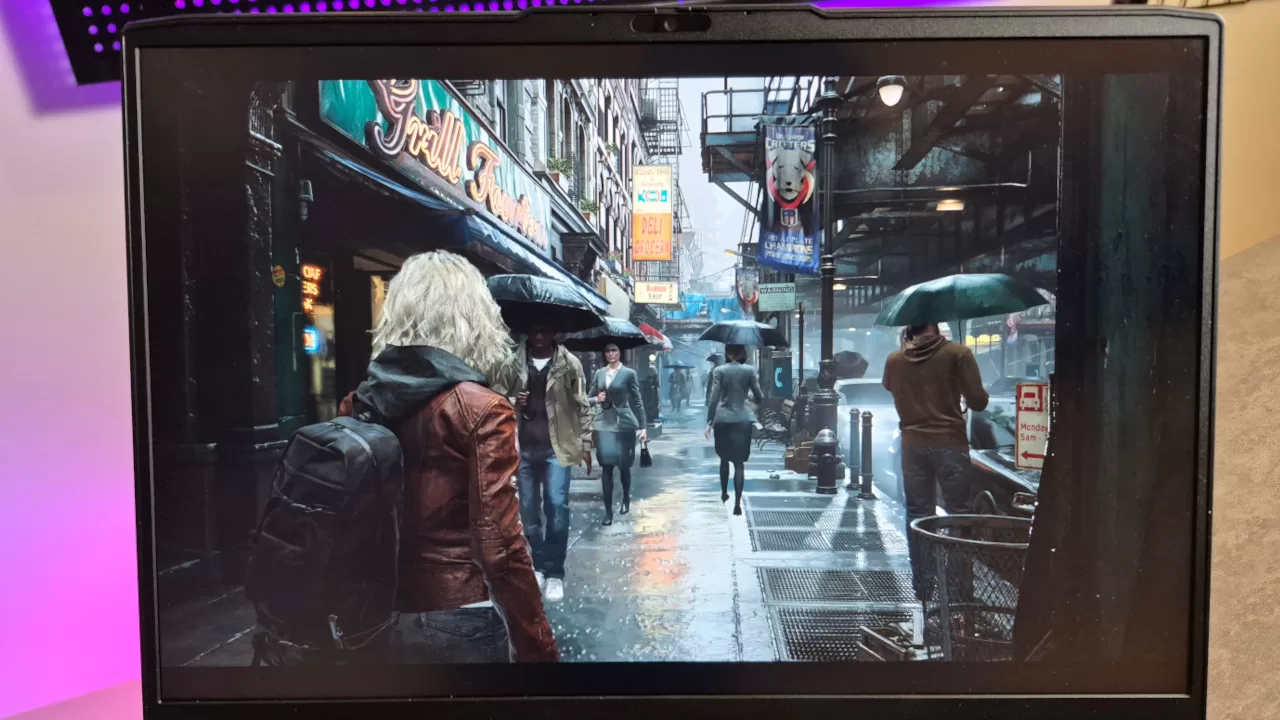
In my experience, many PC games don’t look particularly good when you turn down all the graphics options. Thankfully, that’s not the case with the latest Resident Evil game.
If you’re playing on a console or a PC with the settings set to High, Requiem is a gorgeous game. But even if you set the graphics to the lowest setting, Requiem still looked great. The horror atmosphere doesn’t suffer a single bit, while the environments and character models still have plenty of detail. Sure, you’re not going to get the fancier lighting, shadows, and visual effects, but this will have no negative effect on your playthrough.
Of course, I was playing on a smaller screen and not on a 4K TV. Still, the visuals looked excellent on the laptop’s 1080p display. Note that I played on the display’s default resolution, which shouldn’t be an issue for most setups.
What also surprisingly helped was DLSS. In some games, setting DLSS to Performance makes the game look quite blurry on a 1080p screen. With Requiem though, DLSS Performance looked great, even more so than when I tried the game without any upscaling. Technically, the no upscaling option looks sharper, but the DLSS Performance setting not only helped with performance a bit, but its visual effect meant that the image looks a bit more natural.
Resident Evil Requiem is a Fun Game to Replay
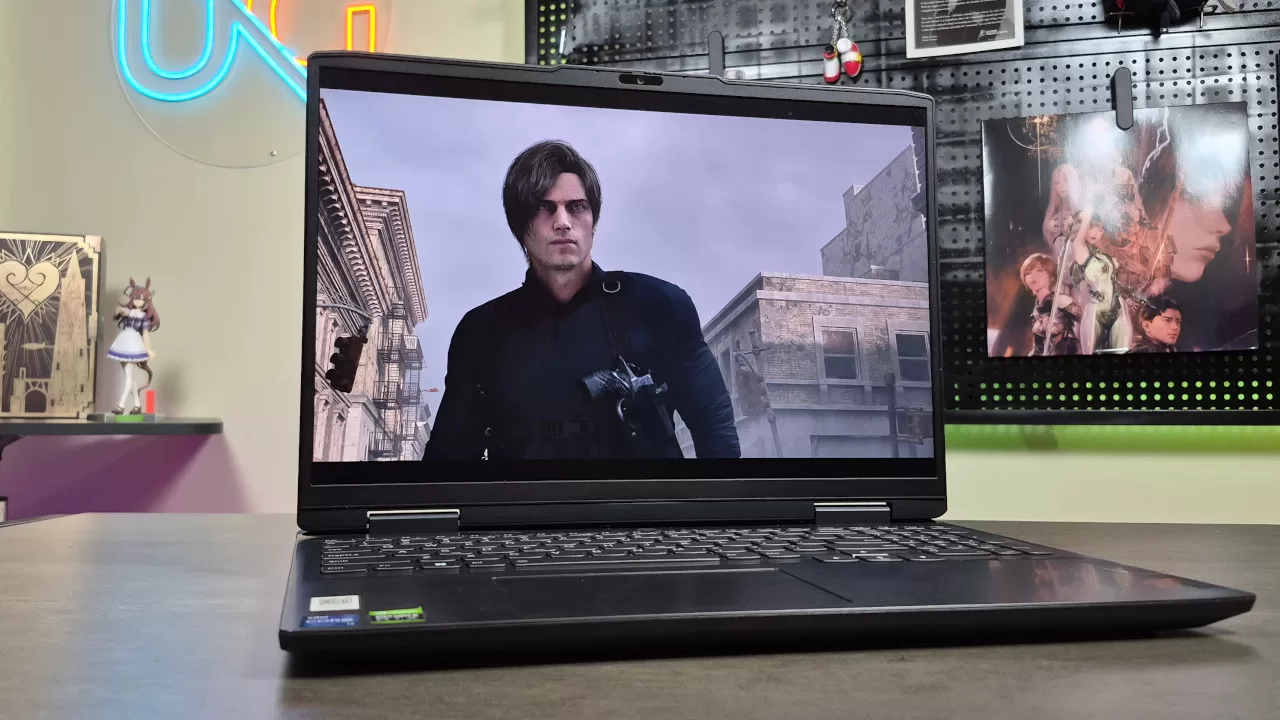
After playing Resident Evil Requiem on my older laptop, I have three main takeaways. First, the game is optimized well enough that it should be able to run on low to mid-range PCs or laptops. Second, even if you turn the settings down to the lowest preset, it still looks great. Finally, Requiem is such a fun game to replay.
In my experience, most Resident Evil games have great replay value, so it makes sense that the latest one is also fun to experience again. Even if the scare factor is lessened when you know what’s about to happen next, there’s still something addictive to the game’s overall flow.
So, whether you’re thinking about double-dipping on the PC version, or if you’re on the fence given your current PC or laptop, we definitely recommend getting the game!
Resident Evil Requiem is available now on PS5, Xbox Series X|S, Switch 2, and PC.