

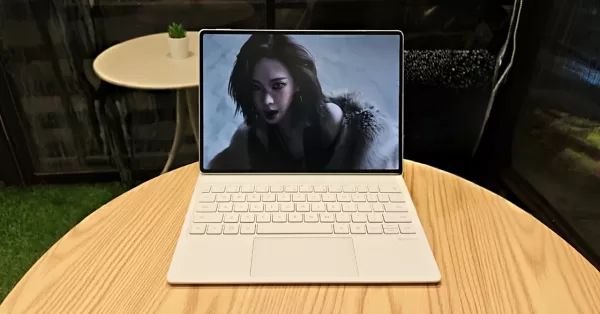
As expected, we’re getting yet another premium innovation in the form of the brand new HUAWEI MatePad 12.2″ Pro PaperMatte Edition. This is essentially what happens when cutting-edge display technology meets serious productivity ambitions–with a pinch of artistic passion. There’s a lot to go around here, and you’ll be happy to know that everyone is welcome to get a piece of the action.
Once again, we can feast our eyes on that sweet PaperMatte display, seamless connectivity via accessories, and an overall stylishness that HUAWEI is well-known for. The “3-in-1 Tablet PC” tagline isn’t just bold claim, by the way. In our brief time with this device, we were able to see the brand’s goal to consistently evolve that experience of having a gadget that can easily switch between tablet, laptop, and digital canvas.
So, just how well does this sexy doohickey fare in the hands of an absolute casual? Well, much better than you think.
Geeksthetic
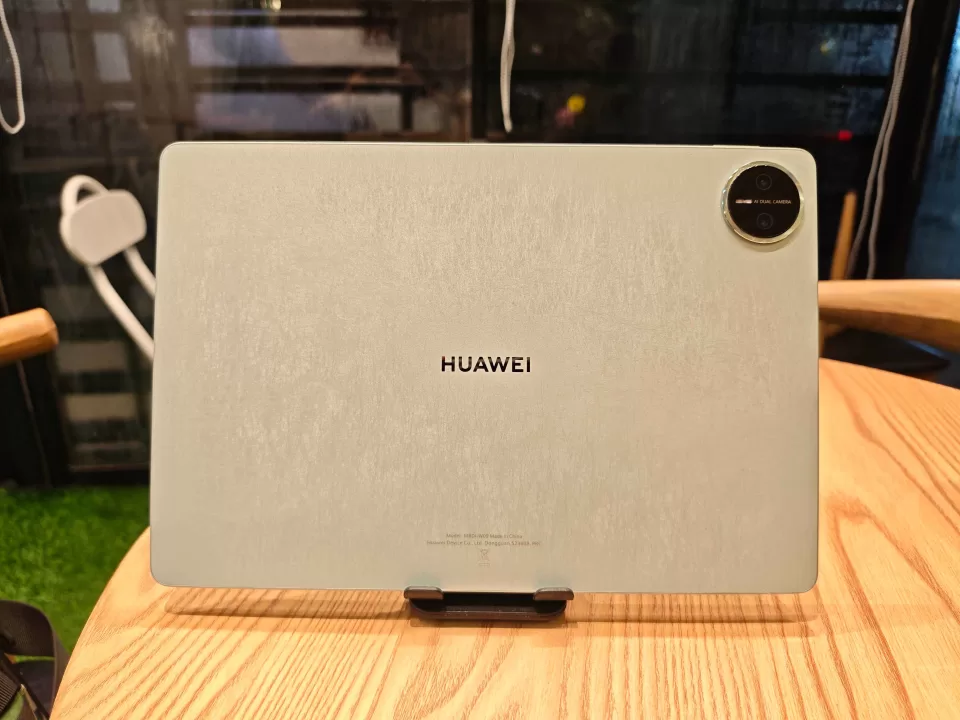
Right out of the gate–or box, the MatePad Pro 12.2″ commands respect. The unboxing experience feels deliberately premium, with HUAWEI clearly understanding the assignment. Especially when you’re targeting business professionals and creatives. The green colorway we received is absolutely stunning—that sleek matte finish isn’t just pleasant to the touch, it’s genuinely sophisticated in a way that feels distinctly professional without being boring. Yes, it’s fingerprint resistant, in case you were wondering.
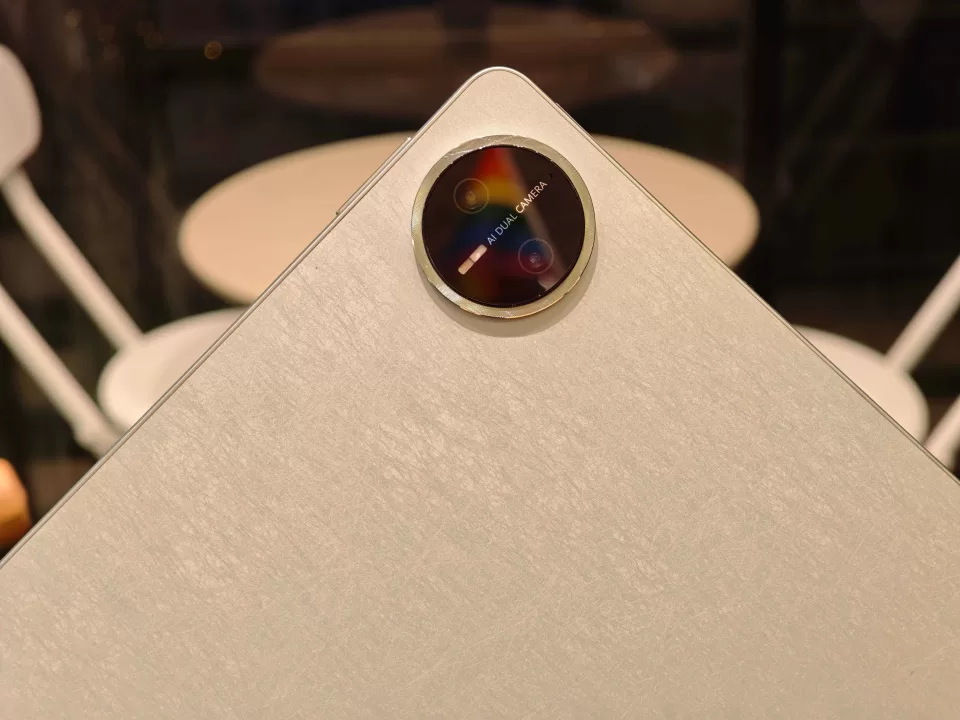
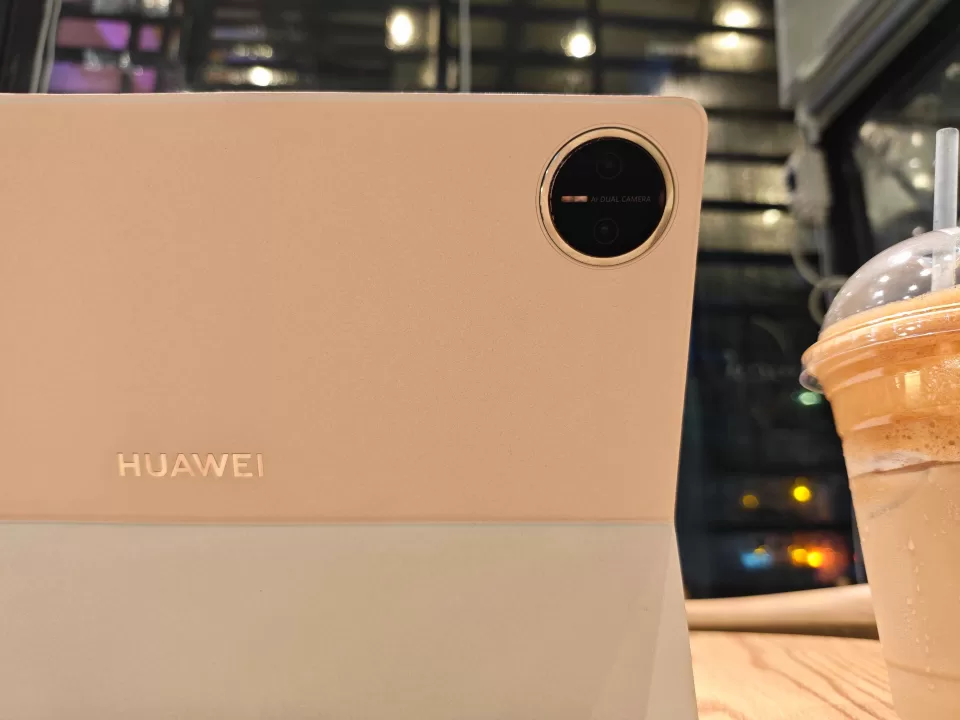
At just 5.5mm thin and weighing in at 508 grams, this tablet manages that rare feat of feeling substantial without being cumbersome. The build quality is exceptional, with every surface and edge meticulously crafted. The dual camera setup positioned up top keeps things refreshingly simple and circular—no unnecessary design flourishes or attention-grabbing elements. We liked that.
But wait, there’s more. HUAWEI really brought out the big guns with the included accessories. That 100W charger comes with both USB-A and USB-C compatibility—a thoughtful touch that acknowledges the reality of modern that we have way too many cables–and most of them are busted USB-A ones. More importantly, the HUAWEI Glide Keyboard comes right in the box. A couple of generations ago, this would be inconceivable.
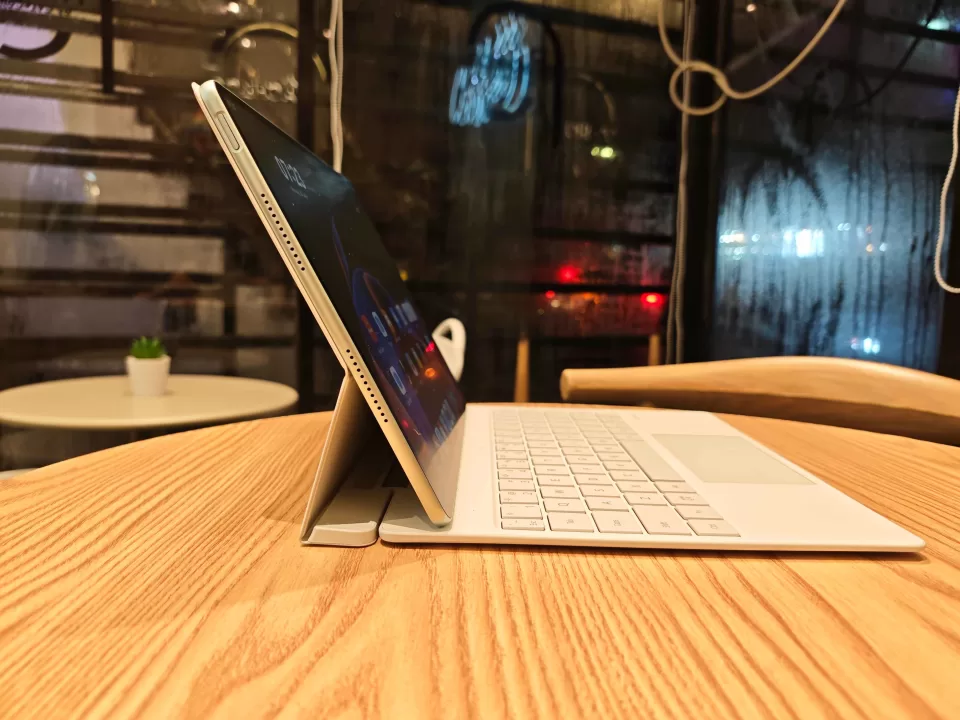
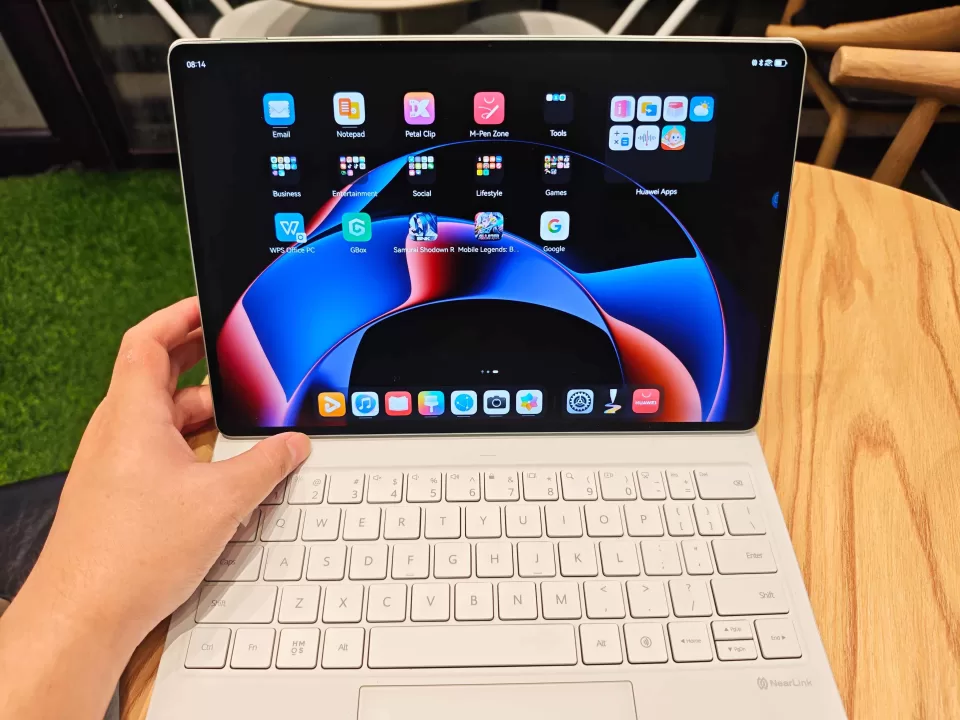
The Glide Keyboard attachment feels rock-solid thanks to those strong magnets, creating a connection that’s both snappy and secure. It sets up easily, and has hinges that are tight enough to maneuver without losing its premium feel. However, there’s one puzzling design decision with the separately sold M-Pen placement. Instead of the logical top-edge slot we’ve come to expect, they’ve positioned it right under the fold that props up the tablet—essentially placing your stylus behind the display.
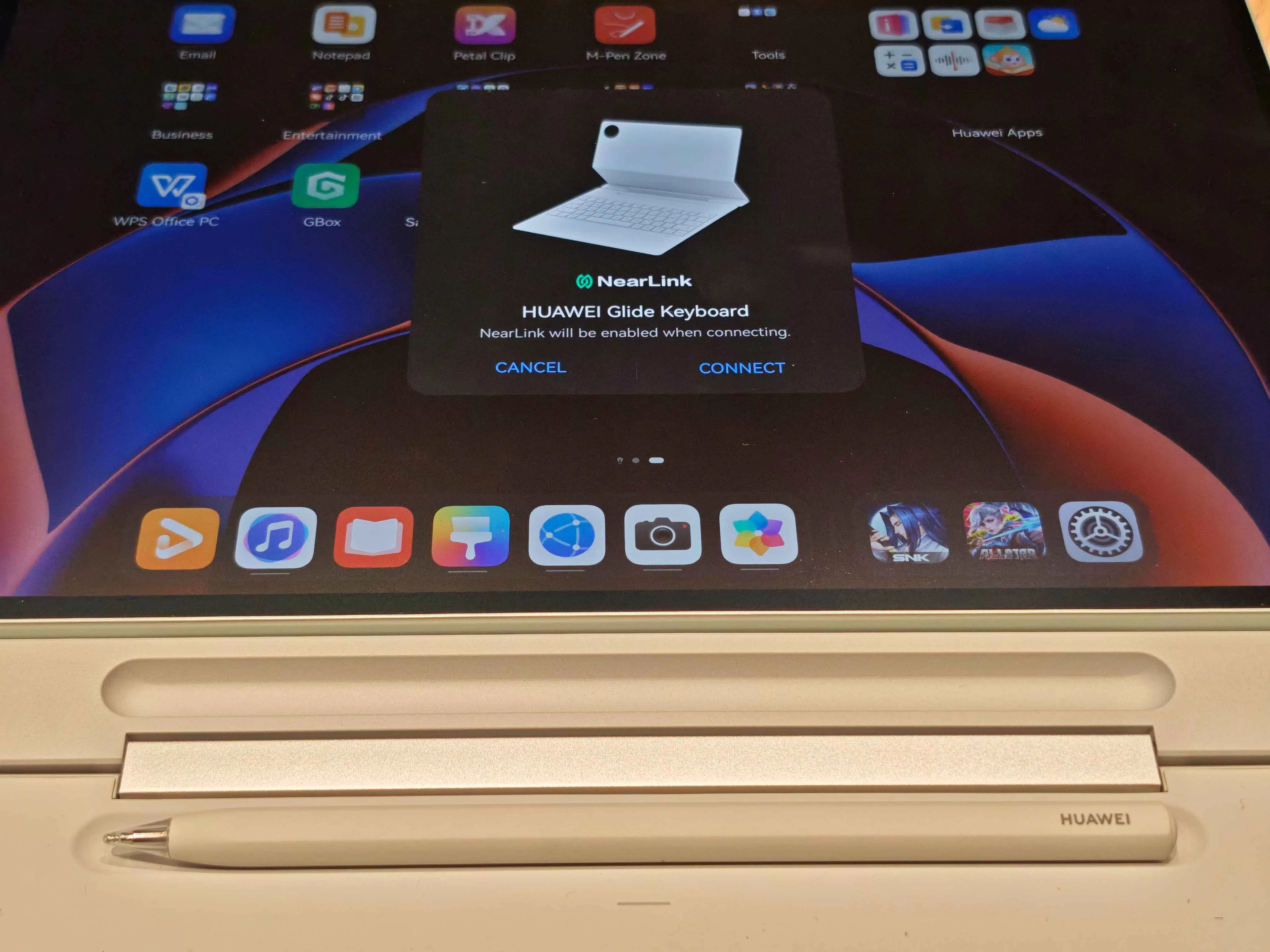
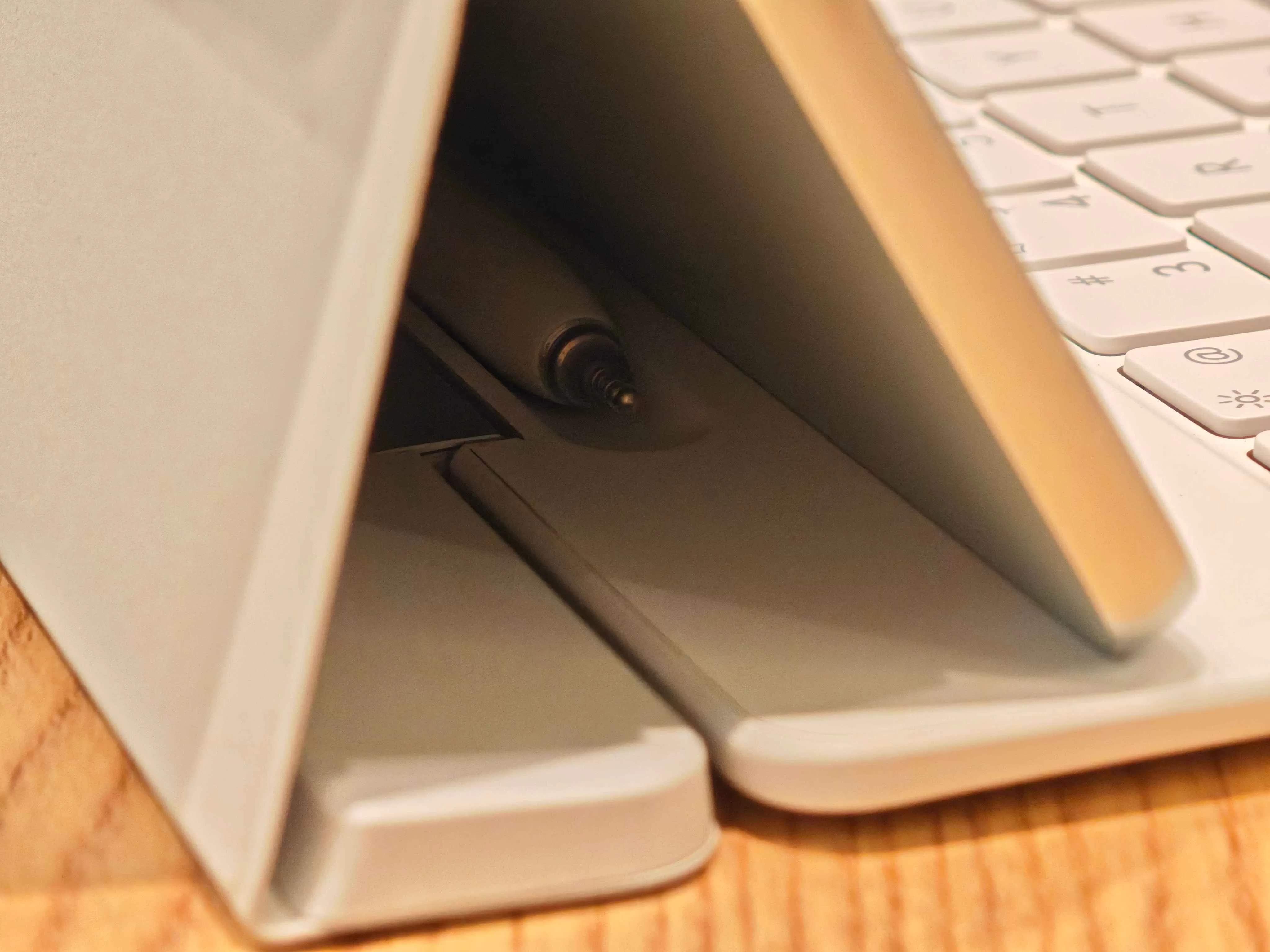
It’s a strange choice that feels counterintuitive and breaks the otherwise seamless user experience–in our humble opinion, of course. We either had the M-Pen set aside just in case, or we had to constantly lift up and snap the keyboard hinges just to reach behind the tablet. Even this year’s 13.2-incher had the stylus resting up top. Alas, it’ll all boil down to preference, so it seems.
We wrap things up with all the necessary ports and buttons being exactly where you’d expect them, with everything feeling precisely engineered and responsive. Overall, you’re getting a sturdy, sexy tablet for sure.
Binge-Watching Factor
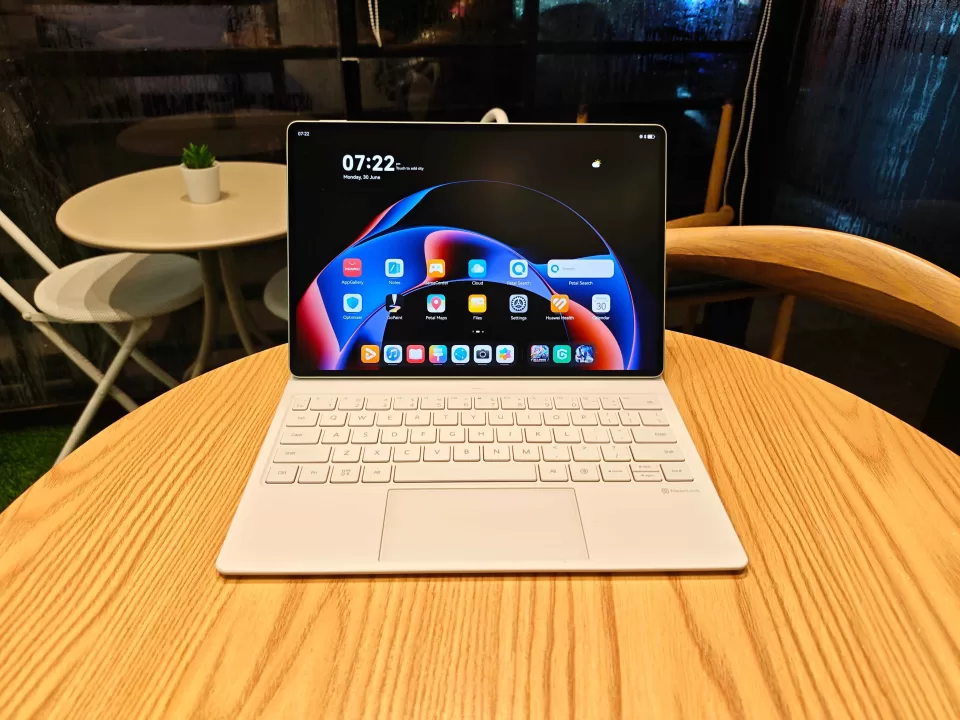
The 12.2-inch Tandem OLED PaperMatte Display isn’t just impressive—it’s a genuine spectacle. We say this not because it’s flashy–but because it’s just really nice to stare at.
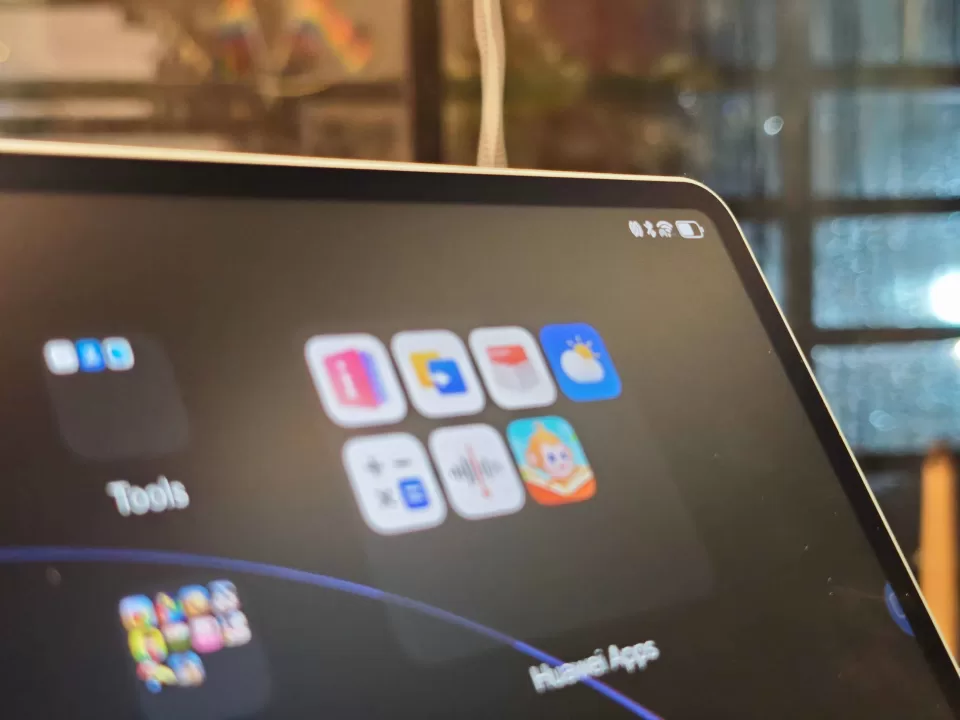
The 2800 x 1840 resolution combined with that 89.0% screen-to-body ratio creates a viewing experience that feels significantly larger and more immersive than the numbers suggest. Colors are vibrant without being oversaturated, and the 144Hz refresh rate ensures everything from scrolling through documents to watching videos feels buttery smooth.
But the real magic happens with that 2000 nits peak brightness paired with the PaperMatte technology. As we’ve seen before, this isn’t just marketing buzzword nonsense—the anti-glare surface genuinely transforms usability in various lighting conditions. Whether you’re working by a bright window, presenting in a conference room, or settling in for some evening entertainment, the display remains clearly visible and comfortable to use.
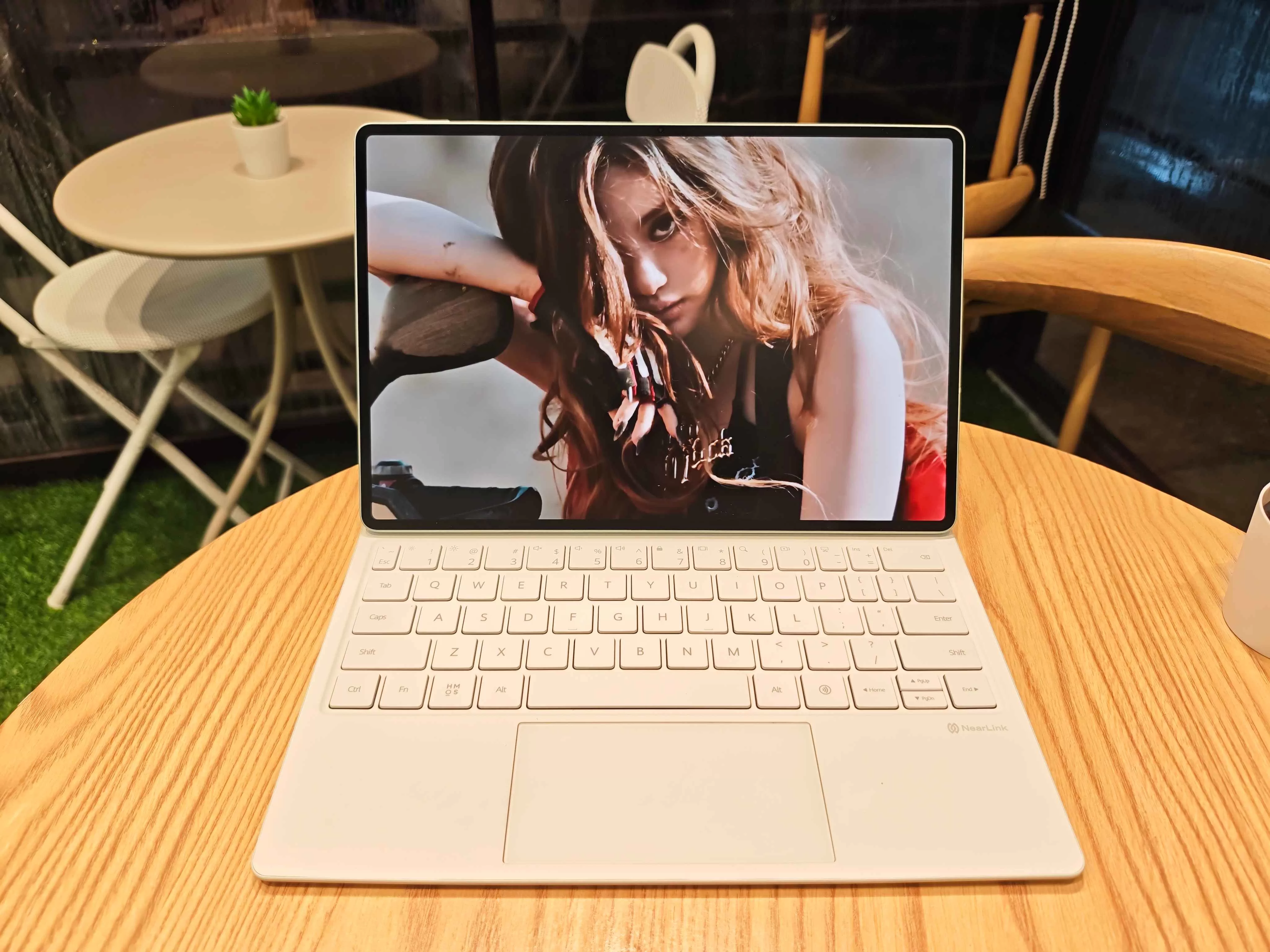
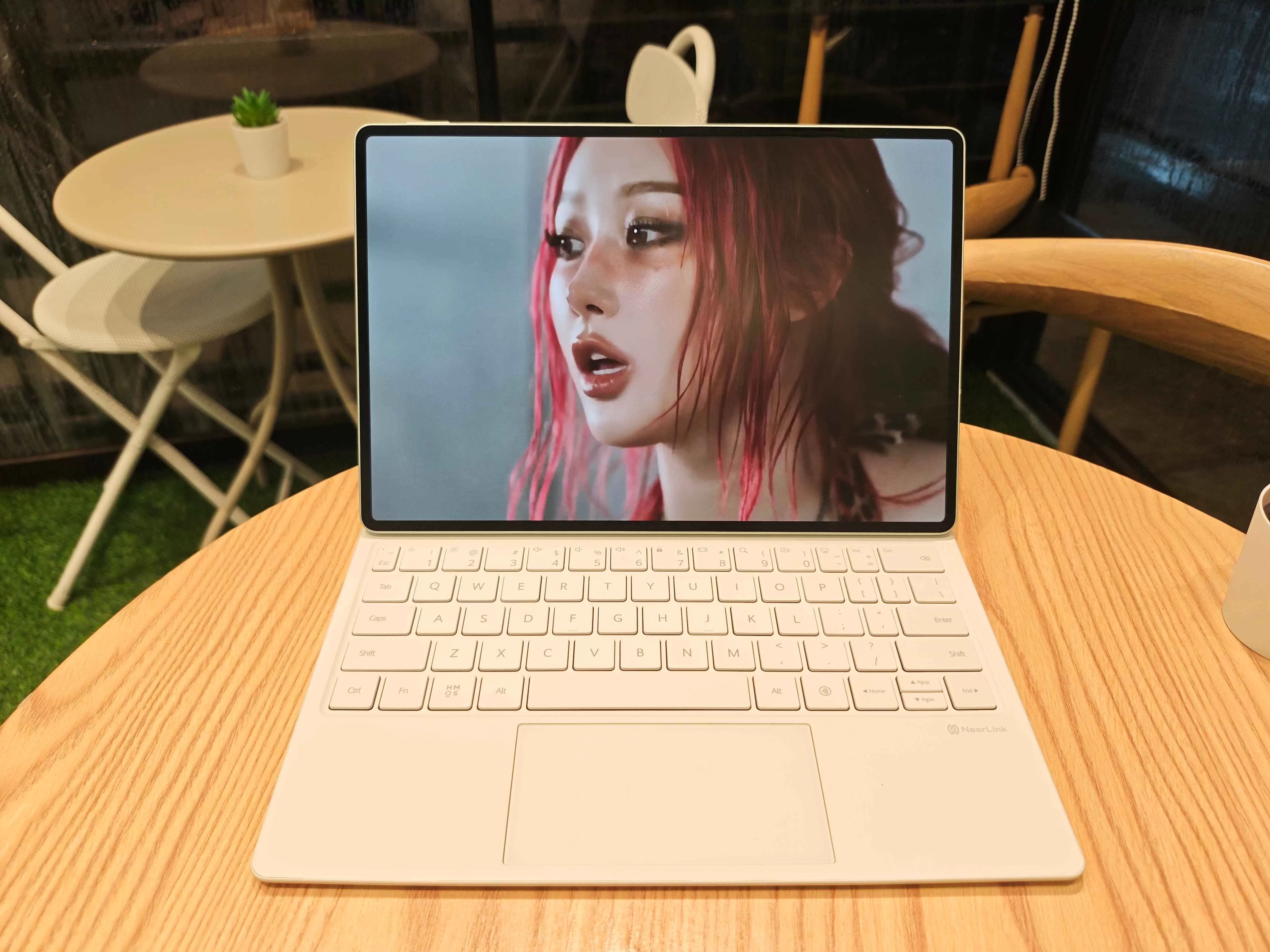
The TÜV Rheinland Eye Comfort 3.0 and SGS Low Visual Fatigue Certification really did translate to real-world comfort during our extended use sessions. For the average peep, hours of work or binge-watching won’t leave your eyes feeling strained or fatigued the way they might with traditional glossy, non-tandem displays.
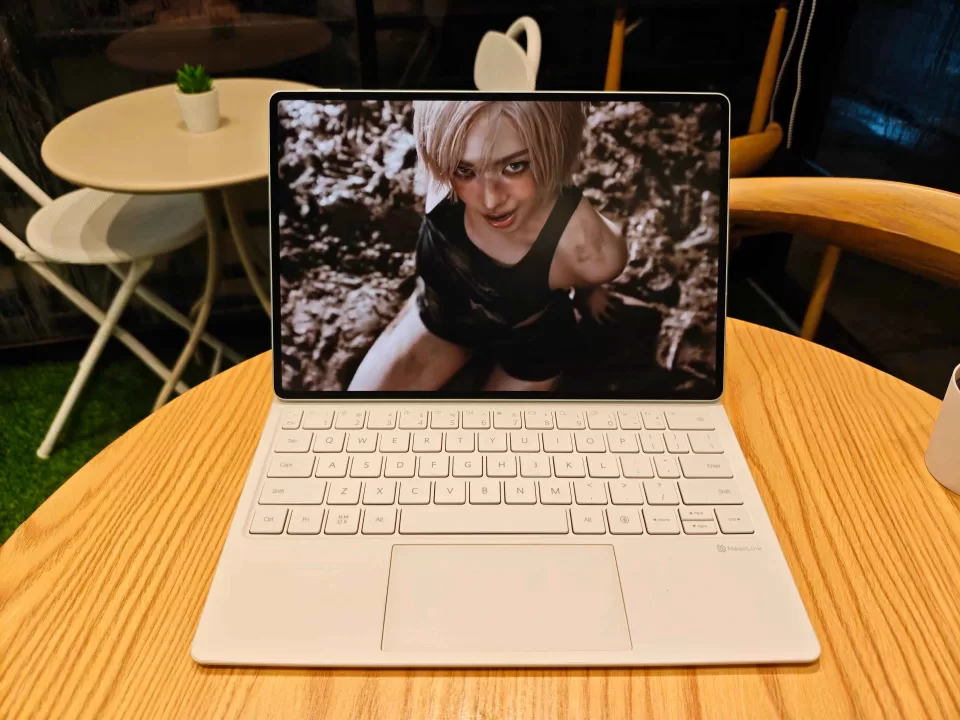
What’s particularly impressive is how the PaperMatte surface maintains that premium OLED vibrancy while delivering that paper-like texture that makes digital content feel more natural and less harsh. It’s a delicate balance that HUAWEI has managed to strike beautifully, and it’s definitely at the very top of the reasons why you’d want to snag this tablet.
Productivity Prowess
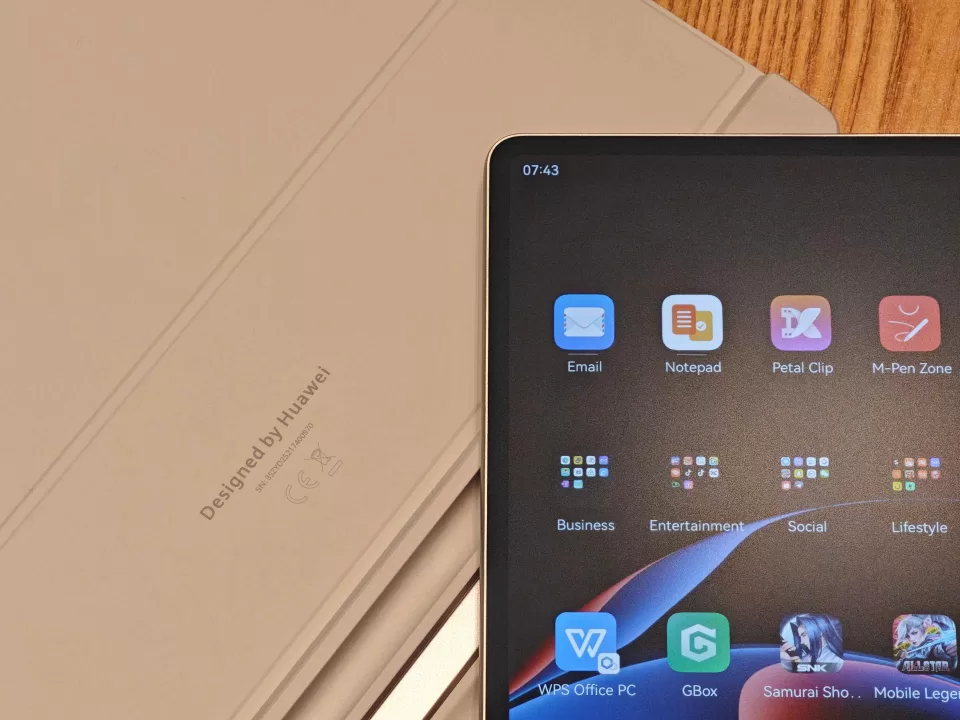
The MatePad Pro 12.2″ is geared to being a “3-in-1 Tablet PC” that can kick ass and take names. From what we’ve seen and experience, it absolutely can. It rocks a Kirin 9000S processor paired with 12GB of RAM and 512GB of storage. Given this combo, you’re getting the kind of performance that makes you forget you’re working on a tablet. No clunkiness, no starting and stopping. If you’re a trackpad and keyboard worker, you’ll feel right at home.
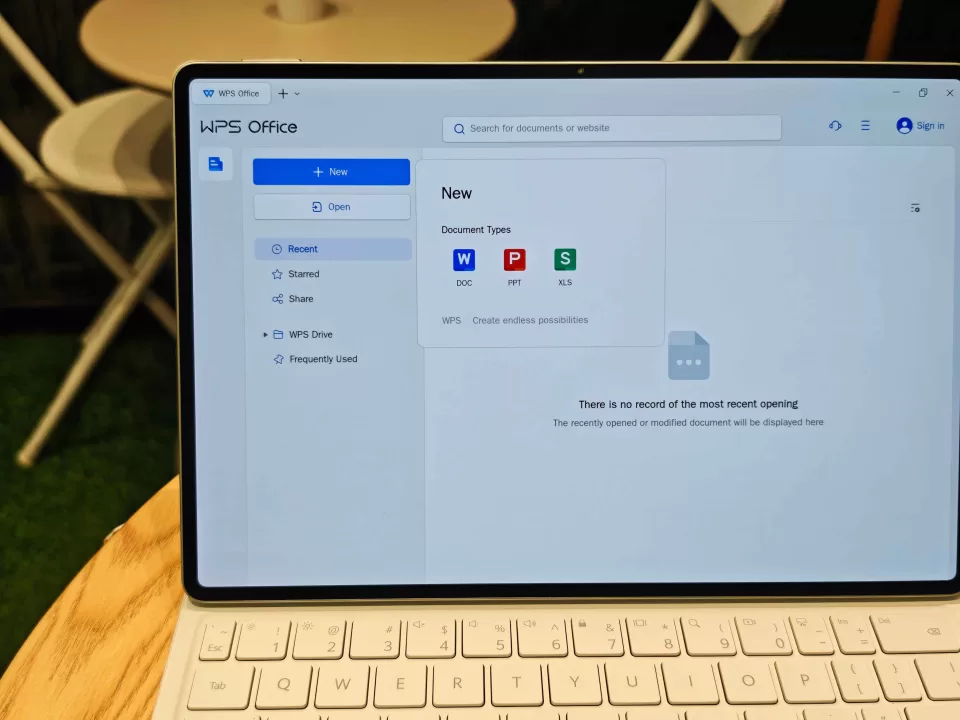
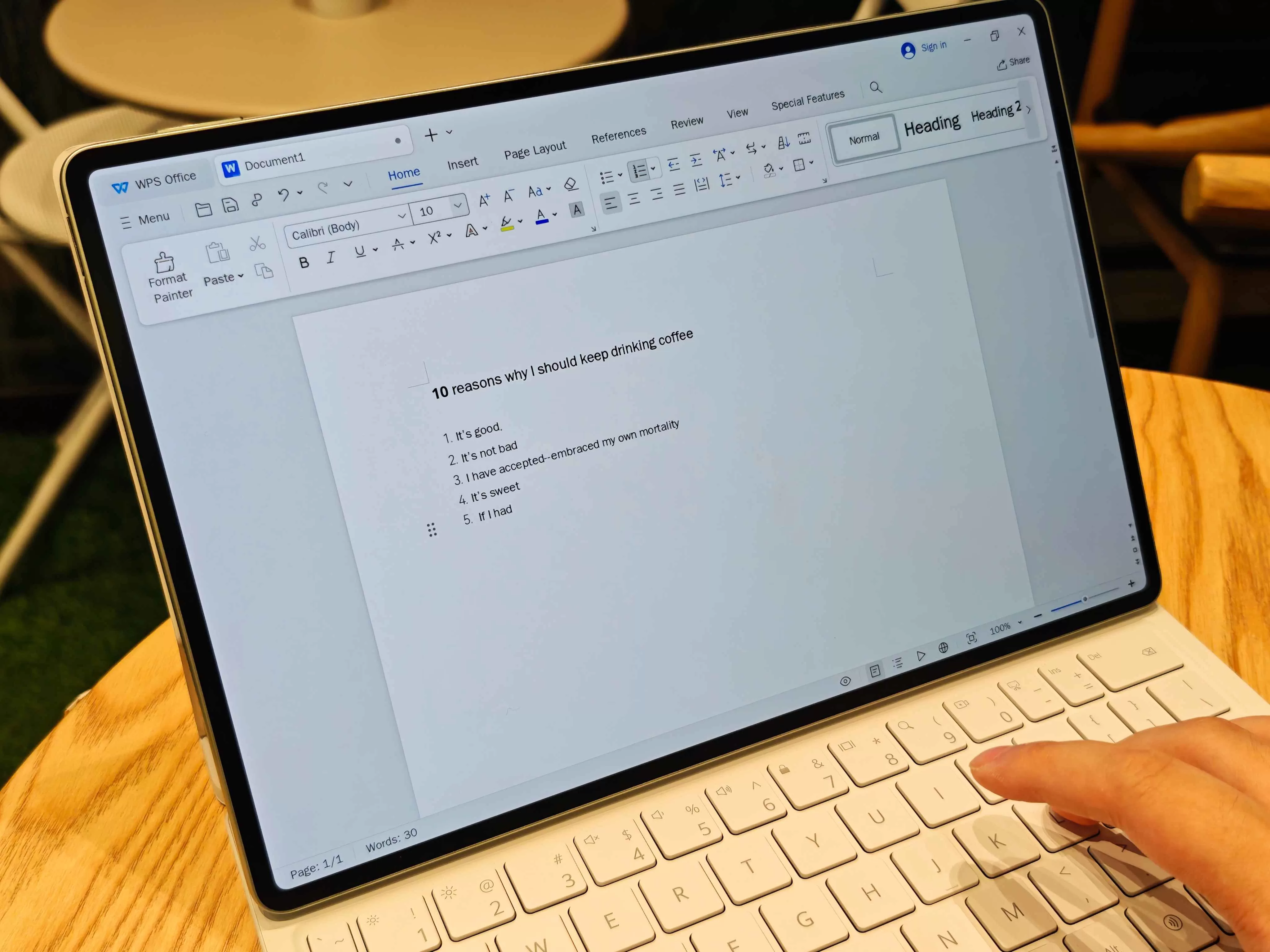
The WPS Office PC integration is particularly noteworthy, and we’ve seen it improve through the years. Admittedly, our previous experiences were serviceable. This time around, it was smooth. As such, if you need to work on word documents, spreadsheets, and presentations, you can expect this device to keep up. Just like your usual PC-based office apps.
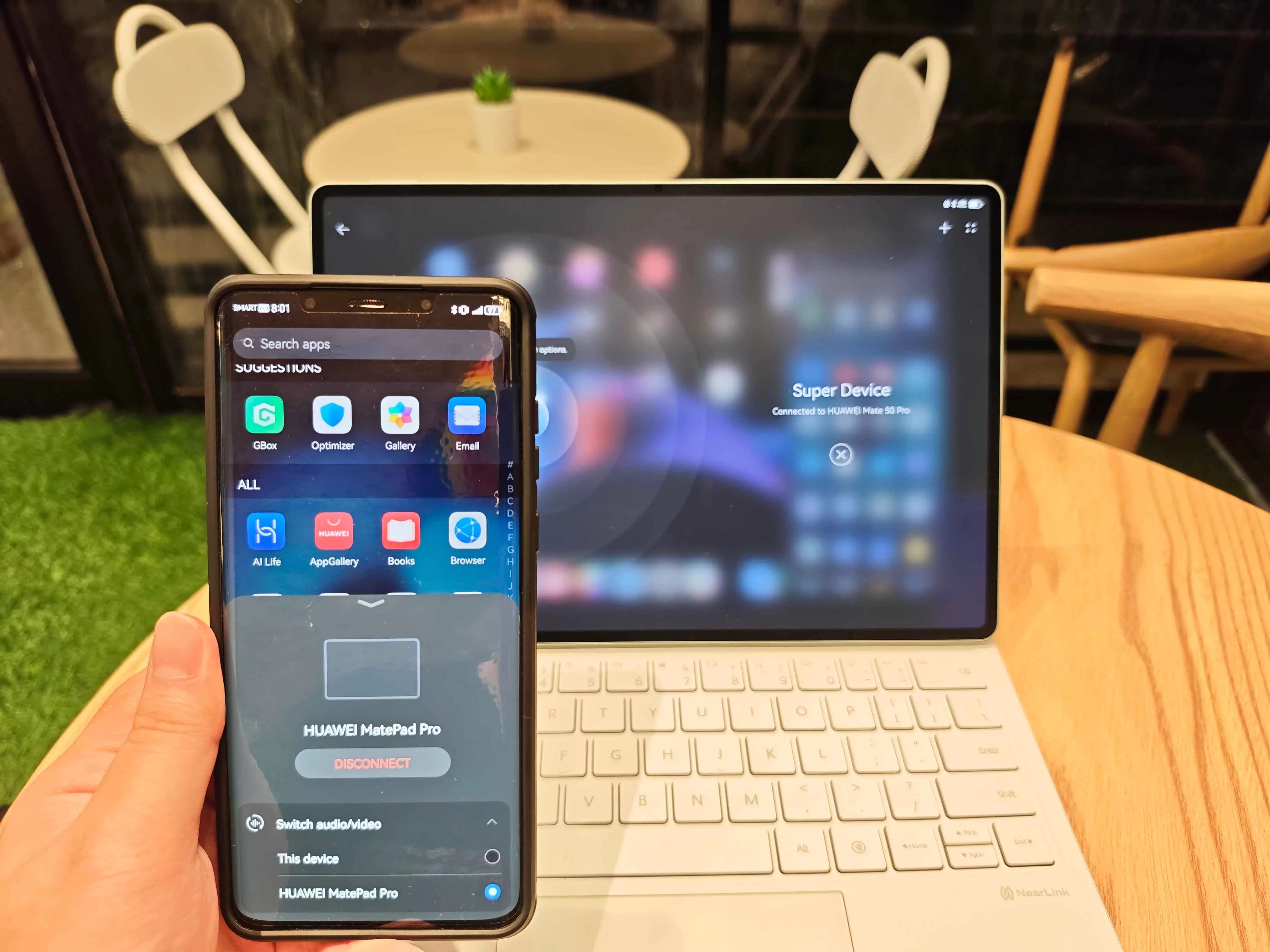
As a HUAWEI mainstay, Super Device always elevates the productivity experience by creating a seamless ecosystem where your various HUAWEI devices work together intelligently. File sharing becomes effortless, notifications sync across devices, or control your mobile phone through the MatePad Pro. Your choice. You can do whichever.
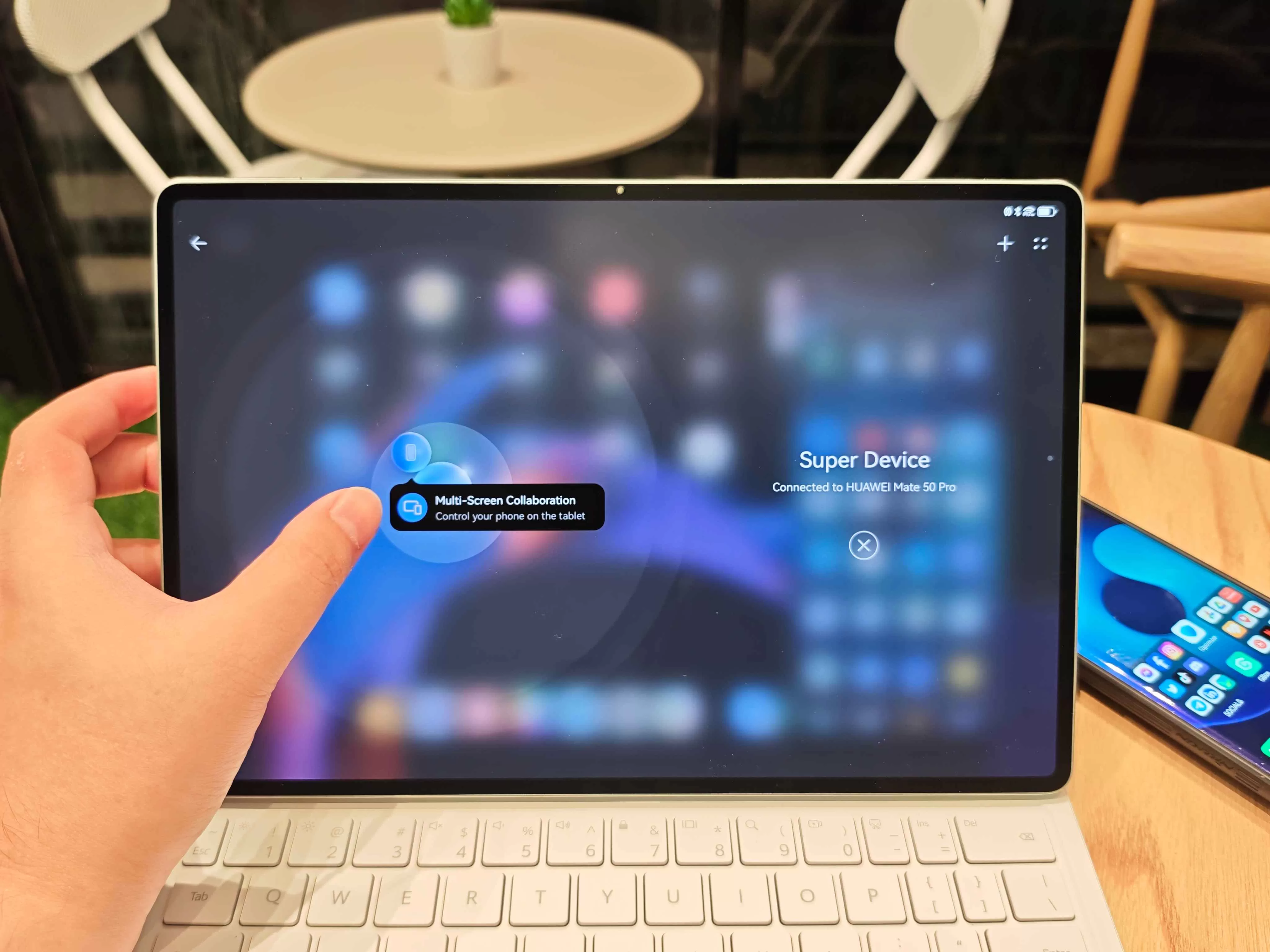
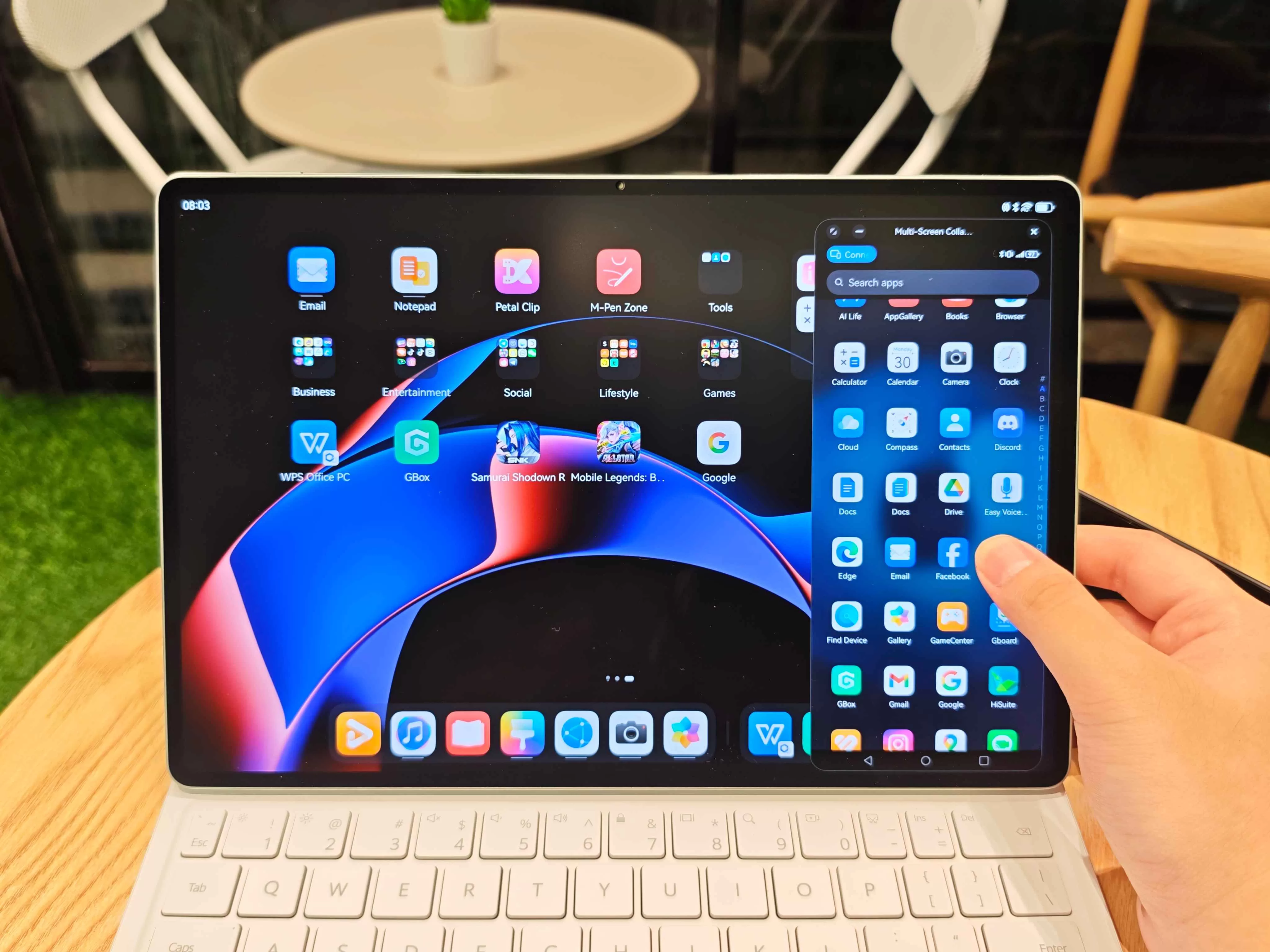
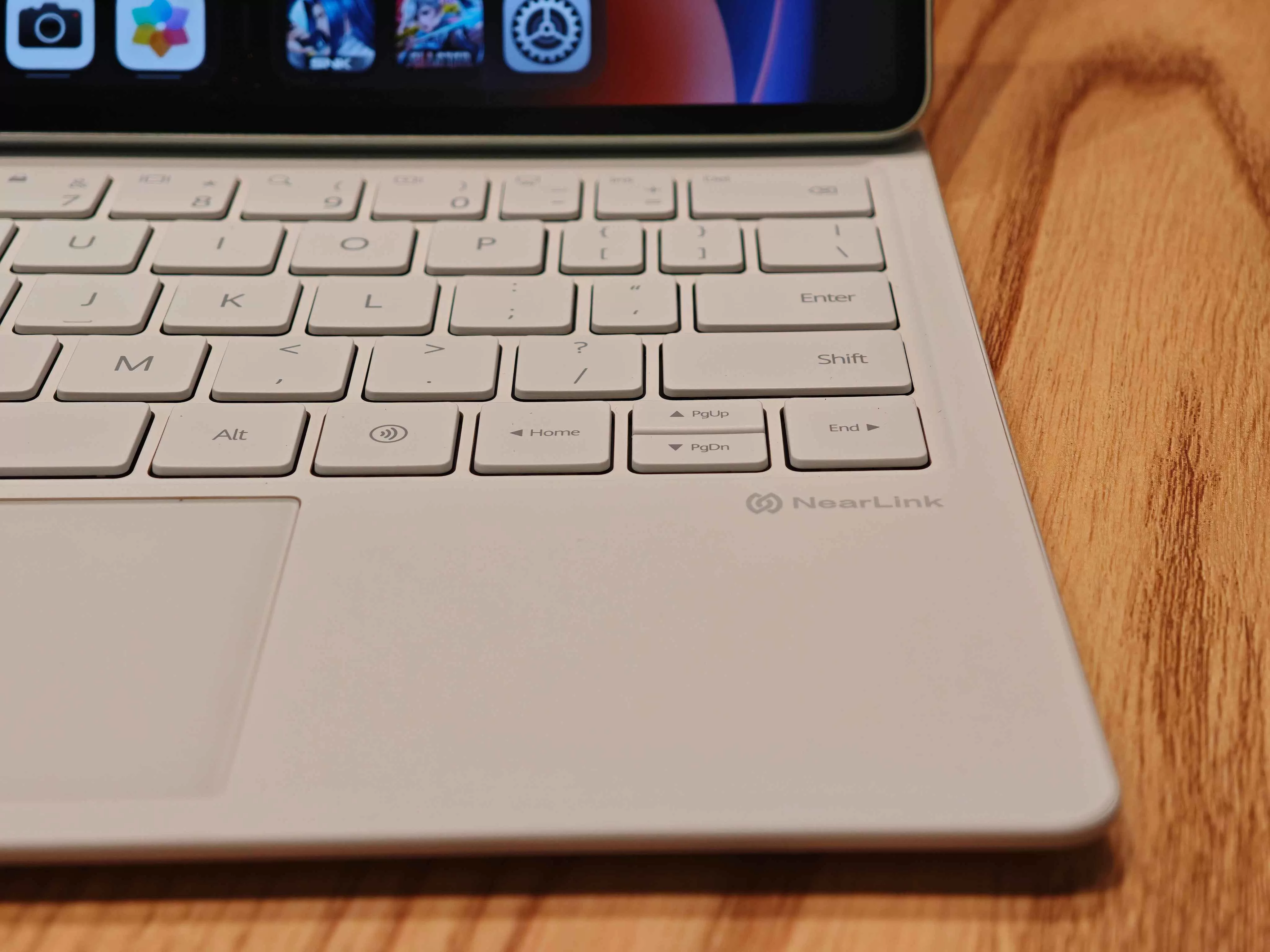
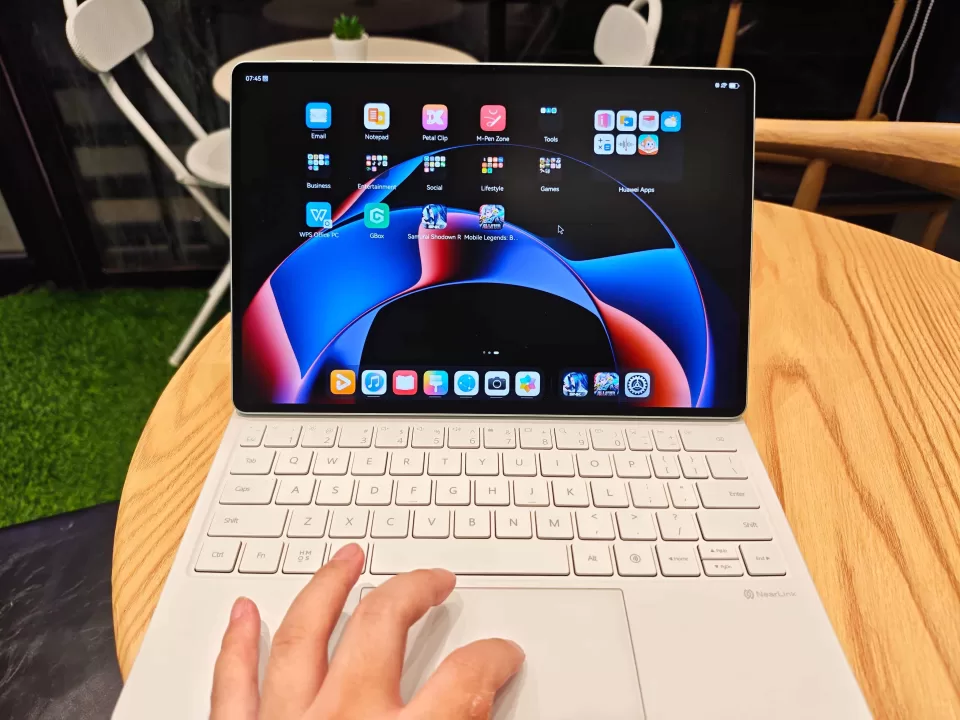
The Glide Keyboard makes a return to this section and deserves special mention. It ain’t your average tablet keep, no sir. The keys offer satisfying travel without feeling mushy, and there’s minimal flex during typing sessions. Utilizing NearLink, you get basically zero latency, too. More importantly, that touch-sensitive trackpad genuinely makes navigating and precision work significantly easier than traditional tablet interactions. It might take a bit of getting used to when you incorporate it into WPS Office, but it’s intuitive enough to manage.
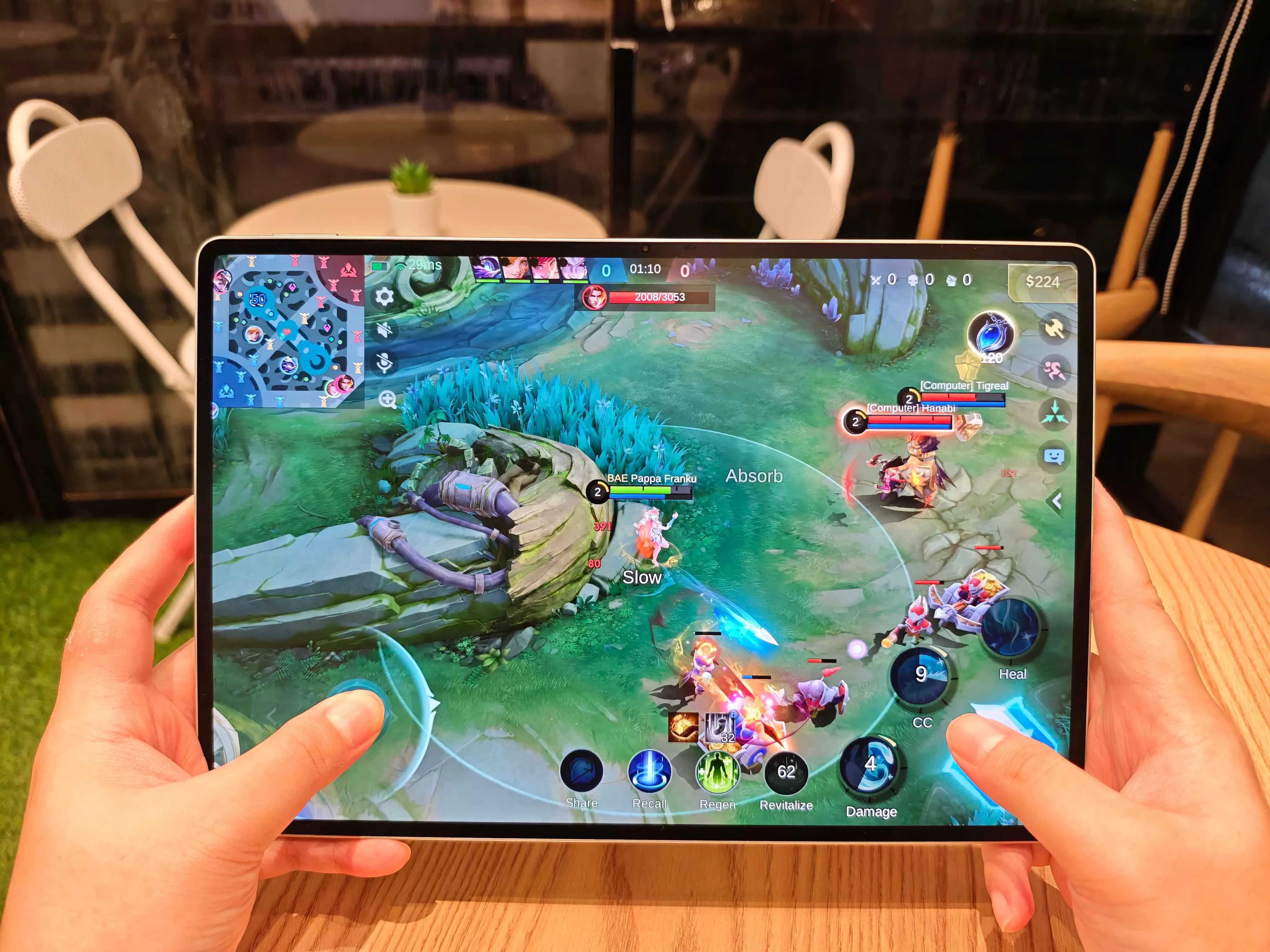
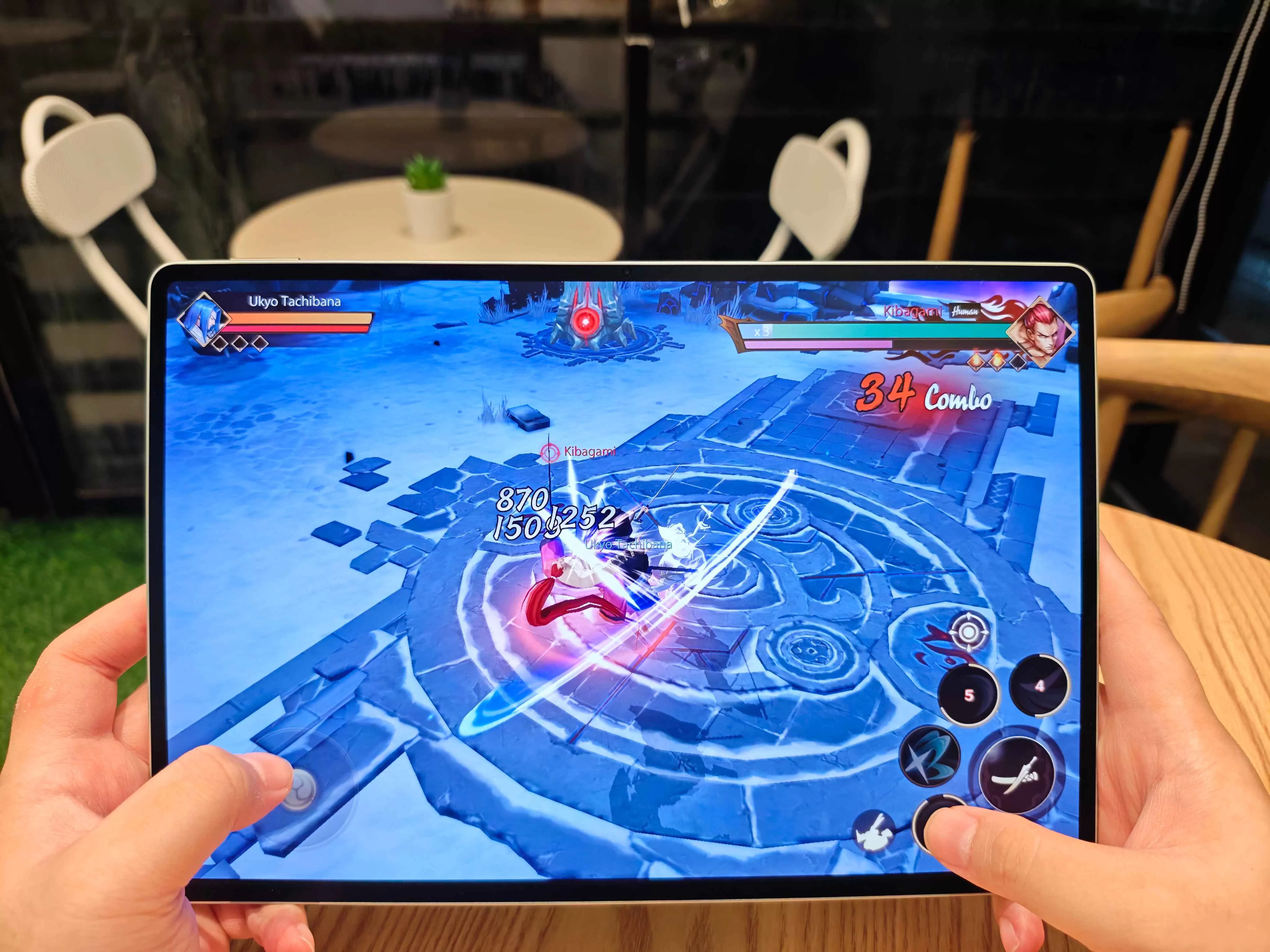
If you’re so inclined, at the end of the day, this thing can handle gaming too. The processor has enough power to run demanding titles smoothly enough, though that’s clearly not the primary focus here. It’s nice to know the capability exists for those moments when you need to unwind after a productive day.
Artistic Flair
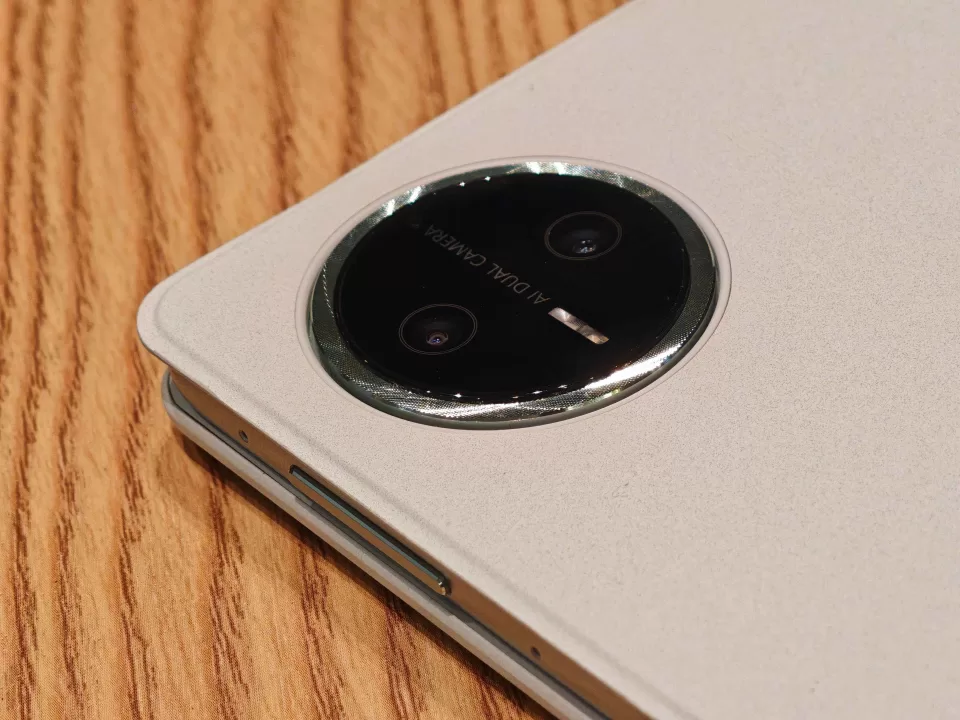
For creative professionals and digital artists, the MatePad Pro 12.2″ offers compelling tools that go beyond basic functionality. We aren’t professional digital artists, but we can appreciate what the MatePad Pro is packing. The bundled Notes app provides a solid foundation for quick sketches and handwritten notes, but the real star is GoPaint—a surprisingly sophisticated digital art application that takes full advantage of the hardware capabilities.
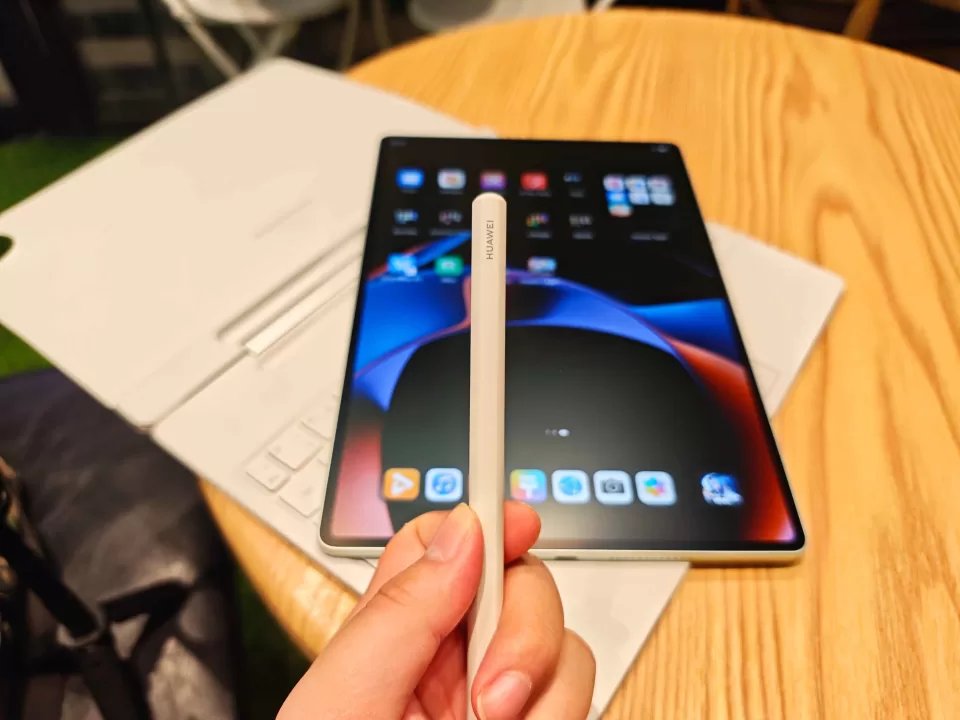
The PaperMatte display truly shines in creative applications, providing that paper-like texture that makes digital drawing feel more natural and controlled. The M-Pen glides smoothly across the surface with just enough resistance to feel authentic, while the display’s palm rejection works flawlessly. You can lean your hand naturally on the screen while drawing without triggering unwanted marks or gestures—and believe us, we tried to mess it up.
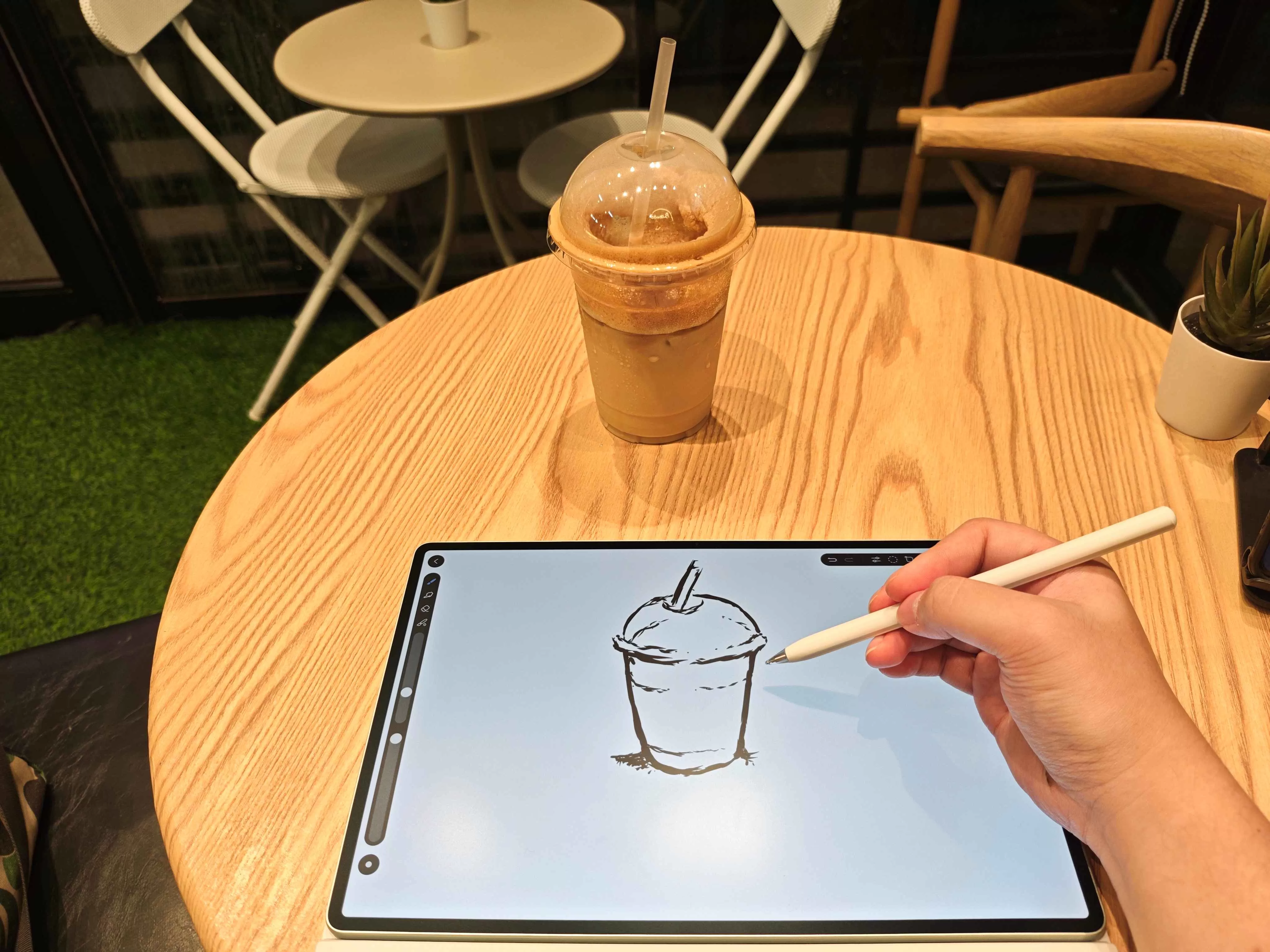
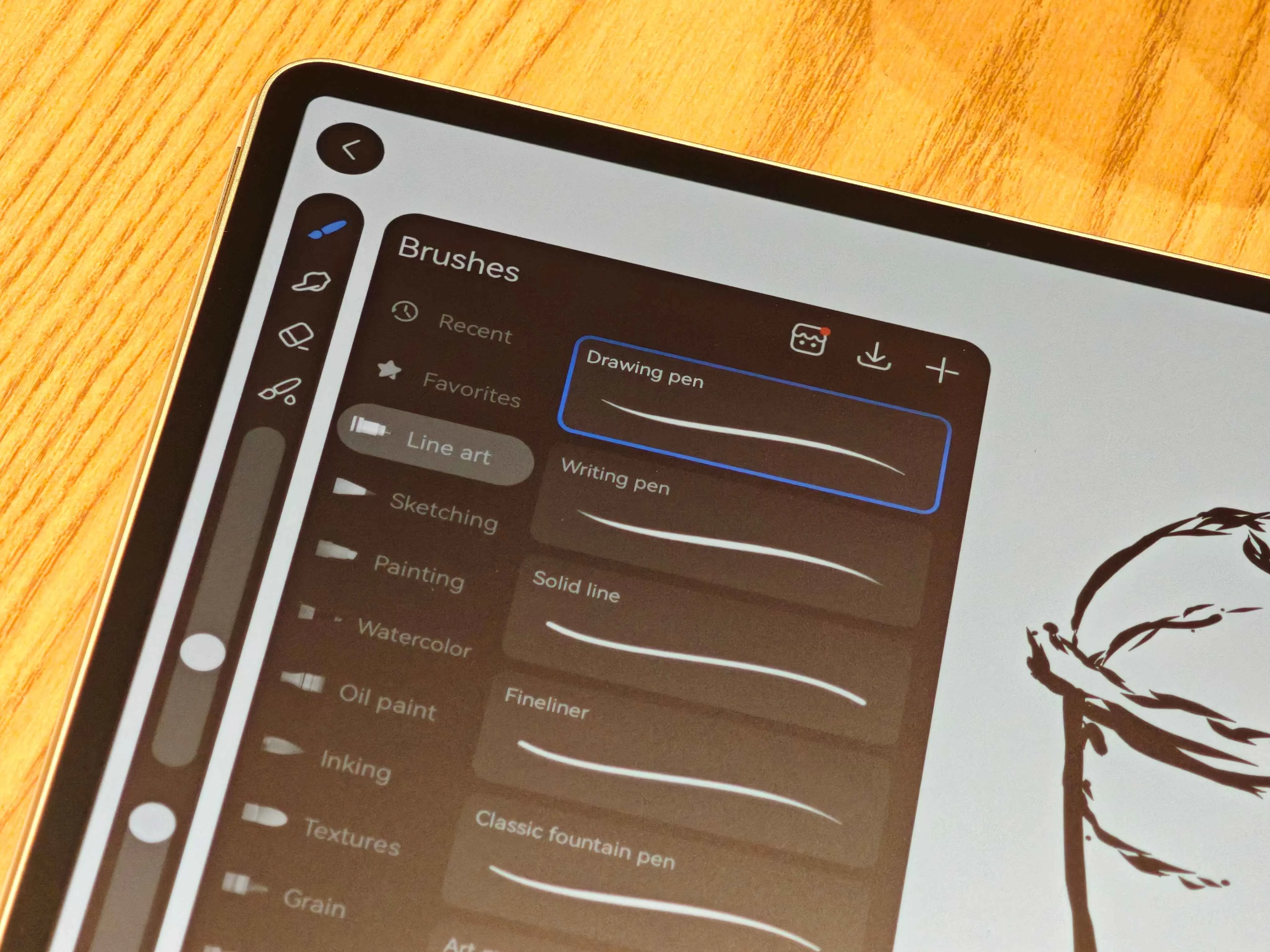
Whether you’re a professional illustrator working on detailed artwork or someone who just enjoys sketching and note-taking, the combination of display technology and stylus responsiveness creates an experience that feels genuinely premium. Beginners will appreciate how intuitive and forgiving the system feels, while professionals will find the precision and control they need for detailed work. We can’t really tell if there’s a ceiling to how much you can utilize it, but at the very least, you’ll be getting a very generous learning curve.

The camera system, while understandably not the main highlight, performs adequately for its intended purpose. Photos from the 50MP main shooter come out decent in good lighting conditions and serve well for document scanning or quick reference shots. Same goes for the 8MP ultrawide. No portrait mode this time, though. Also, don’t expect miracles when you start zooming—detail falls off quickly. The 8MP selfie camera provides decent shots, though. As for videos, you get up to 4K 30 fps on main, and 1080 60 fps from the front.
Everyday Reliability
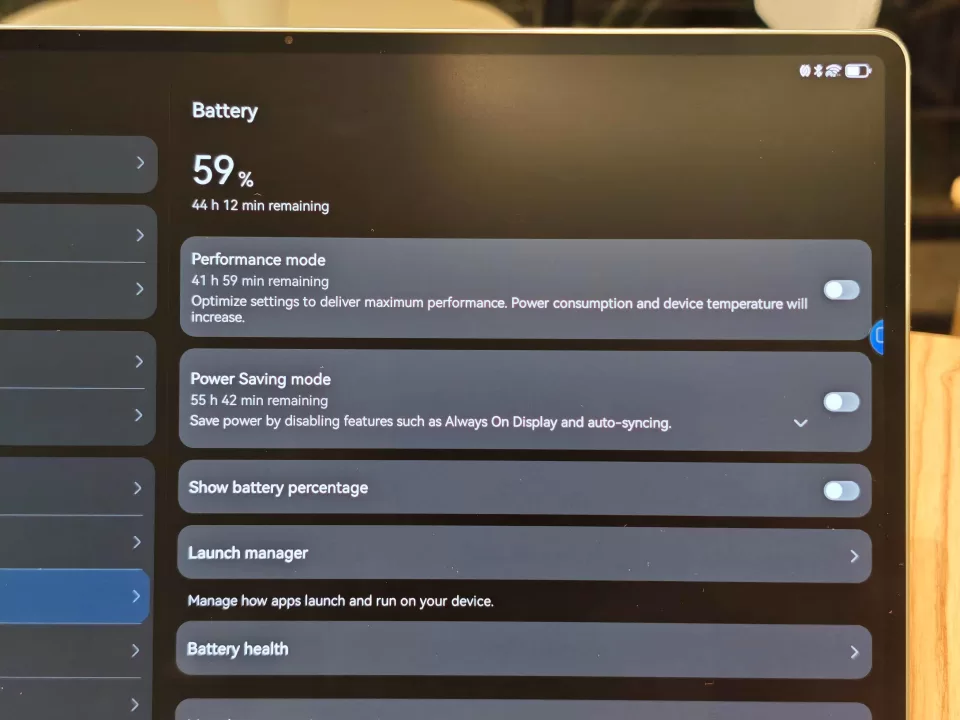
The massive 10,100 mAh battery is an absolute powerhouse that can go for days. Literally. We achieved over a couple days’ worth of consistent usage before needing to reach for the charger, and that’s with productivity work, creative sessions, and media consumption all factored in. It also helps that we kept it away from the cursed mobile data. This isn’t just standby time—this is genuine, sustained performance that lets you work through long days without battery anxiety.
When you do need to charge, that 100W charger lives up to its promises, taking the device from dead to fully operational in less than an hour. It’s fast enough that a quick charging session during lunch can carry you through the rest of the day, which is crucial for professionals who can’t afford downtime.
HarmonyOS 4.3 provides a smooth, refined software experience that feels purposefully designed for productivity workflows. The interface is clean and intuitive, with thoughtful touches that make multitasking feel natural rather than forced. The HUAWEI AppGallery handles app installation smoothly, though it’s worth noting that you’ll want to check app availability for any specialized software your workflow requires.
The ecosystem integration with HUAWEI wearables creates a genuinely cohesive experience where your devices work together rather than just coexisting. Notifications, health data, and even some creative workflows can span across your devices in ways that feel genuinely useful rather than gimmicky.
If you’re worried about connectivity–which is a genuine concern, the MatePad Pro’s Wi-Fi 7 compatibility essentially makes sure that you not only get high speeds, but are also future-proof.
This tablet handles the role of daily driver with aplomb, managing everything from morning email catch-up to evening entertainment without missing a beat. The build quality inspires confidence that this device will handle the rigors of professional use, while the software experience remains stable and responsive even during extended, intensive work sessions.
Geek Lifestyle Final Verdict
The HUAWEI MatePad Pro 12.2″ PaperMatte Edition succeeds at being exactly what it set out to be: a genuinely capable productivity and creative powerhouse that doesn’t compromise on the fundamentals. This isn’t a tablet trying to be everything to everyone—it focuses intently on work and creativity, and rather superbly.
The combination of that revolutionary PaperMatte display, solid productivity performance, and genuine creative capabilities creates a compelling package for professionals and creatives who need a device that can handle serious work while remaining portable and versatile. The included Glide Keyboard and thoughtful ecosystem integration show that HUAWEI understands who this is for, and aims to give them the best experience.
Sure, that M-Pen placement remains baffling, and the camera system won’t win any awards, but these are minor complaints in the context of what this tablet does exceptionally well.
As such we rather enjoyed our brief stay with the HUAWEI MatePad Pro 12.2″ PaperMatte Edition. So, for anyone who wishes to have a more efficient, productive day-to-day while also having a device that can power their passion for creation–this just might be your partner.
If you’re looking to snag one for yourself make sure to check out the official HUAWEI website, or drop by Shopee, Lazada, and TikTok Shop.
Huawei MatePad Pro 12.2 PaperMatte Edition Specs:
- 12.2-inch Tandem OLED PaperMatte Display (2800 x 1840 resolution)
- Kirin 9000S
- Maleoon 910 MP4 GPU
- 50MP main camera
- 8MP ultrawide camera
- 8MP selfie camera
- 12GB RAM
- 256/512GB Storage
- Fingerprint (side-mounted)
- Wi-Fi 7, Bluetooth 5.2
- 10100 mAh batter, 100W wired charging
- HarmonyOS 4.3
- Green, Black