

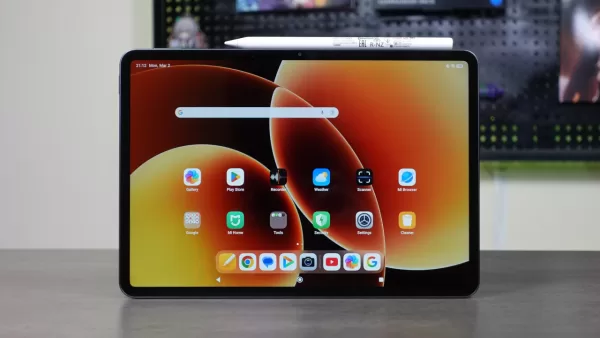
Xiaomi recently launched its latest flagship smartphone lineup in the Philippines, as well as the Xiaomi Pad 8, a new productivity tablet that packs premium features and powerful hardware.
According to Xiaomi, this new tablet is a “powerfully productive” device, as it promises great performance for work tasks, as well as long battery life and a beautiful display that’s made with watching movies/shows in mind. It also supports the Xiaomi Focus Pen Pro, a stylus that has an array of smart interaction modes, coupled with low-latency for a good drawing and writing experience.
Much like other tablets released in recent months, this latest one from Xiaomi promises to be a “PC-level productivity” device, especially when paired with the Focus Keyboard, as it features a unique floating display design, coupled with a mechanical trackpad, making for a more laptop-like design and layout.
For our review, we don’t have the Focus Keyboard, so we can’t give a verdict on this tablet when it comes to how well it functions as a laptop replacement. What we were able to test out is how it works as an everyday device for certain productivity workloads, as well as media consumption and gaming. We also got to try out the Focus Pen Pro to see if this tablet works as a good partner for creatives, especially those looking for a device to create art with.
Geek-sthetic
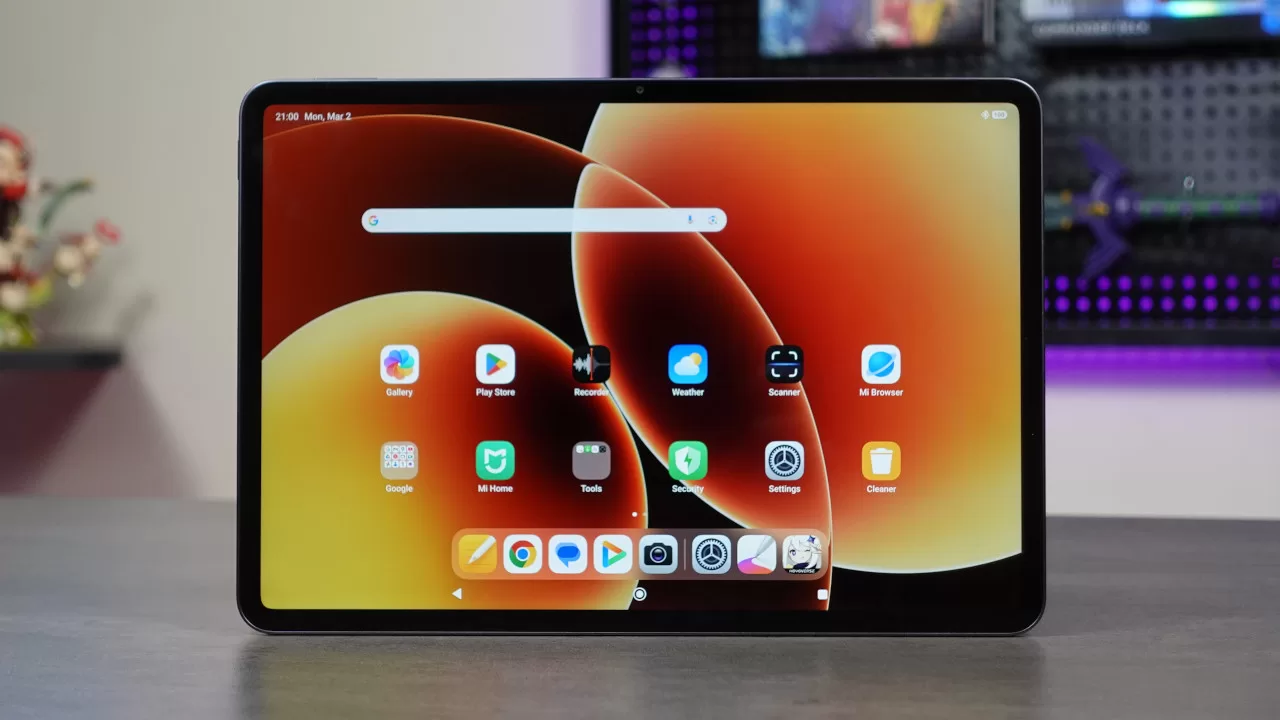
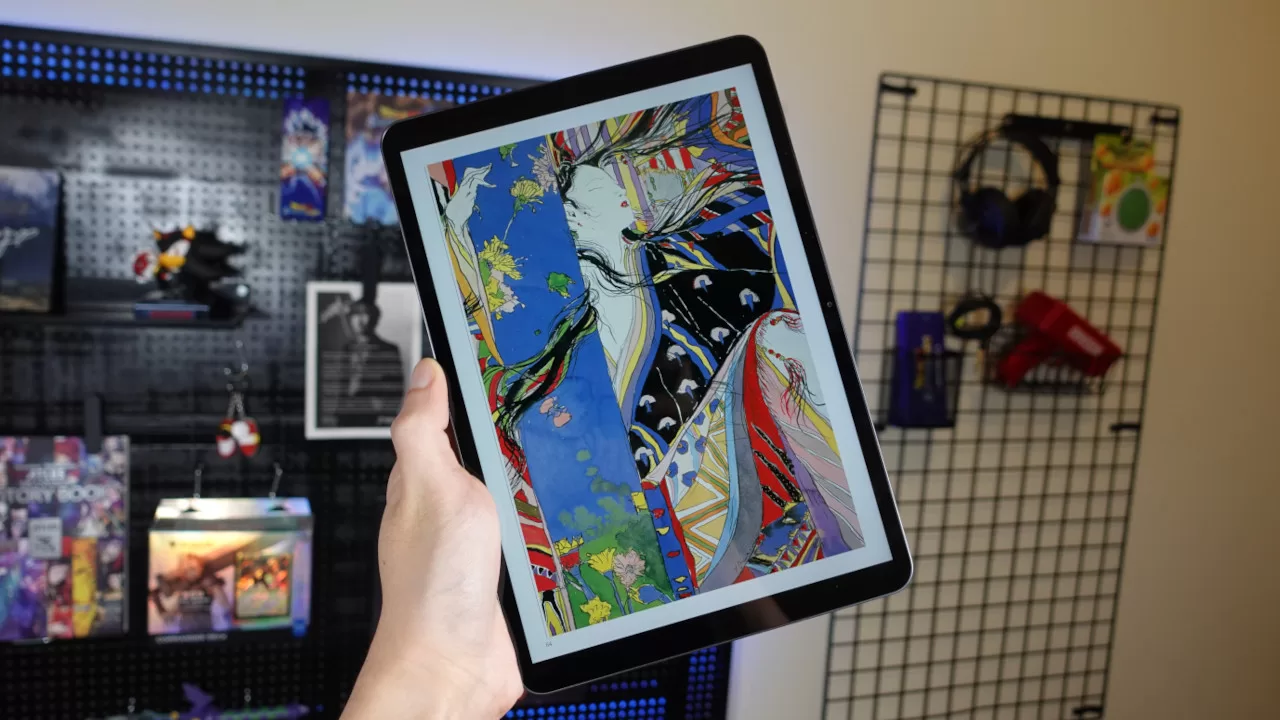
To start things off, let’s take a look at the tablet’s design. The Xiaomi Pad 8 has a large 11.2-inch display, with slim side bezels and rounded edges. Even though the tablet’s screen is fairly big, it doesn’t feel massive in your hands. Of course, this can still feel a bit big if you have smaller hands, but for many users, this should be quite comfortable to use handheld.
It’s also worth noting that this tablet weighs only 485 grams and is only 5.75mm thick. Thanks to this, it’s easy not only hold, but also to bring everywhere you go. Sure, it’ll be thicker if you carry it with the Focus Keyboard, but by itself, it easily fits into my backpack, all without adding too much extra weight. Yes, even without a case, putting the Pad 8 inside your bag shouldn’t make you worry, as it’s solidly built.
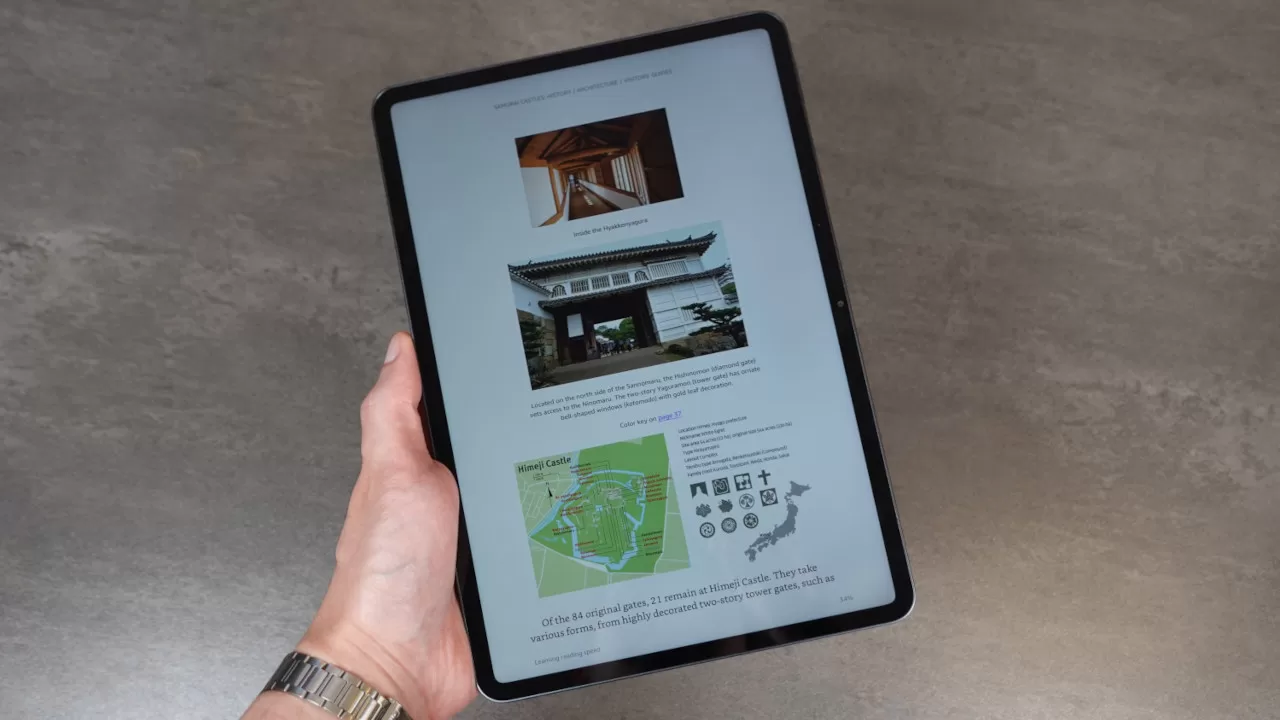
Thanks to its size, the Pad 8 is comfortable enough to use even with one hand. This is important for some users (myself included) who like to use Android tablets as ebook readers. Sure, it’s not as easy to hold as a Kindle, but it works well as a Kindle app device.
Even when held with just one hand, the tablet shouldn’t easily slip from your grasp thanks to the flat edges and matte finish on the back. These help give the tablet a grippier feel.
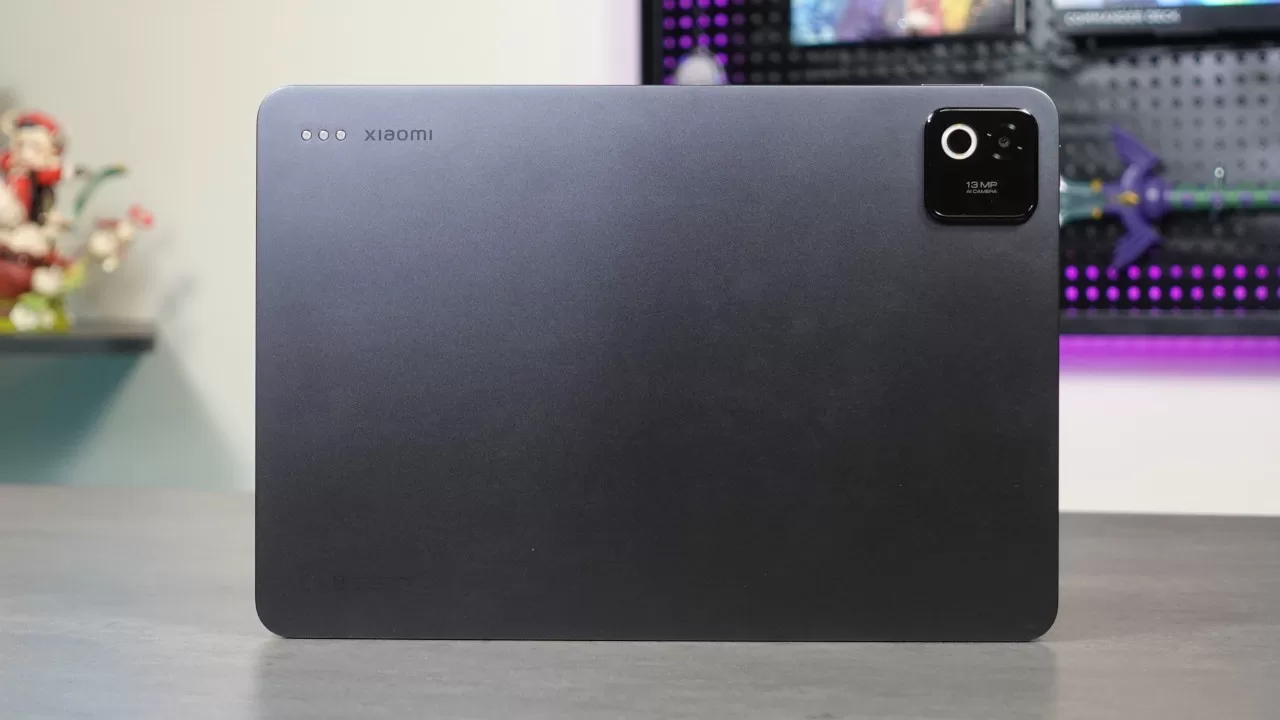
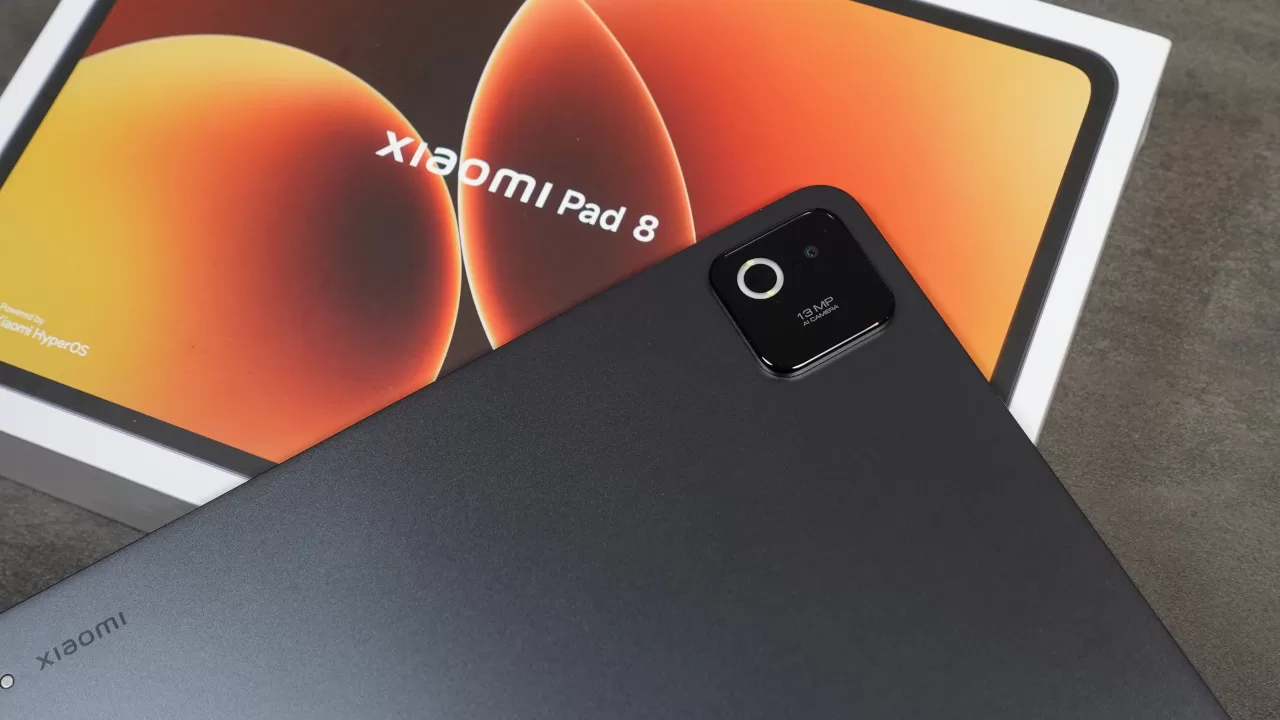
Speaking of the back, the Xiaomi Pad 8 has a bare metal back design, with only a small Xiaomi logo on the upper left corner, beside the connectors for the Focus Keyboard. It also has a raised camera module for its 13MP shooter. Our only real complaint with the Pad 8 is that the camera bump is bigger than we’d like, though this is just nitpicking, as you won’t really notice it much, especially if you use it with a case.
Binge-Watching Factor
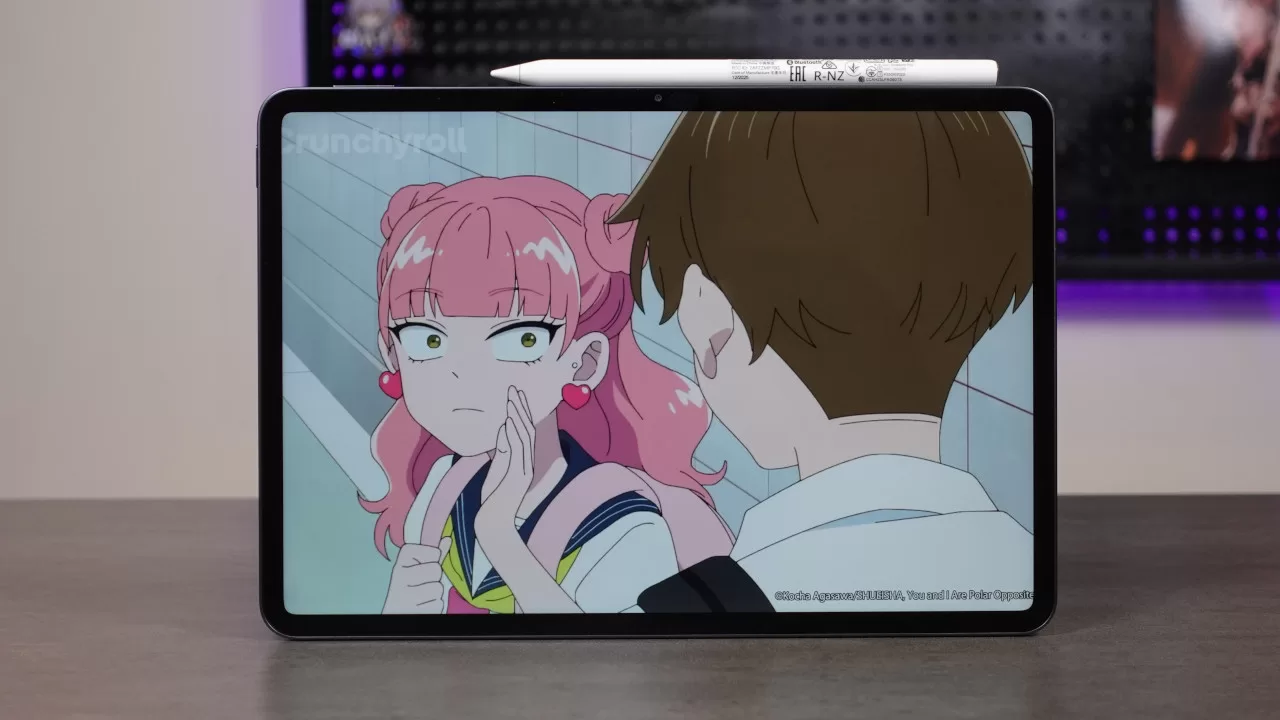
One of the biggest use cases of any tablet is watching movies or shows. This makes sense given that tablets are much more portable than a laptop, while offering a much bigger display than a smartphone. Even at home, many people watch movies/shows on tablets, especially when someone is using a TV. In this regard, the Xiaomi Pad 8 works well, as its 11.2-inch screen is a good binge-watching partner.
This is thanks to its high 2136 x 3200 resolution, making high-res content look great when played. It is worth noting that the tablet’s screen is IPS LCD, meaning you won’t get the same vibrant colors and true blacks as you would with an AMOLED panel. Still, most users should find the colors and overall image quality on this display to be more than adequate.
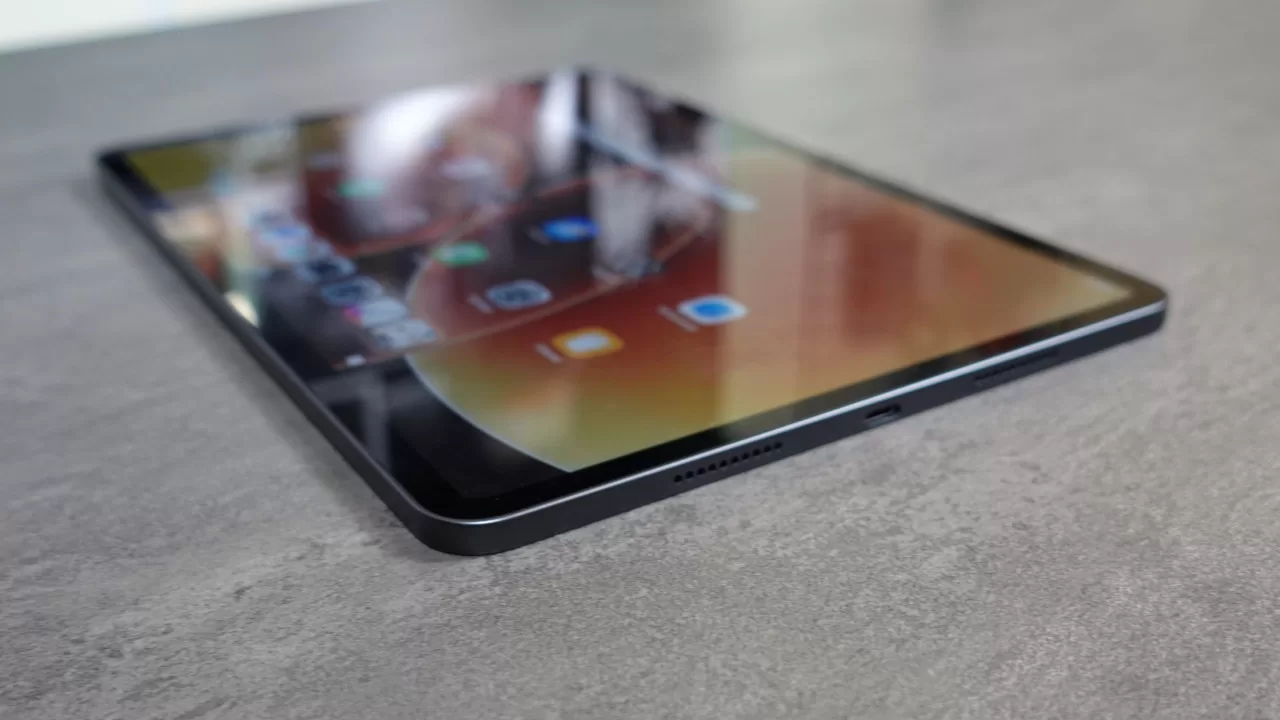
When it comes to audio though, the onboard speakers could be better. While sound quality is fine, the speakers don’t get as loud as other tablets that you can get in the market, even at “200%” volume. Also, the audio lacks impact in the lower end, meaning bass notes aren’t as satisfying when playing songs or watching action films.
As such, if you want the best experience, external speakers or headphones are a must, though you’ll need to connect a wireless audio device (or have a USB-C to 3.5mm headphone jack ready) as the tablet does not have a dedicated audio port.
Gaming Performance
For gaming, the Pad 8 is a promising device, as it is powered by a Snapdragon 8s Gen 4 chipset paired with 8GB of RAM. While this is not Qualcomm’s top-of-the-line mobile platform, it should still have plenty of power to run popular multiplayer titles (such as MOBAs or shooters) as well as more demanding mobile games.
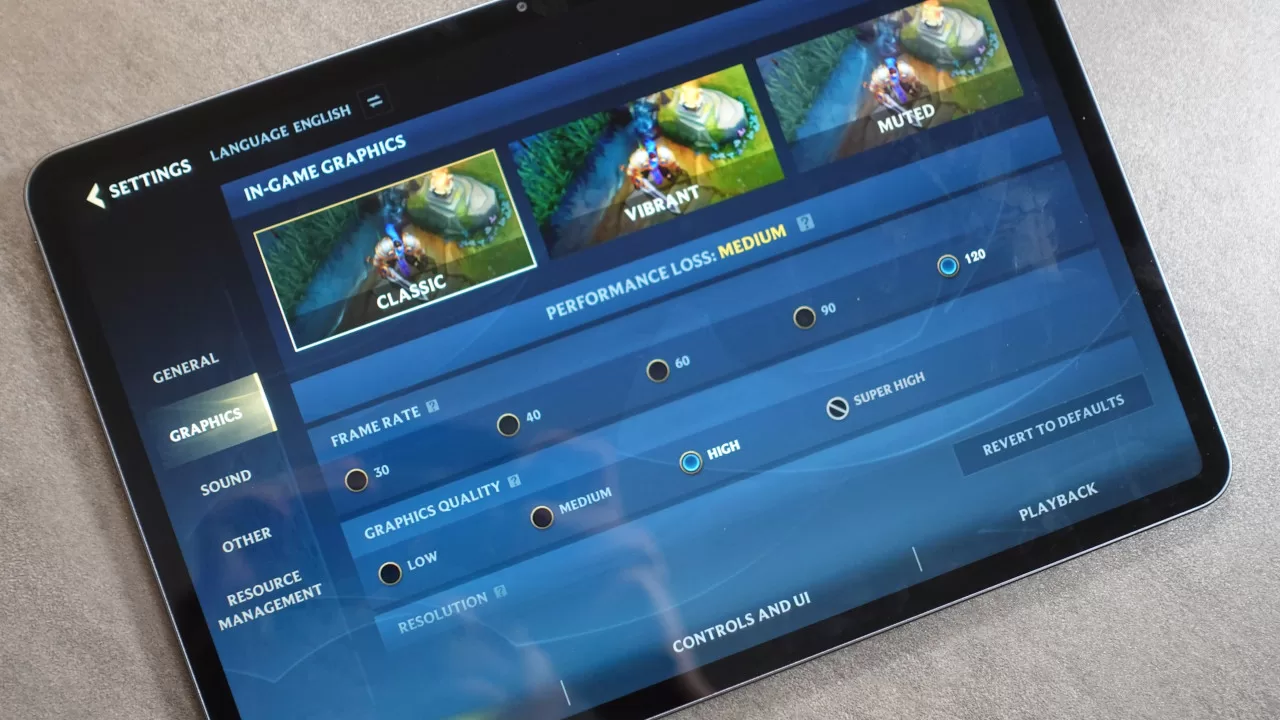
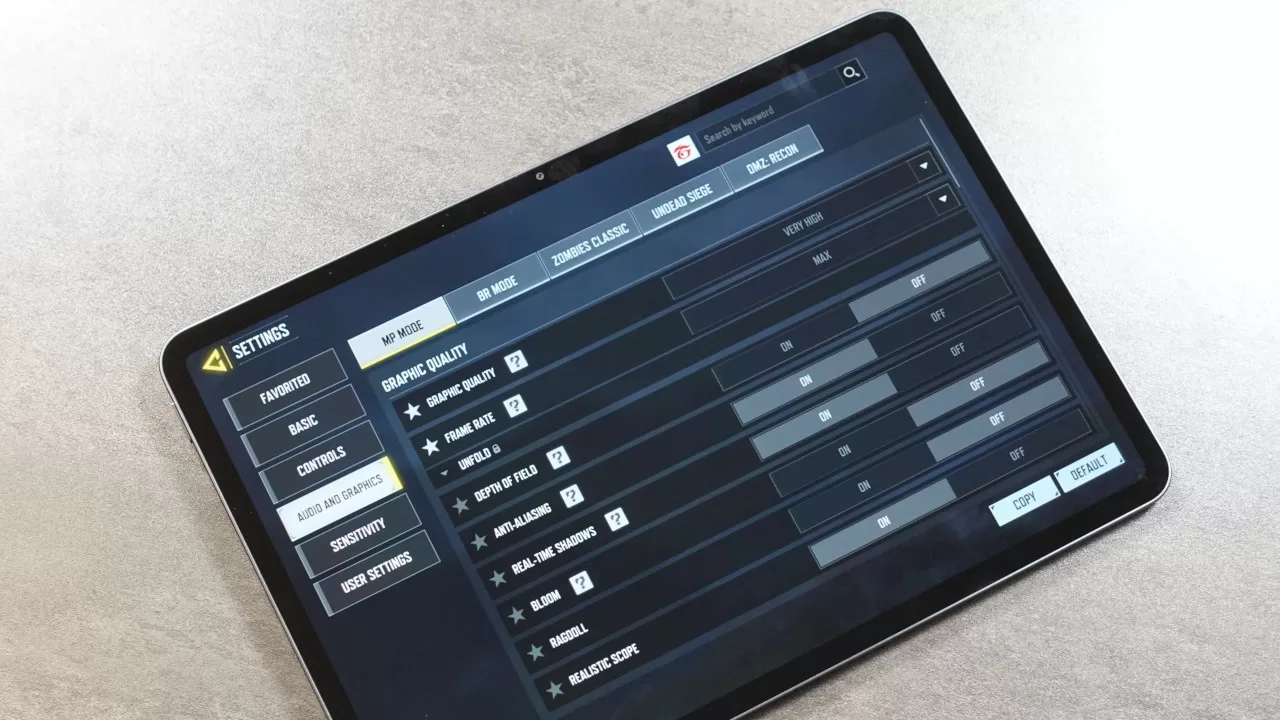
To start, we tried out multiplayer titles, including League of Legends: Wild Rift and Call of Duty Mobile. As we expected, these games ran smoothly at High graphics settings, all while having high framerates. For instance, Wild Rift ran at a smooth 120FPS on the High Graphics Quality setting, while CoD Mobile also ran with no noticeable slowdowns at the Very High setting.
Again, even if the Snapdragon 8s Gen 4 is not the current Qualcomm flagship chipset, it still has enough power to run games like Genshin Impact at the High Graphics Quality preset. Even after an hour or so of playtime, the tablet did not experience any performance throttling, nor were there any heating issues.
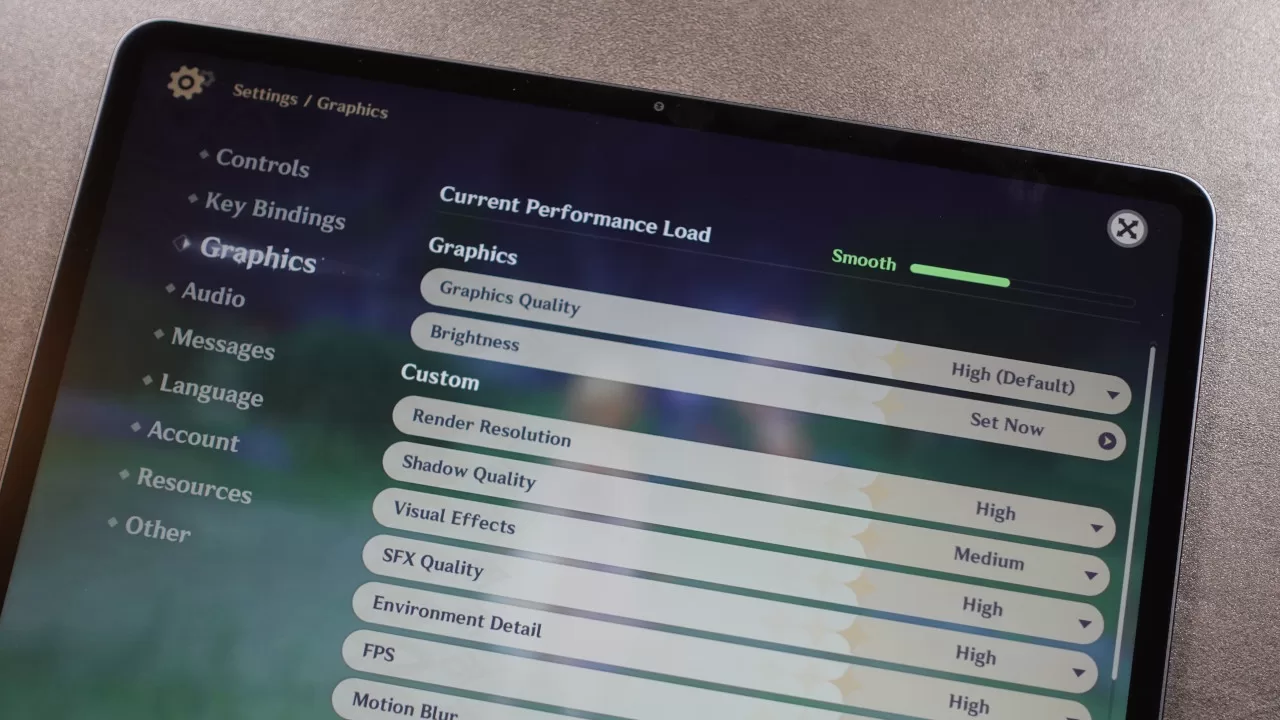
Given these, it’s fair to say that the Xiaomi Pad 8 delivers as a gaming partner, though the only thing worth considering is that tablets aren’t exactly the best gaming devices because of their size. Sure, the Pad 8 isn’t too hard to hold with your hands, though it still feels a bit big for multiplayer titles, considering that they’re designed for smaller smartphones.
On the other hand, the big screen should make this a great option for users who want to play larger-scale games with controller support.
Geek Photoshoot Capabilities
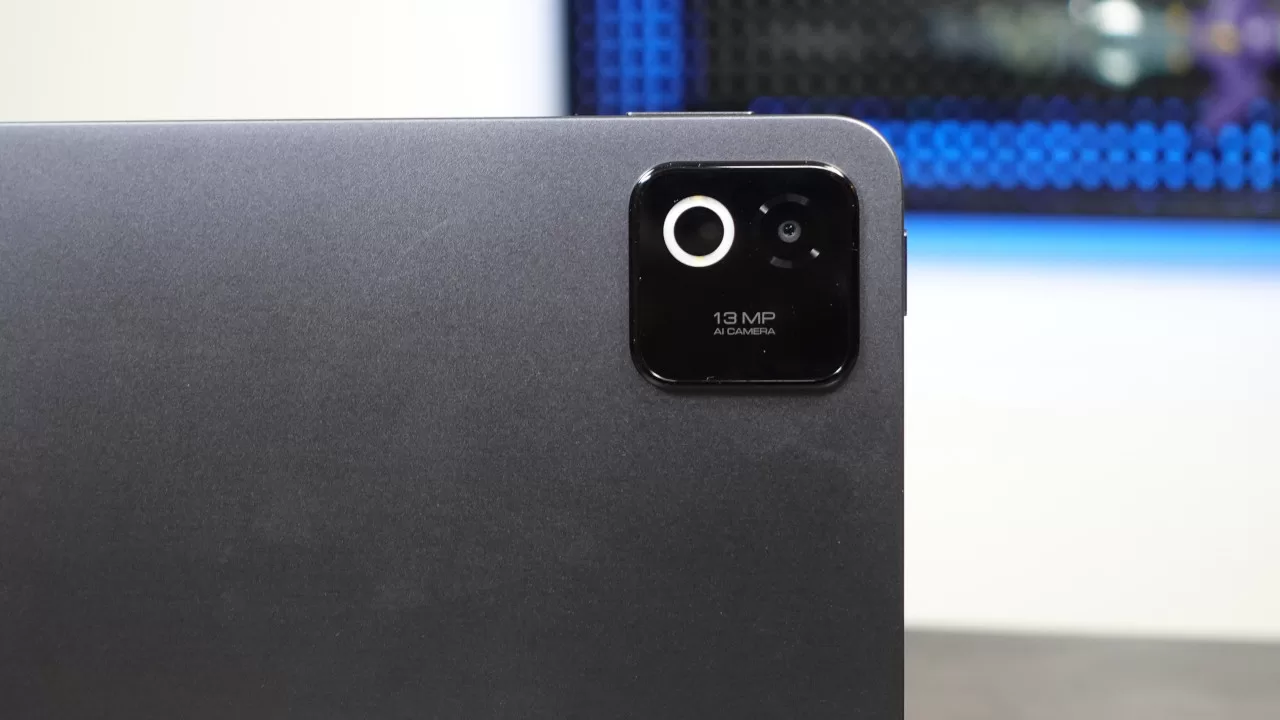
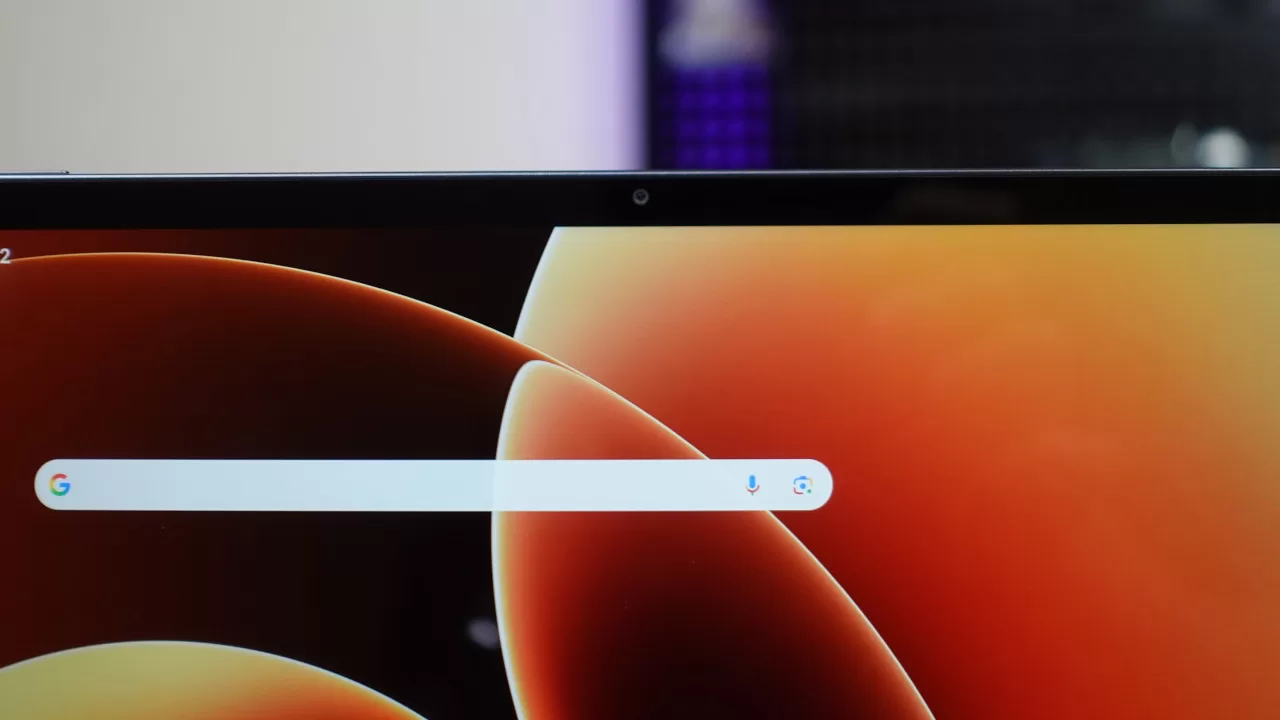
Tablets aren’t exactly designed with photography in mind (as no one wants to whip out a tablet in the middle of a concert or an event for photos), but the Xiaomi Pad 8 still packs a decent setup, with a 13MP rear camera and an 8MP front shooter.

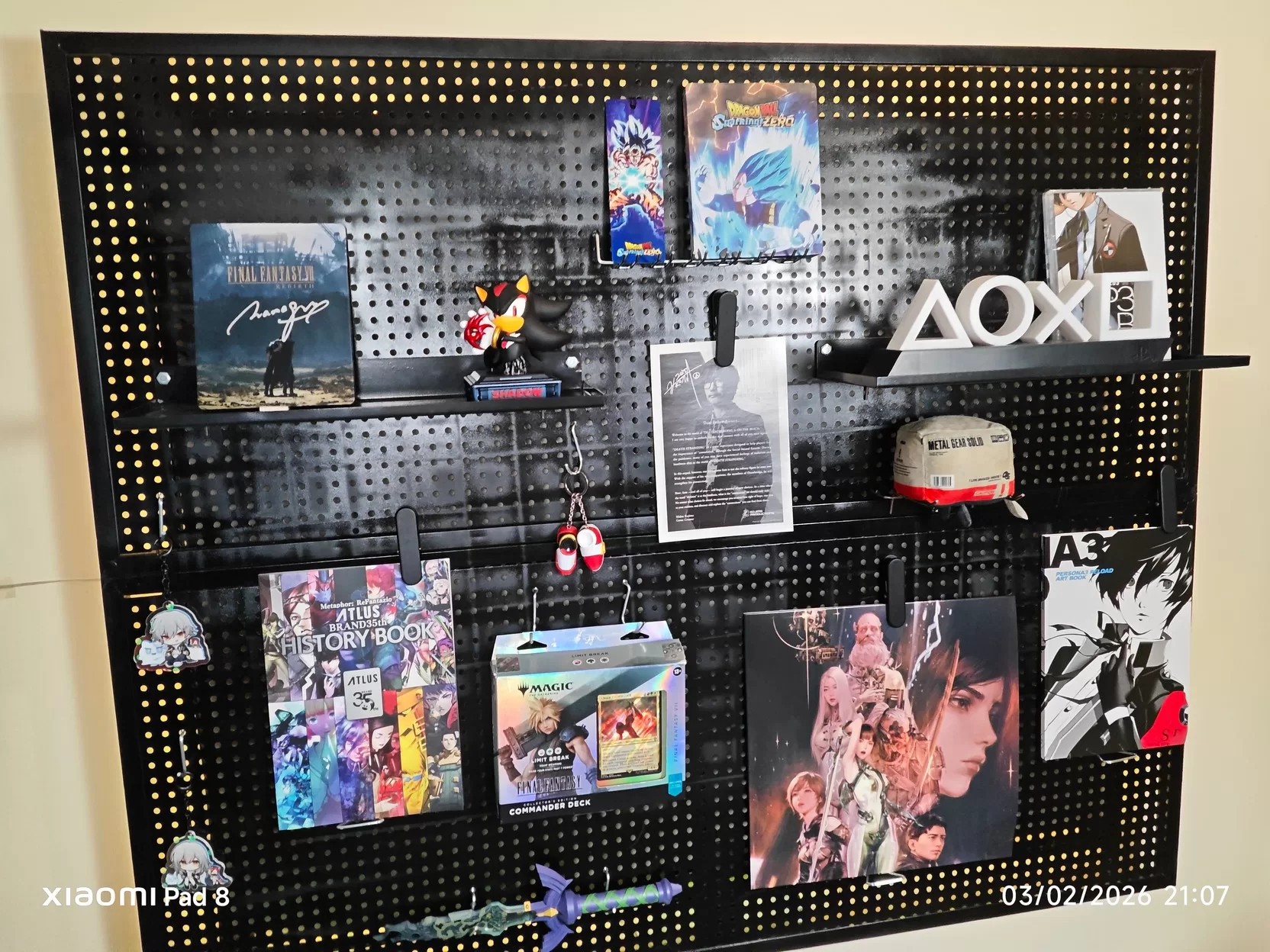
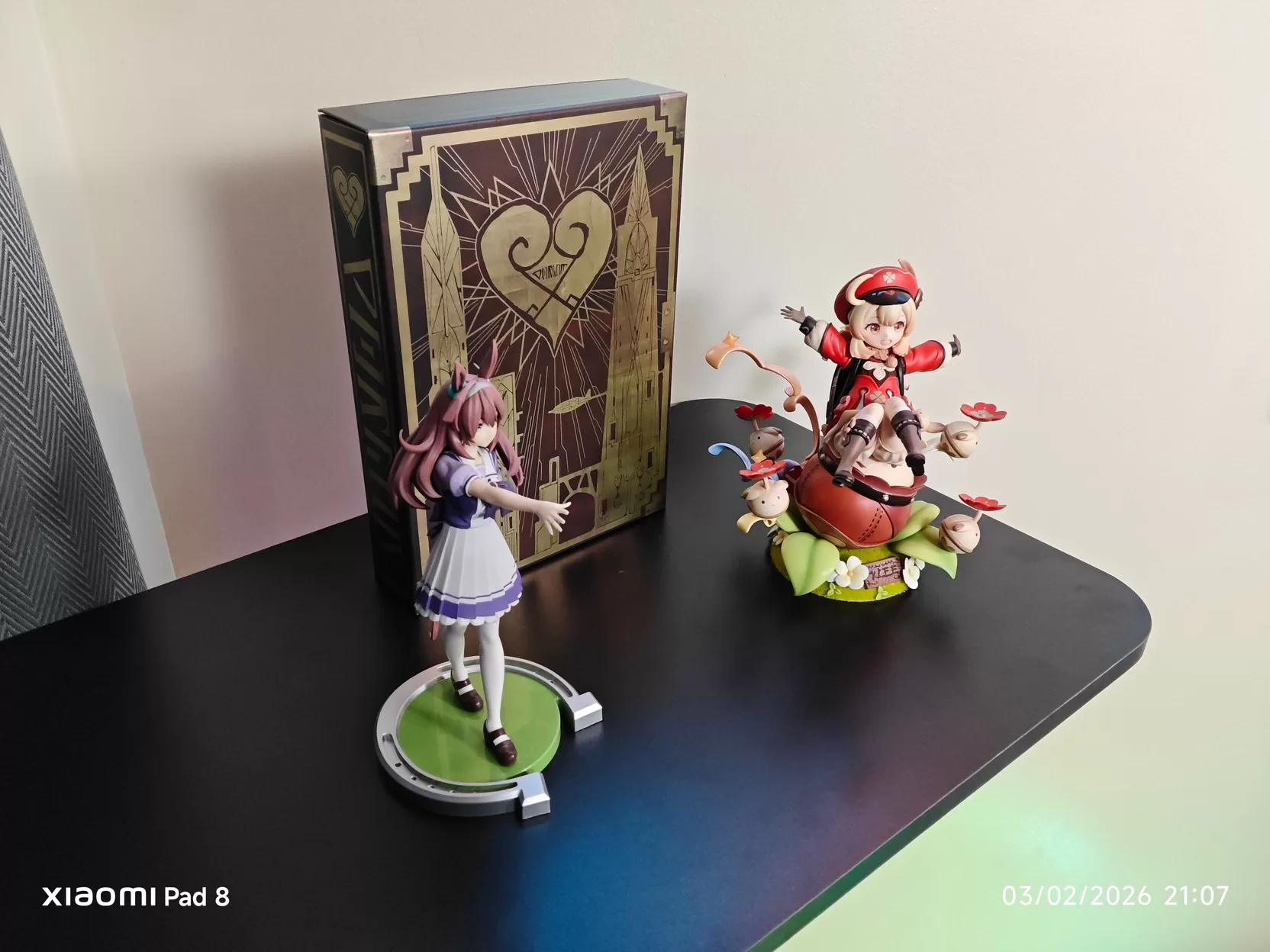
Its main camera is able to capture pretty good photos in daytime, as well as in areas with good lighting. Of course, you shouldn’t expect this tablet to be great for low-light photos, but if you’re using it and want to snap a quick pick of something to send to someone, the 13MP rear shooter should be up for the job.


More important for a tablet is the selfie camera, as productivity tablets should at least have a decent front shooter for online meetings or conferences. Even though it’s only an 8MP shooter, we were surprised by how decent the selfie shooter is on the Xiaomi Pad 8. Sure, most mid-range phones can outperform it, but for a tablet, selfies are not bad. For the best results while taking selfies or going on meetings online, you’d want to have plenty of indoor light. If you do, you should get good results, which is more than we expected, as the front shooter in other tablets seems like an afterthought.
Everyday Reliability
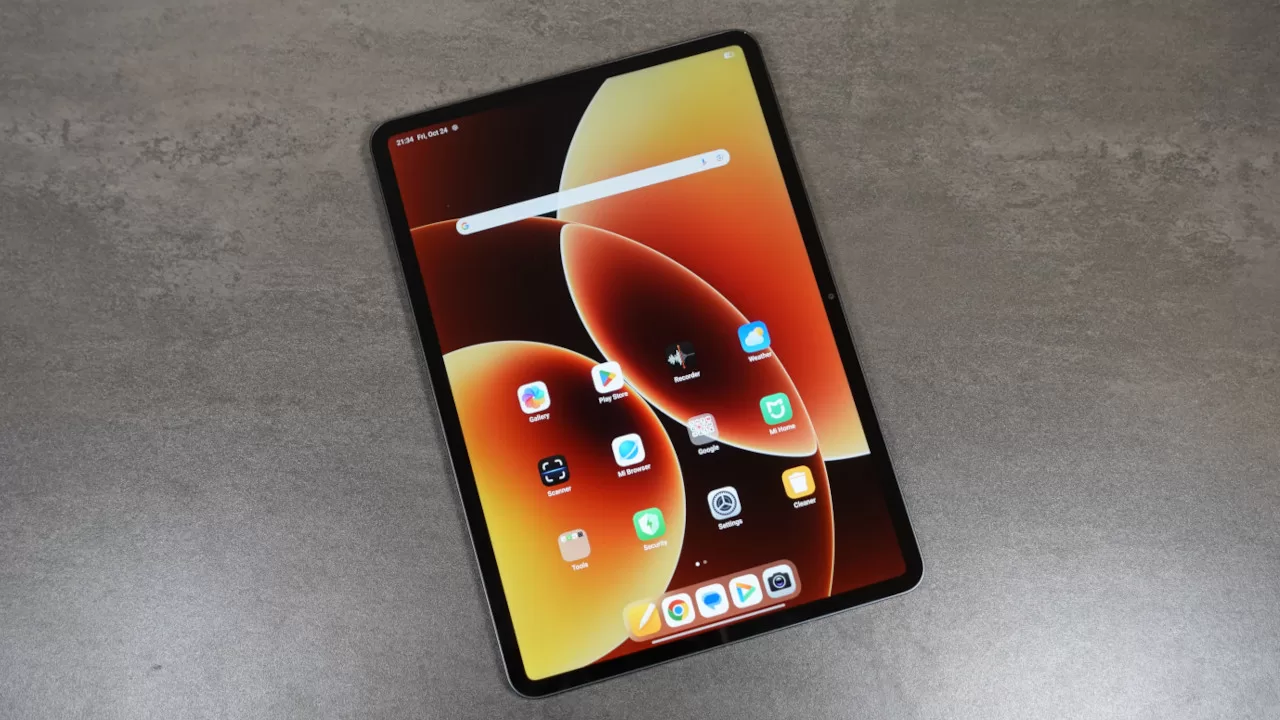
As the tablet did not disappoint for gaming, it should come as no surprise that the Pad 8 also delivers when it comes to everyday use and productivity. Whether you need a device for Microsoft Office or if you want to do some photo/video editing, the Pad 8 won’t have any issues. Navigating the menu and switching between apps also feels smooth.
When it comes to its OS, Xiaomi’s HyperOS 3 is also quite unobtrusive and easy to navigate. Best of all, it doesn’t come pre-installed with too many apps. Thanks to this, you also won’t be bombarded by notifications when you get started using the device. Plus, HyperOS 3 on this tablet has plenty of useful productivity features, including more split-screen options, as well as an enhanced workstation mode (though you’ll want to use the Focus Keyboard with this for the best experience).
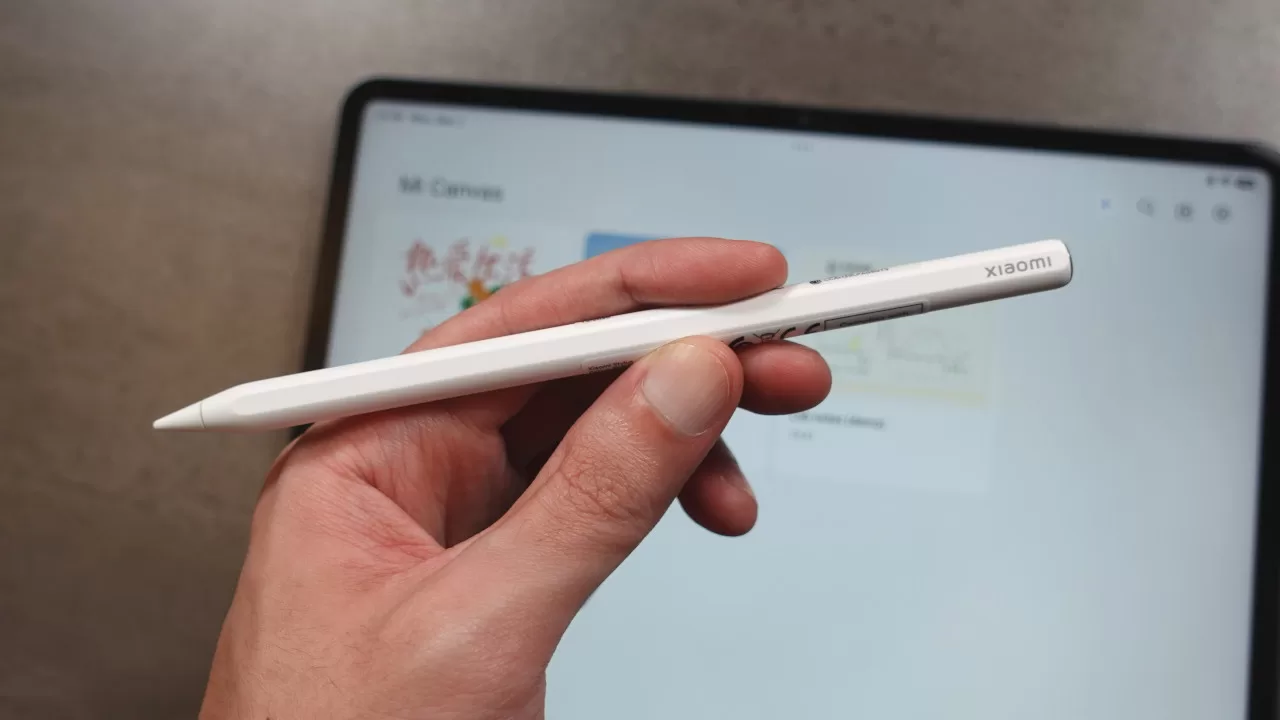
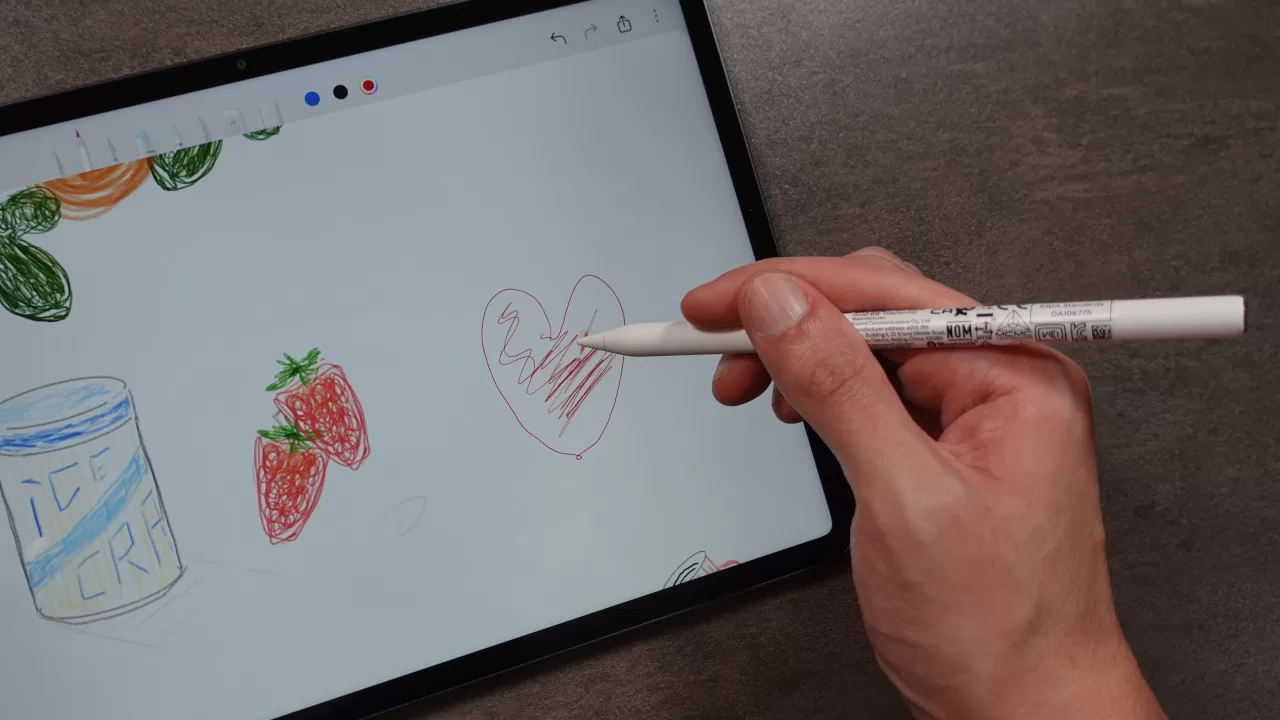
If you want a drawing device, the Pad 8 is a pretty good option, thanks to its Xiaomi Focus Pen Pro support. This stylus has nifty features like a pinch function, which brings up shortcuts when used with Mi Canvas, haptic feedback when you use the pinch feature, and pen rotation for more creative drawing control. It also connects magnetically to the tablet’s side, which also works to charge it up.
For the most part, the Focus Pen Pro is a great stylus, as its list of features and in-hand feel are excellent. The only thing we would’ve liked improved is the drawing feel. While the pen feels nice to draw and write with on the Pad 8’s screen, it would be better if drawing/writing had a more paper-like feel to it.
Finally, when it comes to battery life, the Pad 8 is fine. The large 9,200mAh battery enables the tablet to last for a day of use with medium to heavy use (at least, in our experience). You can definitely drain the battery in under a day if you use it for heavy gaming and content creation, but it does have 45W wired fast charging support. Given the battery’s size, it won’t charge as fast as a smartphone with quick charging, but it shouldn’t take hours to fill up.
Final Geek Lifestyle Verdict
Overall, the Xiaomi Pad 8 is an Android tablet that’s well worth considering for buyers on the lookout for a productivity and entertainment partner. This is thanks to its great performance for both work and play, as well as its high-quality display. It also has pretty decent cameras for a tablet and Focus Pro Pen Support, all while being easy to bring everywhere, given its slim and light frame. Its only real drawbacks include the less-than-stellar onboard speakers and battery life, which is just okay.
At its price of PHP 29,999, the Pad 8 does offer pretty good value, especially considering that each purchase at this price comes with a Xiaomi Pad 8 Focus Keyboard.
Xiaomi Pad 8 specs:
- 11.2-inch (2136 x 3200 resolution) IPS LCD display, 144Hz refresh rate
- Qualcomm Snapdragon 8s Gen 4 processor
- Adreno 825 GPU
- 8GB RAM
- 256GB storage
- Rear camera: 13MP
- Front camera: 8MP
- Wi-Fi 802.11 a/b/g/n/ac/6/7, dual-band, Wi-Fi Direct, Bluetooth 5.4, A2DP, LE
- Accelerometer, USB Type-C 3.2 port
- 9200 mAh battery with 45W wired Fast charging
- Android 16 with HyperOS 3
- Price: PHP 29,999 (Focus Keyboard included)