


The DJI Osmo Pocket 4 is currently the best pocket gimbal iteration from the brand (until the Pocket 4P comes along, of course). But from what we currently tested, the Osmo Pocket 4 is a convenient tool if you want to streamline and simplify your content creation process. I’m constantly looking for ways to do this, and we did away with bulky cameras by utilizing flagship smartphones and their amazing photo and video-taking capabilities. But often, I still find myself bringing 2-3 smartphones at any given time as I usually have one dedicated smartphone for photos and reels while another one strictly for long-form video recording.
With the Pocket 4, I can do away with that and just bring my daily driver phone. 2 devices but the Pocket 4 has the versatility of an entire Production Studio to suit your needs.
All-in-one Studio in Your Pocket
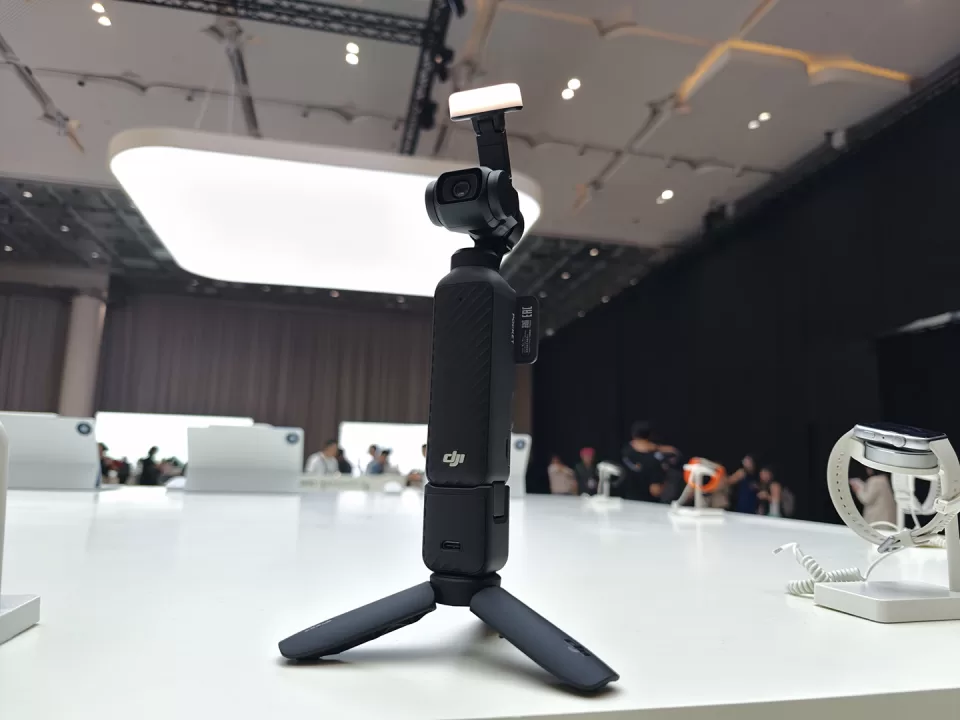
We brought the DJI Osmo Pocket 4 with us on our recent Bangkok Trip
Let’s start with the main device. The DJI Osmo Pocket 4 still utilizes the 1” CMOS sensor found on the Pocket 3 and the handy rotating 2” OLED touchscreen. Having had a couple of iterations already and having specialized in drones, gimbals, and action cameras, DJI has perfected the pocket gimbal camera down to resetting and re-aligning the motor if need be. Just like the previous iteration, the large 2” OLED screen that can swivel easily to change video format from horizontal layout to vertical layouts. Because of how fast you can shift from vertical to horizontal video format, I personally do not have to bring a dedicated device just for reels.
Aside from this, you can now shoot up to 4K 240fps for more buttery-smooth slow-mo than before. Aside from that, the camera has 14 different dynamic ranges now for even more versatility.
And for professional videographers out there, the DJI Osmo Pocket 4 now supports full D-Log format for even better color-grading options.
But perhaps a feature that doesn’t get as much focus on, and arguably our 2nd favorite feature, would be the its battery bump from before with the ability to record for 240 minutes AND a built-in 107GB of storage! This means that you can literally use the device right out of the box with very minimal setup required.
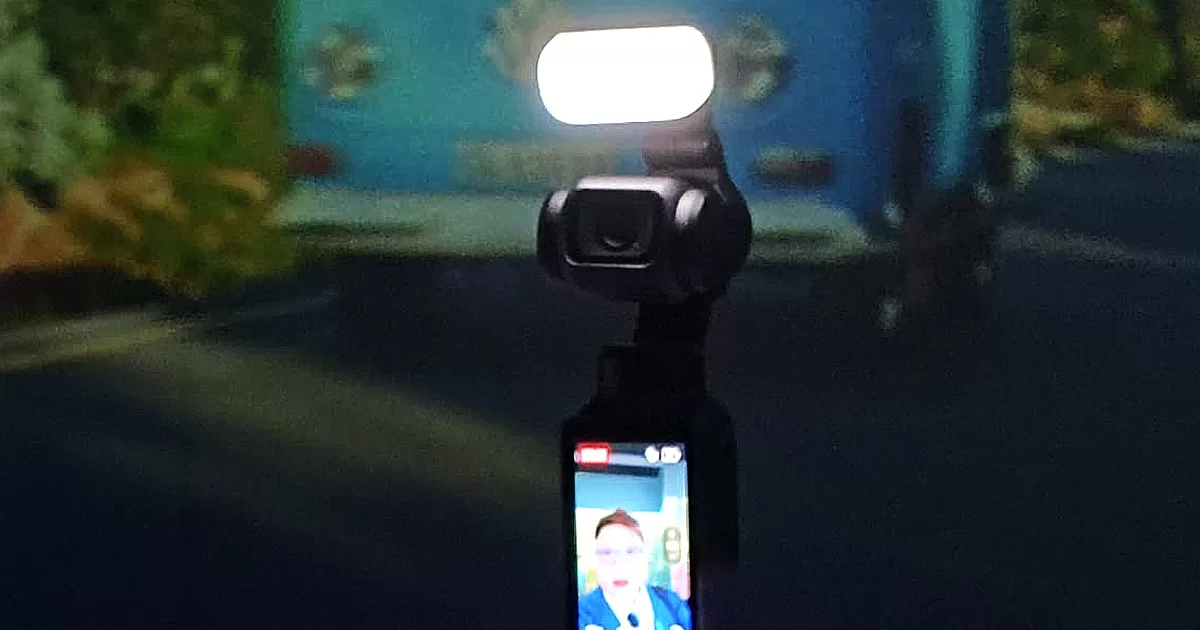
So what’s the first? Well, it would be the fact that it comes with its own dedicated magnetic fill-light, a feature that physically defines the DJI Osmo Pocket 4. The magnetic attachment is sturdy and stable and easy to use.
If you happen to get the Creator Combo pack like we did, you’ll also be treated to a DJI Mic 3 transmitter, the accompanying filters, clips and magnet, as well as a magnetic charger for it. You’ll also get an Osmo Mini Tripod, handle with ¼” thread, an Osmo Pocket 3 wide-angle lens attachment, and a carrying pouch to house all of these (including the additional accessories).
It’s like bringing a miniaturized production studio with you everywhere you go. Watch our quick unboxing here.
Beginner-Friendly but has Room for the Pros
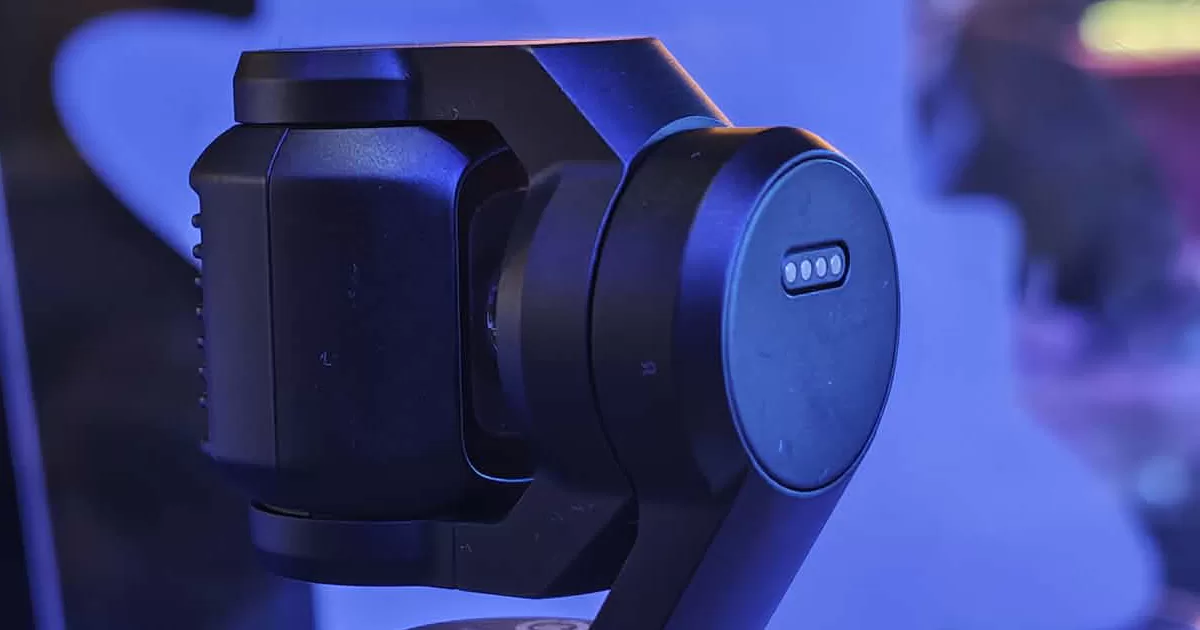
What I appreciate so much with the Osmo Pocket 4 is how intuitive it is. DJI has perfected the mobile gimbal experience to the point that you can opt not to read the instruction manual anymore and fiddle your way to understanding the device. The more you use it, the easier the handling will be.
This is my very first pocket gimbal that I’ve used with the brand. When I got it, I just did a quick unboxing and had to bring it a few hours after to a brand trip abroad in Thailand. Leaving pretty much all the documentation back home, I simply had to open the device and that’s pretty much it.
What’s more, connecting and using the accessories on board are pretty much self-explanatory – even setting up the DJI Mic 3 transmitter. While pairing other DJI Mics (we had a Mic Mini 2 at the time) took a bit of time, the DJI Mic 3 is automatically pre-paired already out of the box. This is direct plug and play action right here. You can further check if the mic is connected by swiping down on the large touch screen and going to the MIC function. You can easily pair two transmitters on with the Pocket 4 and the levels will be showing as well per mic, so you know more or less know if the mics are working.
While the DJI Osmo Pocket 4 is extremely easy to pick up, you can truly maximize it further by understanding all the features and nifty tools this pocket production team has. There are 3 shooting modes that you can toy with right off the bat with a traditional lock-in subject tracker as one of the main defaults. There is also an interesting spin shot that you can do which basically rotates the camera to a slow diagonal 180-degree angle. Pair this with dollying closer or further and you can have a creepy (but very dramatic) zooming in process.
Again, there are so many things to do still and with our time with the DJI Osmo Pocket 4 we’re barely scratching the surface.
Level-up Your Content Creation with or without a Team
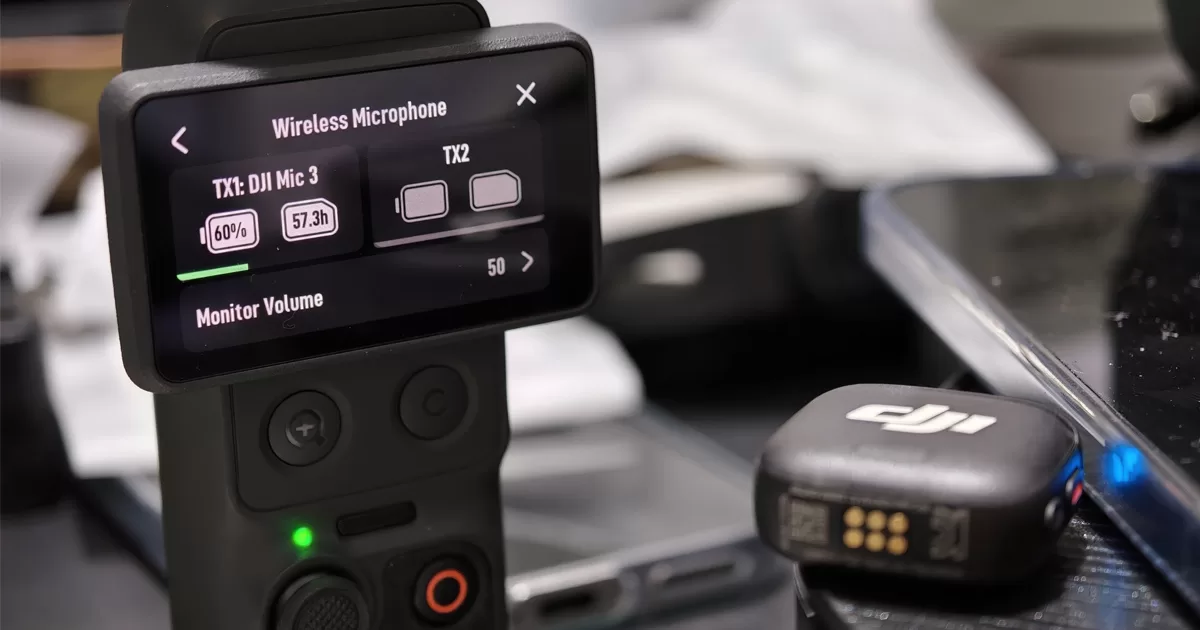
With the Creator Combo of the DJI Osmo Pocket 4 you pretty-much have an entire content creation crew with you – even if you’re recording all alone. The soft box light attachment, the DJI Mic 3 transmitter, and the base attachments allows you so much freedom and leeway that you’re really just limited by your imagination.
The Pocket 4 takes the tech guesswork off the table so you can focus on what matters most – telling a compelling story. The onus now shifts back to the creator to storyboard the content (either physically or in his head), plan the shots, craft a script or outline, and be present. What the DJI Osmo Pocket 4 ultimately does is make the actual filming the easiest process possible so you shouldn’t be thinking about it much. This should open your creativity even further.
Final Recommendation
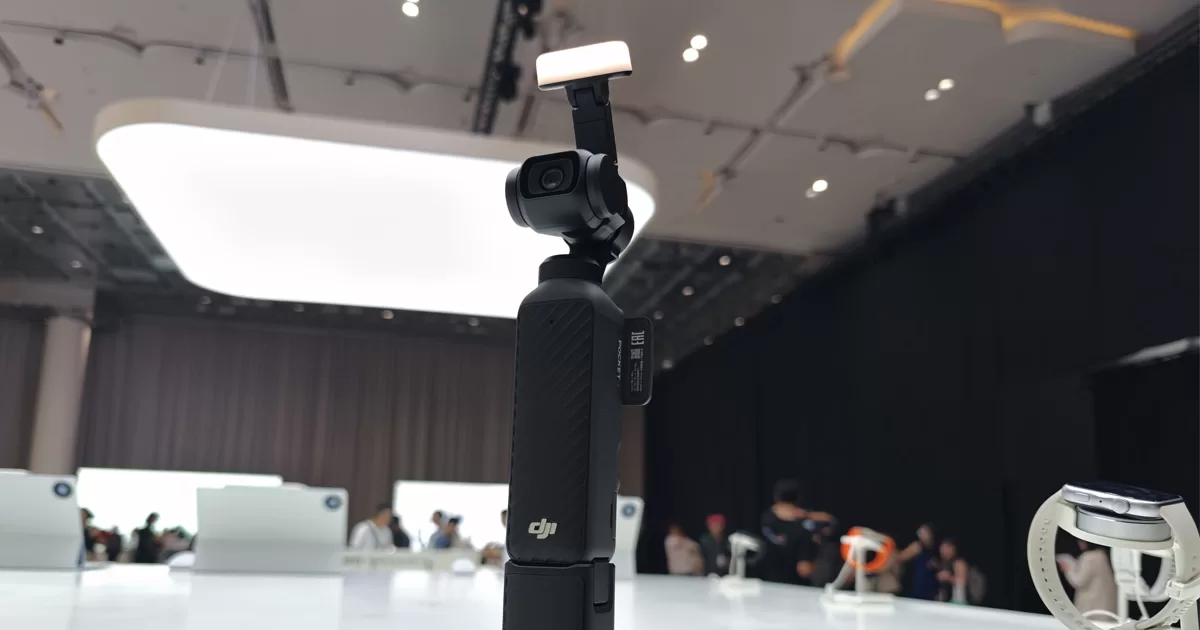
The DJI Osmo Pocket 4 especially the Creator Combo is one of the best kits you can get this year to really level-up your content creation. The entire kit retails for Php 34,999 and Php 27,990 for just the DJI Osmo Pocket 4 basic pack. Personally, the Creator Combo is a great choice especially if you still haven’t owned any decent wireless mic attachments. The DJI Mic 3 was one of the best tools that we brought with us on our Tokyo Game Show Coverage last year. So having even just one transmitter of that that syncs out of the box with the DJI Osmo Pocket 4 is definitely worth the extra thousands you’ll cough up.
Created for anyone on their content creator journey, the DJI Osmo Pocket 4 is a joy to play around with and can easily mesh with your workflow especially if you love editing on a laptop or a tablet.
DJI Osmo Pocket 4 Creator Combo Inclusions:
- Osmo Pocket 4 w/ Gimbal Clamp
- Magnetic Fill Light
- Magnetic Wide-Angle Lens attachment
- Handle with ¼” Thread
- Mini Tripod
- DJI Mic 3 Transmitter x 1 w/ Windscreen x 2
- Magnet and Magnetic Clip for the Mic
- Magnetic Charging Cable for DJI Mic 3 Transmitter
- USB-C 3.1 Cable
- Wrist Strap
- Carrying Bag
- Portable Carrying Pouch